
 Mia Hartley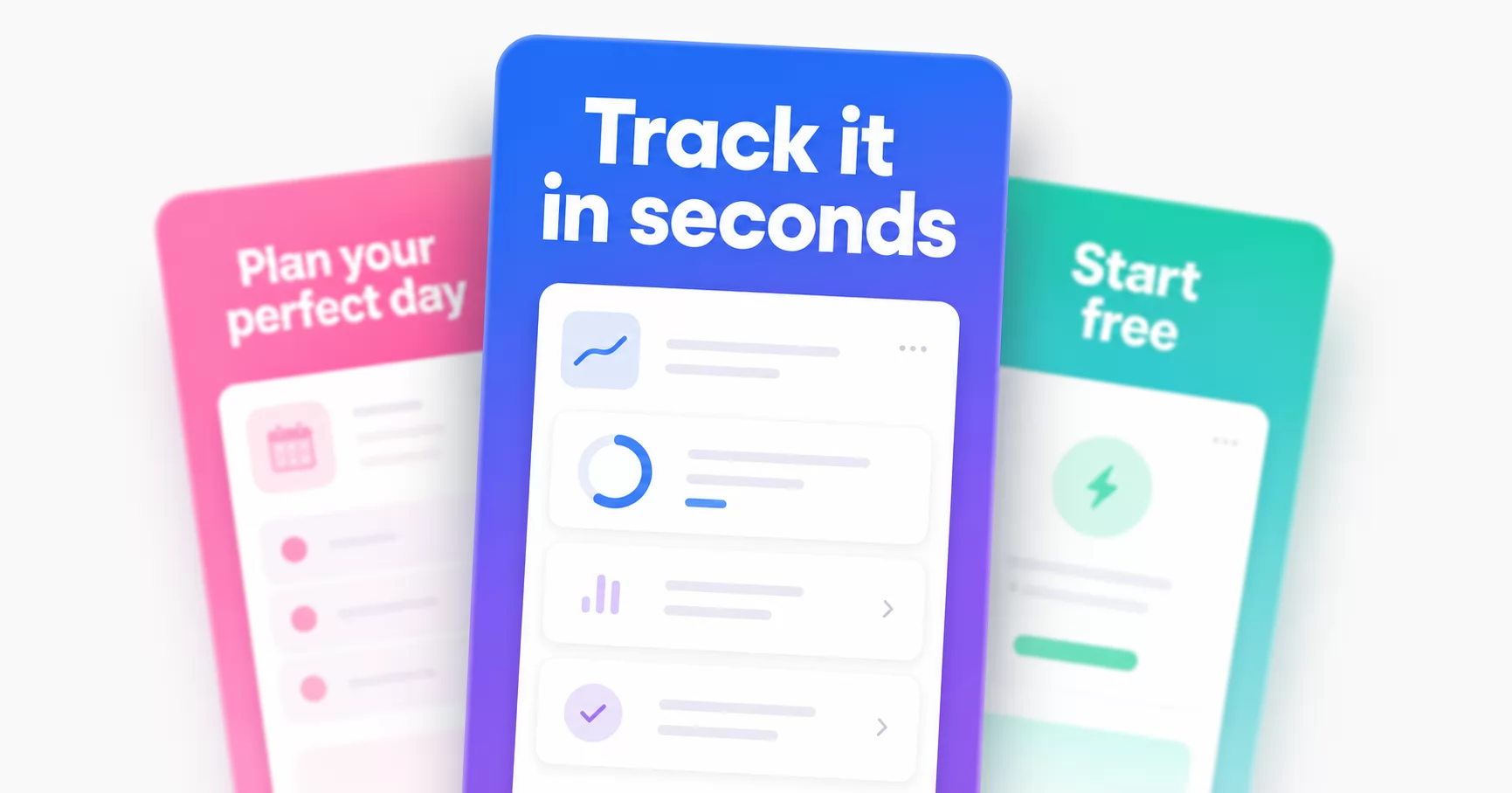
On the App Store, people decide in seconds. And before they read a single word of your description, they read the caption on your first screenshot. The image shows the app, but the text is what does the convincing. Most screenshots waste that: no caption, or a weak one like "Home screen".
Good news: fixing it is mostly a writing and typography job, and you do not need Photoshop. Here is how to add screenshot text that turns browsers into downloads.
The caption sells, not the screenshot
A screenshot of your interface tells people what your app looks like. The headline on top of it tells them why they should care. "Habit tracker" is a label. "Build habits that actually stick" is a hook.
So lead with the benefit, not the feature. What does the user get? Say that, in their words, above the phone.
Write the hook first
Treat your screenshots like a short story, told in captions:
- Screenshot 1 is the hook: your single strongest benefit. Most people never scroll past it, so make it count.
- One idea per screenshot. Each slide earns one point: the hook, then a key feature, then proof, then a nudge to download.
- Keep it short. Two to five words per line. People scan the store, they do not read it.
- Use concrete, active language. "Plan your week in 2 minutes" beats "Powerful planning tools".
Make it readable at thumbnail size
This is where typography decides everything, because in the store your screenshot is tiny. If the text is not instantly legible at a glance, it may as well not be there.
- Big and bold. The headline should be the loudest thing on the slide.
- High contrast. Light text on a dark or saturated background, or the reverse. Never low-contrast.
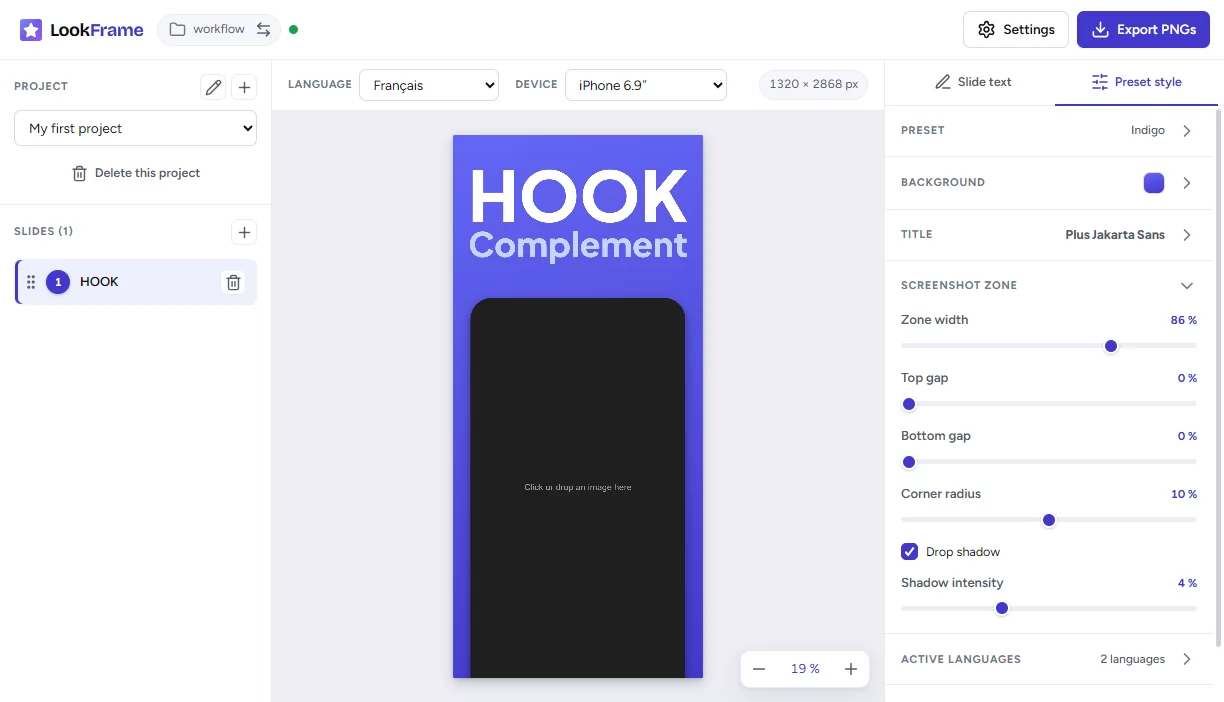
- A clean sans-serif. Geometric fonts like Plus Jakarta Sans or Inter stay sharp when shrunk. Thin, script or decorative fonts fall apart at small sizes.
- Clear hierarchy. One big title line, one smaller supporting line, and stop there.
Do not let the text and the phone fight
- Give the caption its own clear zone, usually the top third, with breathing room around it.
- Do not cover the important part of the screen with text.
- Respect safe margins: stores crop the edges, so keep words away from them.
Rewrite the text for every language
If you publish in more than one country, each locale needs its own caption, and not a word-for-word translation. A hook that snaps in English often falls flat translated literally. Rewrite the idea so it lands naturally in each language.
Add the text without a designer
You do not need Figma or Photoshop for any of this. A free online App Store and Google Play screenshot maker, LookFrame, is built for exactly this.
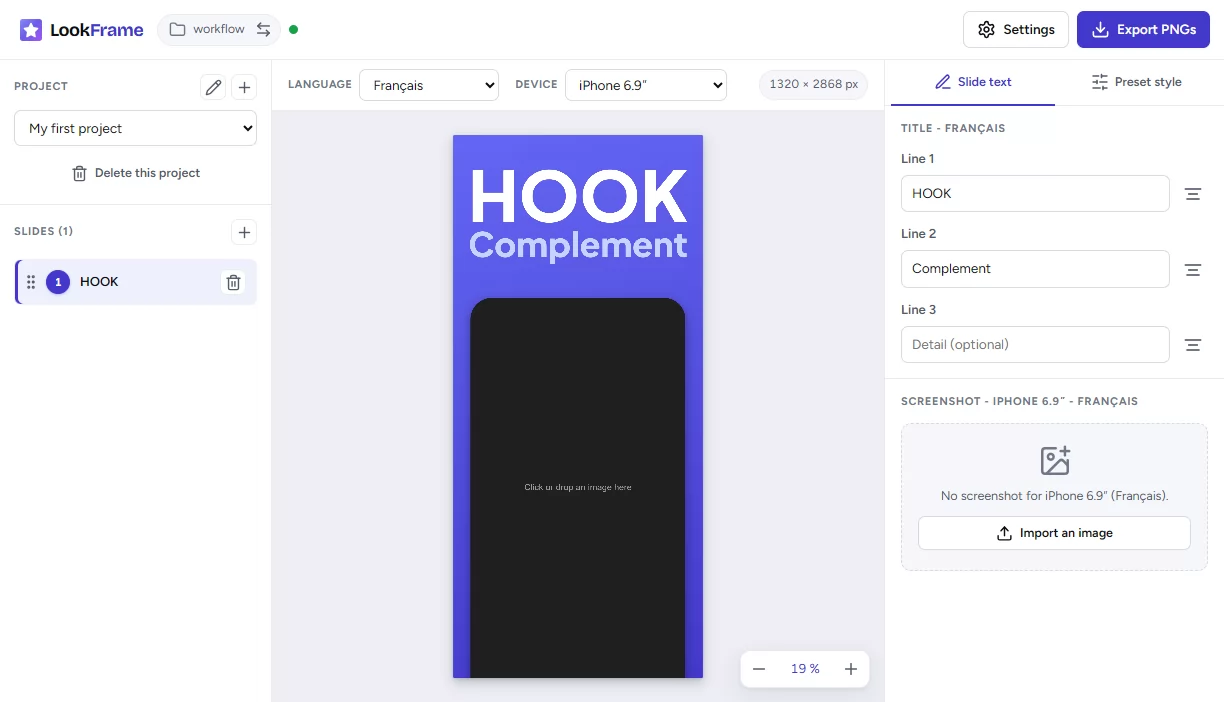
Type your headline (a title, a subtitle and an optional detail line), drop in your app screenshot, and LookFrame frames it in the right device on a clean background. Pick a preset, choose the caption font, set the background, and it handles every device size and every language for you, then exports store-ready PNGs. The writing stays yours, the tedious part is done.
Frequently asked questions
How much text should a screenshot have? One idea, in about two short lines. If it does not fit in a glance, cut it.
What font works best for screenshot captions? A bold, clean sans-serif. Avoid thin weights, scripts and heavily decorative fonts, they blur at thumbnail size.
How many screenshots should I use? Use the slots the store gives you, but put your energy into the first two or three. Those are what most people see.
Do I really need different text per language? Yes. Translate the meaning, not the words, and rewrite each hook so it reads naturally in that language.
Write captions that download
Your screenshots are your best salesperson on the store page, and their captions are the pitch. Write the benefit, keep it big and readable, and give each language its own words.
👉 Open LookFrame and add text to your first screenshot now, it is free.