
How to Blur Text in a Screenshot So It Cannot Be Undone
A blur is a filter, not an eraser, and blurred or pixelated text can often be read back. Here is what actually hides sensitive text in a screenshot…
Tag
Step-by-step guides to create fonts, text effects and standout designs with free online tools.
A blur is a filter, not an eraser, and blurred or pixelated text can often be read back. Here is what actually hides sensitive text in a screenshot…
The captions on your App Store screenshots do the selling. Learn how to write and design screenshot text that converts, then add it online for free.
Bend, arc, wave and distort your text online with a drag-and-drop envelope, dozens of warp presets and layered 3D depth, then export it as a PNG or…
Design custom button images with 3D depth, shadows, icons and animation, then export them as transparent PNG, GIF or WEBM. A free online button…
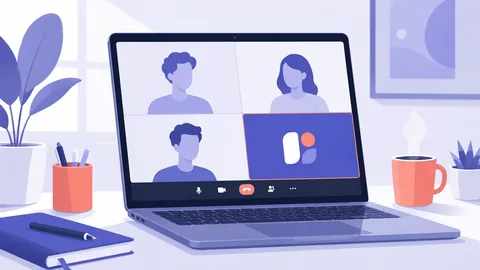
Show a photo, logo or card instead of your live camera in any meeting app, using a free virtual camera. Setup guide for Windows.
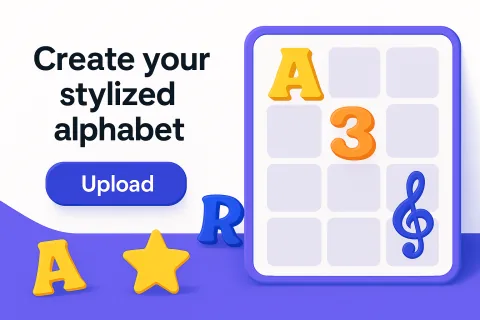
Turn hand lettering or artwork into a real usable font with Alphabet Maker: import, auto-detect characters, adjust spacing, export. Full guide.
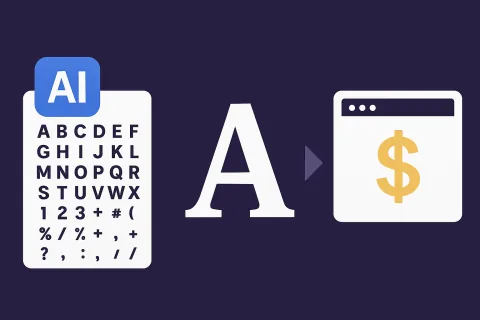
A zero-cost workflow to create fonts with AI (GlyphCutter + FontMaker) and sell them online. Complete step-by-step money-making guide.
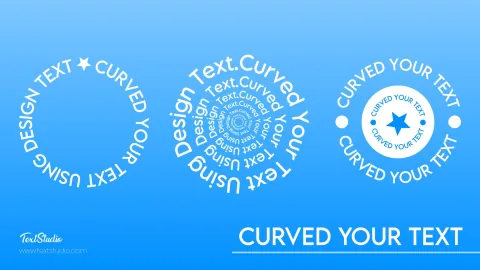
Curve text online for free: arch it, wrap it into a full circle, or bend it underneath for badges and logos, then drop it onto mugs, tees and photos.
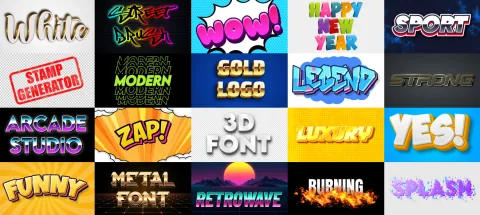
Create stunning text effects right from your iPhone: no app to install, just Safari and TextStudio. Styles, export and pro tips for mobile.
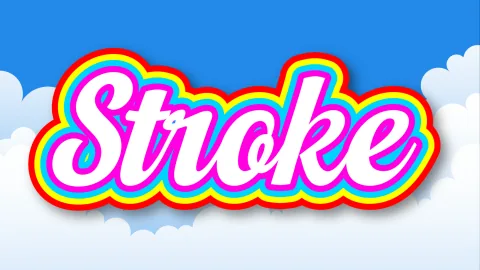
Outline your text in seconds: stroke thickness, colors and even multiple strokes, no Photoshop needed. Free step-by-step TextStudio tutorial.
What is invisible text? Understand blank Unicode characters, where they work (Fortnite, WhatsApp, forms) and copy them safely. Quick reference guide.
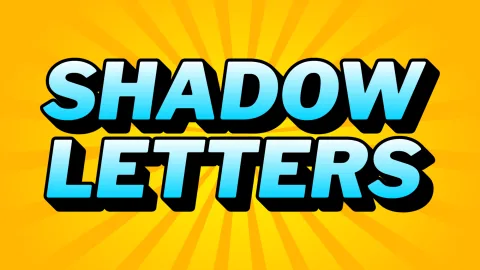
Add depth to your typography with letter shadows: offset, blur, color and stacking, explained step by step with TextStudio, free online.