
 Mia Hartley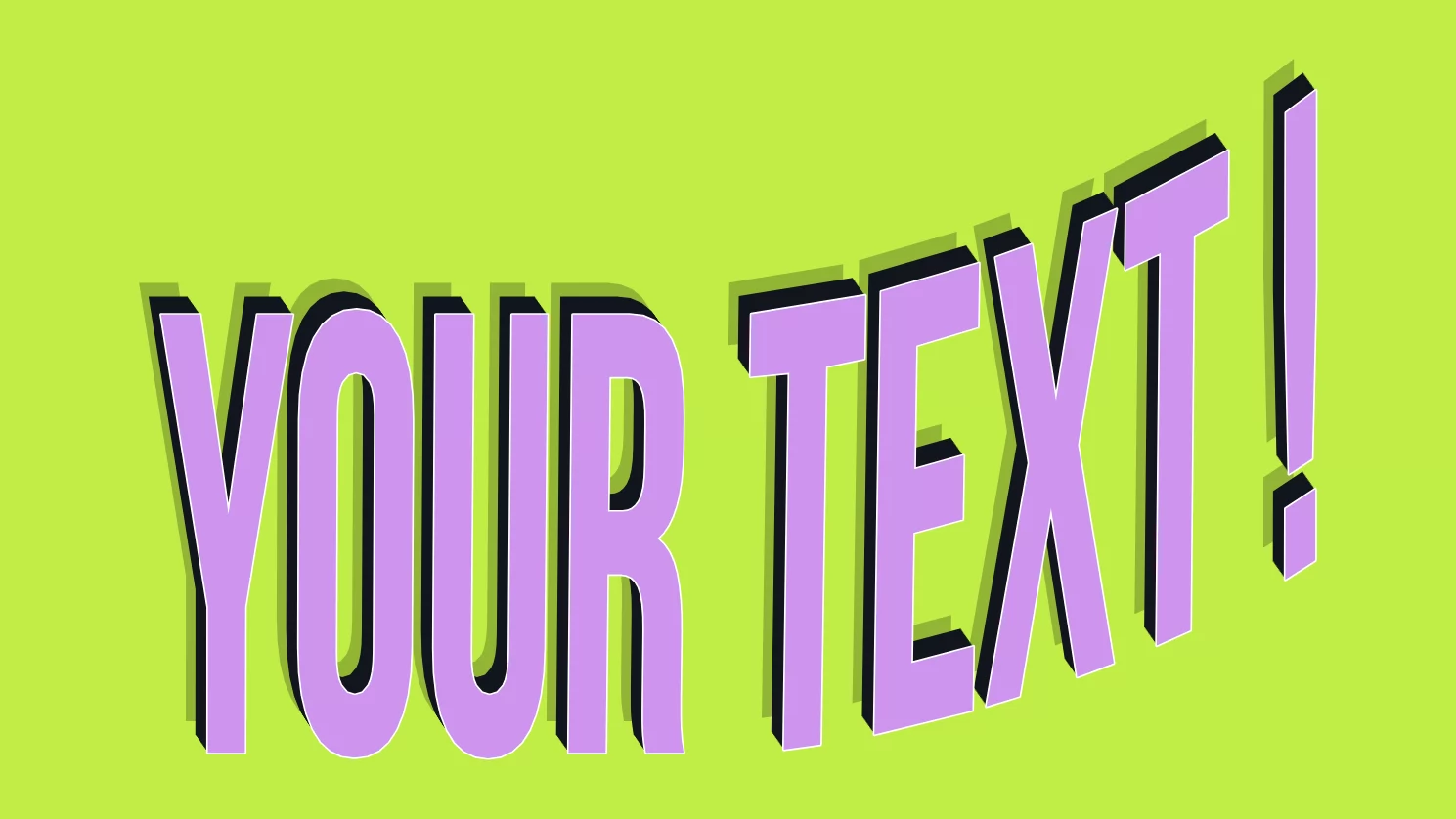
Straight text is fine, until it is not. A sports badge needs its name arched across the top. A gaming title looks better bulging off the screen. A sticker pops when the letters wave, and a vintage logo often sits on a curve. Doing that by hand is fiddly, and the classic answer, Photoshop's "Warp Text", means owning Photoshop.
The Text Warper does it in your browser, for free. Type your words, bend them into almost any shape by dragging control points, stack layers for real depth, then download the result. No code, no design software.
Bend text into (almost) any shape
Open the Mode panel and you get several ways to warp, from a simple Perspective tilt to a full Distort with a free envelope. On top of that sits a library of one-click presets: Arch, Arc Upper and Lower, Bulge, Circle, Concave, Diamond, Fish, Flag, Heart, Rise, Chevron, Shell and more.
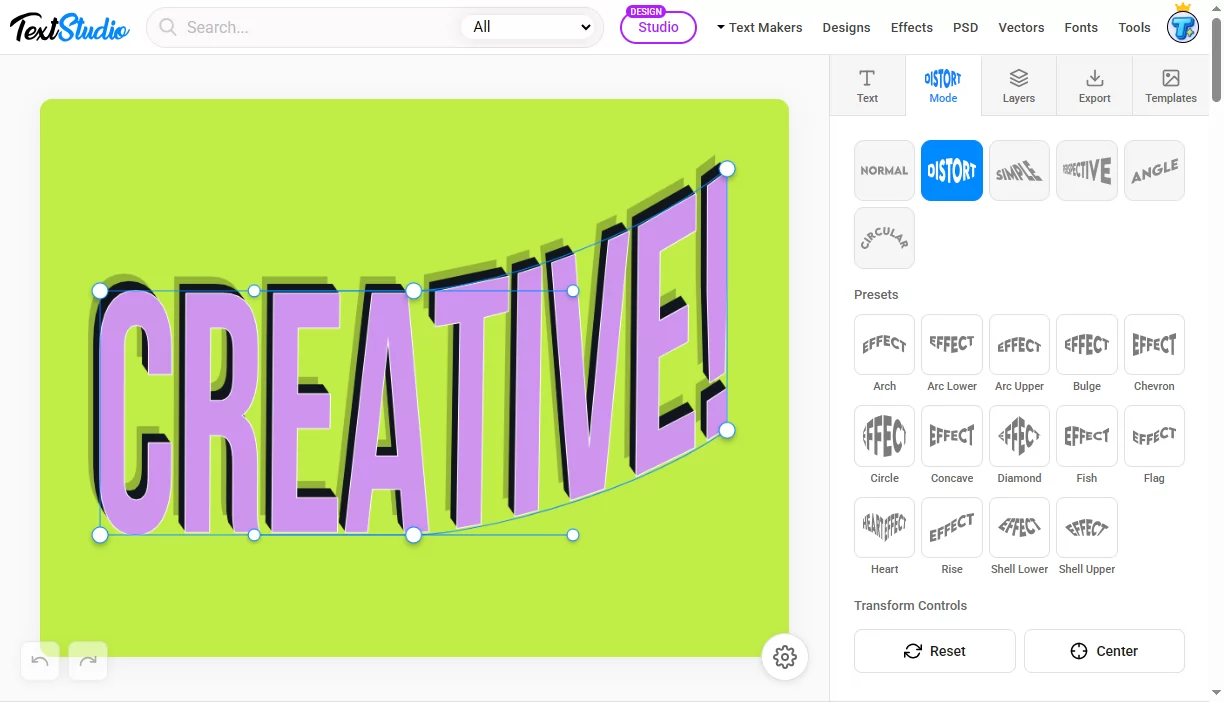
Pick "Arch" for that team-jersey look, "Rise" for an upward, dynamic feel, "Circle" to wrap words into a ring, or "Flag" and "Wave" for motion. Each preset is a starting point you can push further.
Drag it exactly where you want
Every warp is driven by an envelope: a cage of control points around your text. Grab any point and pull, and the letters follow in real time. Turn on Snap to Grid for clean, symmetrical shapes, or work freehand for something organic.
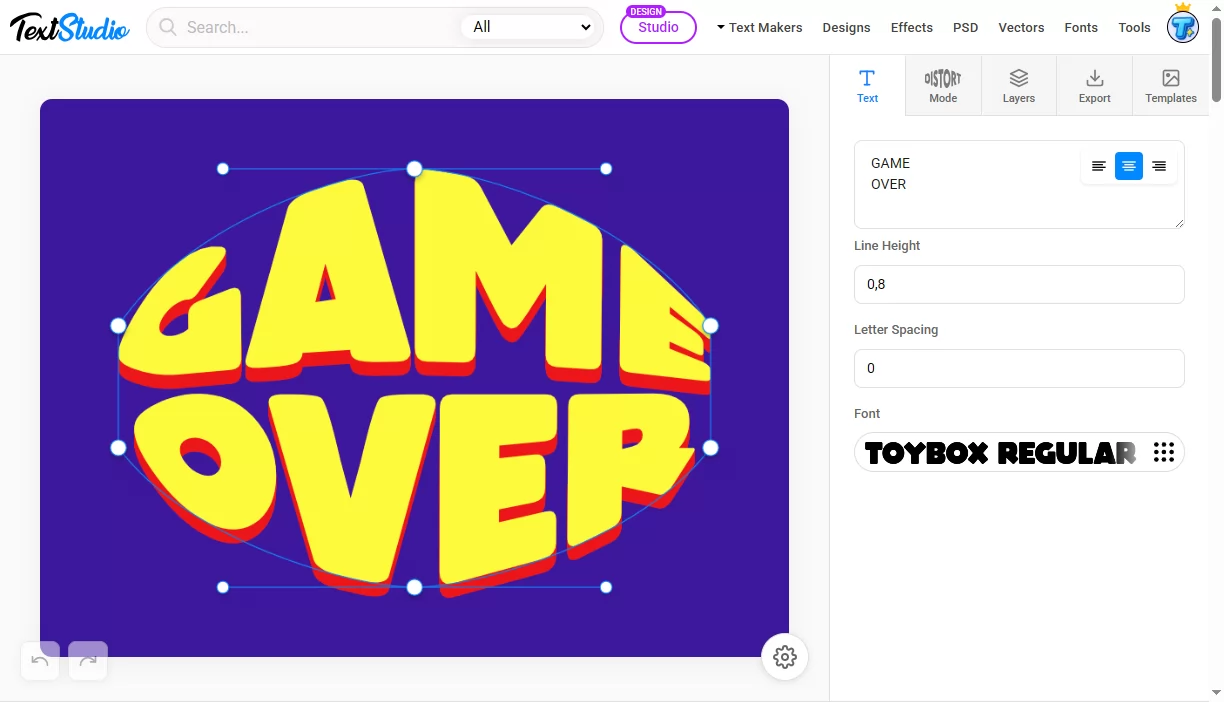
Because you are moving the actual shape of the text, not just squishing a picture, the letters stay crisp at any size. You also get proper font control: choose from a large font library, set line height, letter spacing and alignment before you bend anything.
Stack layers for real 3D depth
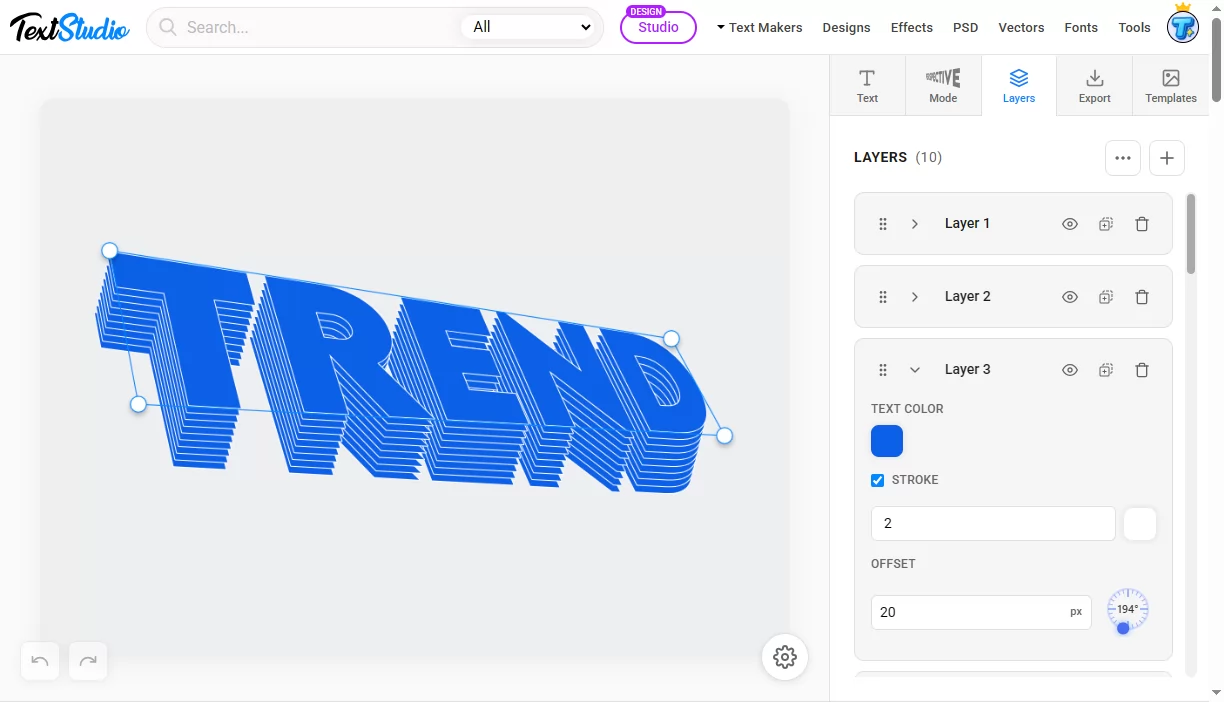
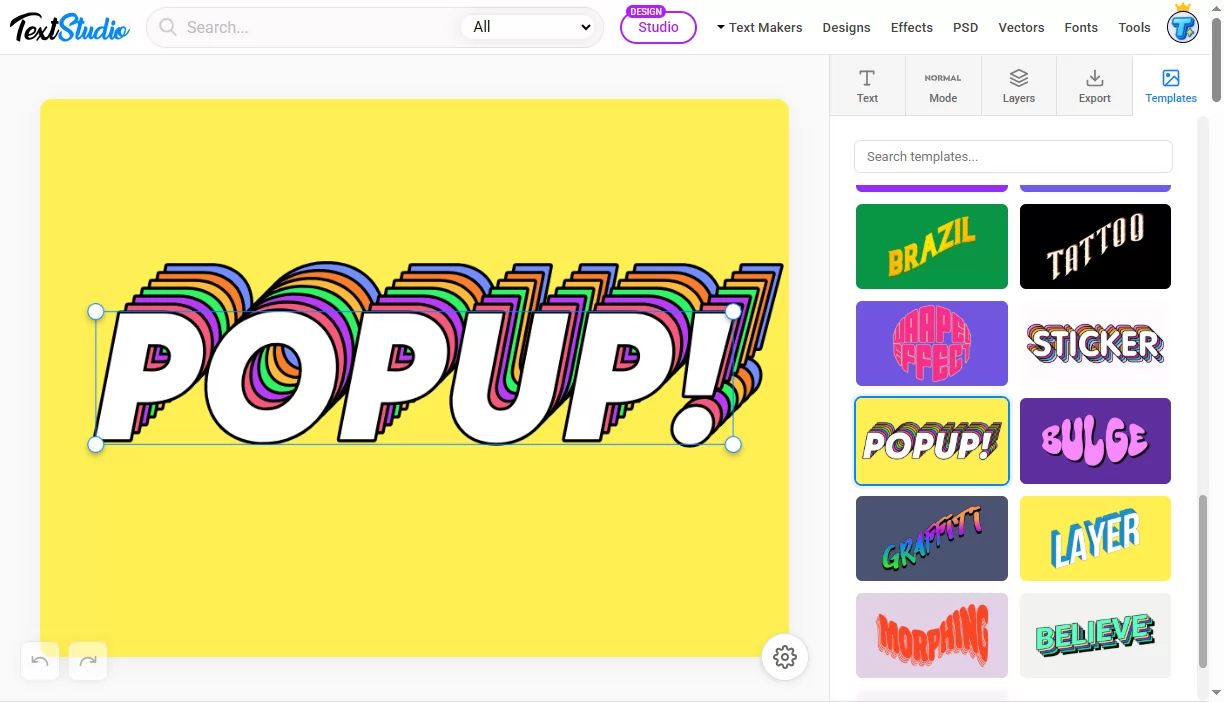
This is where warped text stops looking flat. Text Warper works in layers, and each layer has its own color, stroke and offset. Duplicate a layer, shift it a few pixels on an angle, change the color, and you build a genuine extruded, 3D block letter effect, retro shadows, or those colorful stacked outlines you see on stickers.
Export as PNG or SVG
When it looks right, open the Export panel.
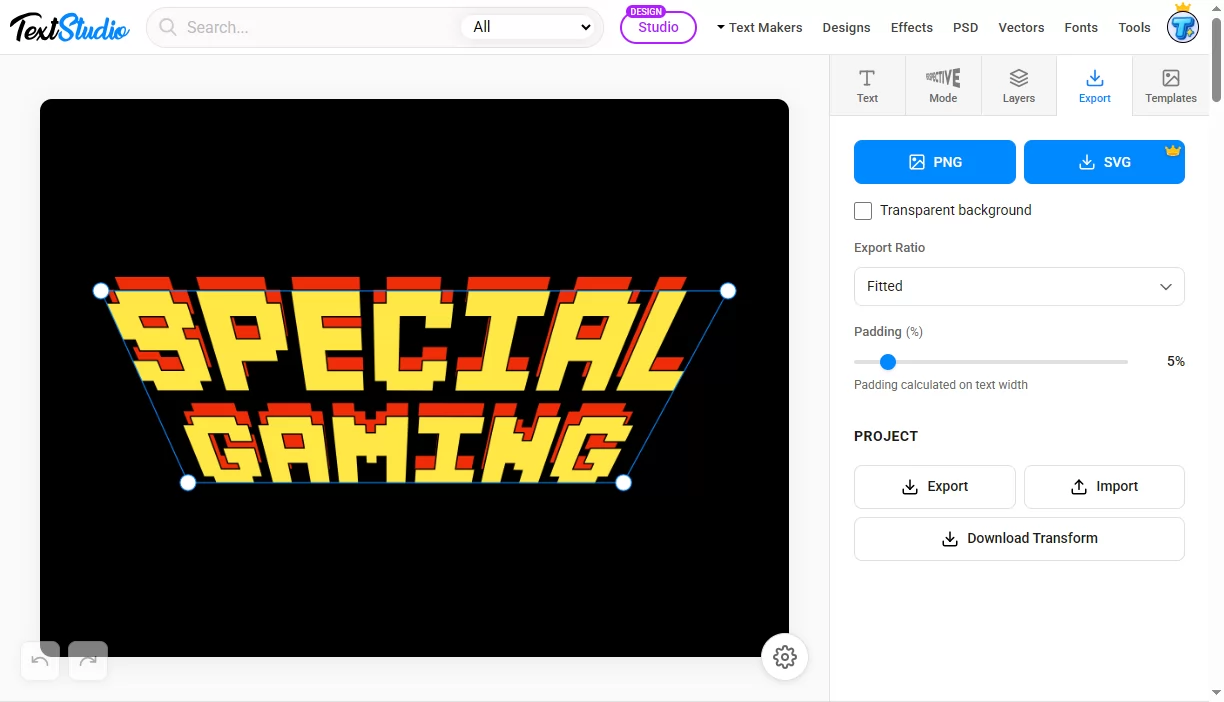
Download a PNG for free, with an optional transparent background and adjustable padding, so it drops cleanly onto any design, thumbnail or product mockup.
For anything you want to scale, print or cut, export a vector SVG (a Pro feature). Because SVG is vector, it stays razor sharp at any size and stays editable, which makes it ideal for logos, print and merch, and craft cutting machines like Cricut or Silhouette. You can also save your project and re-import it later to keep editing.
Start from a template
Do not want to start from scratch? The Templates tab is a searchable gallery of ready-made warped styles: sticker looks, graffiti, layered pop-up effects, tattoo scripts and more. Load one, change the text, and you are done in seconds.
What you can make with it
- Arched badges and logos, the classic sports-team and vintage look
- Gaming titles that bulge or tilt in perspective
- Stickers and merch with layered, colorful 3D text
- T-shirt and print designs, exported as scalable SVG
- Cricut and Silhouette cut files from the vector export
- YouTube thumbnails and social graphics that pop
Warp text vs curved text
If all you need is text following a single curve or circle, that is one specific case of warping, and we cover it in detail in our guide to creating curved text online. The Text Warper is the broader tool: circles are just one of many shapes it can bend your text into.
Frequently asked questions
Is the Text Warper free? Yes. Warping your text and exporting a PNG are free, with no account needed. Vector SVG export is a Pro feature.
Can I get a transparent background? Yes. Tick the transparent background option before exporting a PNG, and your warped text drops onto any background with no white box.
Can I edit the result later? Yes. Save your project and re-import it to keep tweaking. And because the SVG export is a real vector, it stays fully editable in tools like Illustrator, Inkscape or Cricut Design Space.
How is this different from curved text? Curved text bends words along a single curve or circle. Warping is the whole family: arcs, waves, bulges, flags, perspective and free-form envelopes, with circles being just one option.
Bend your first word
Whether you are making a badge, a gaming title, a sticker or a print design, the Text Warper turns flat words into shapes with a few drags.
👉 Open the Text Warper and warp your first word now, it is free.