
 Mia Hartley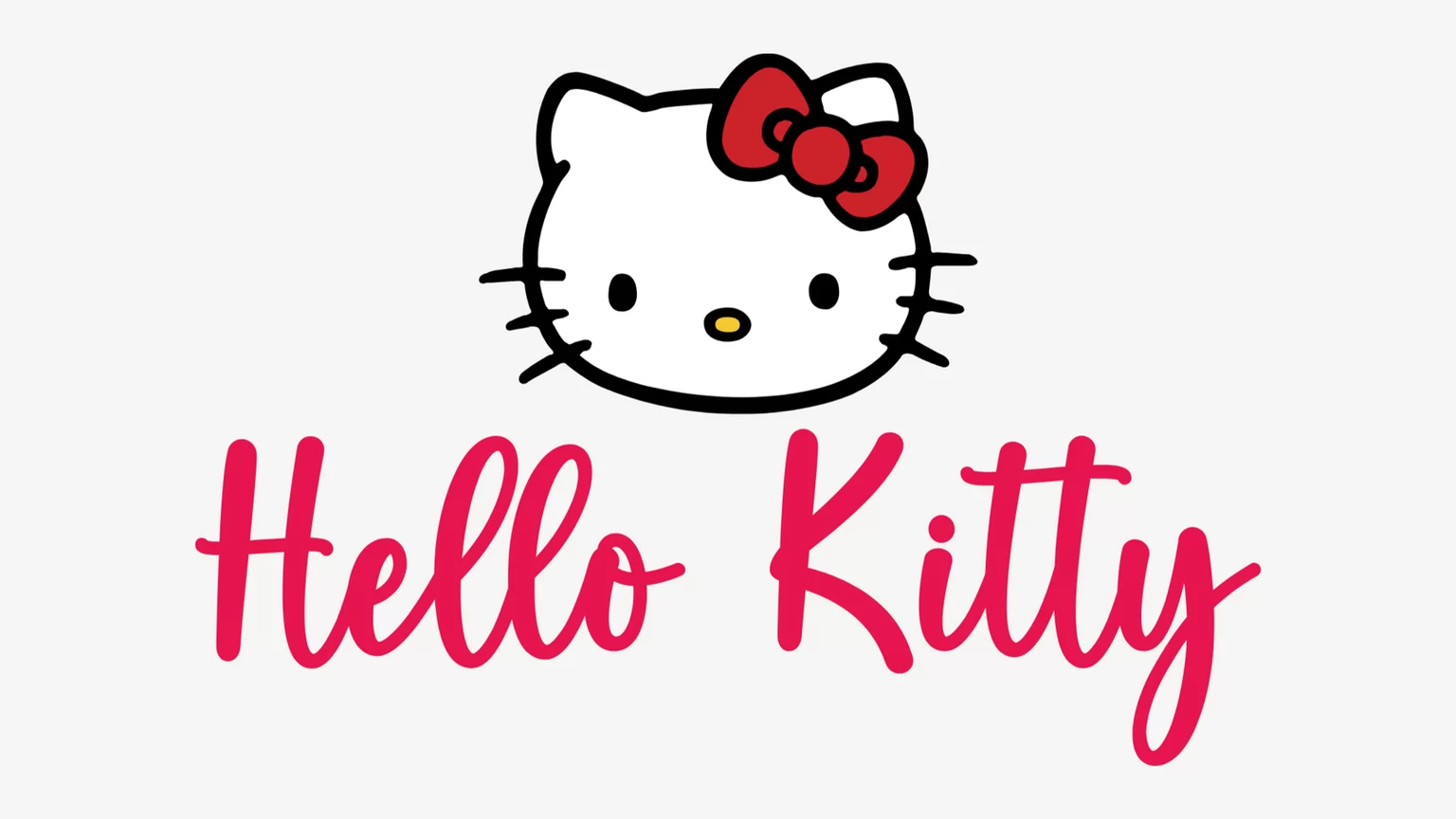
Type a name, pick a style, download a PNG. That is the whole thing, and it takes about ten seconds.
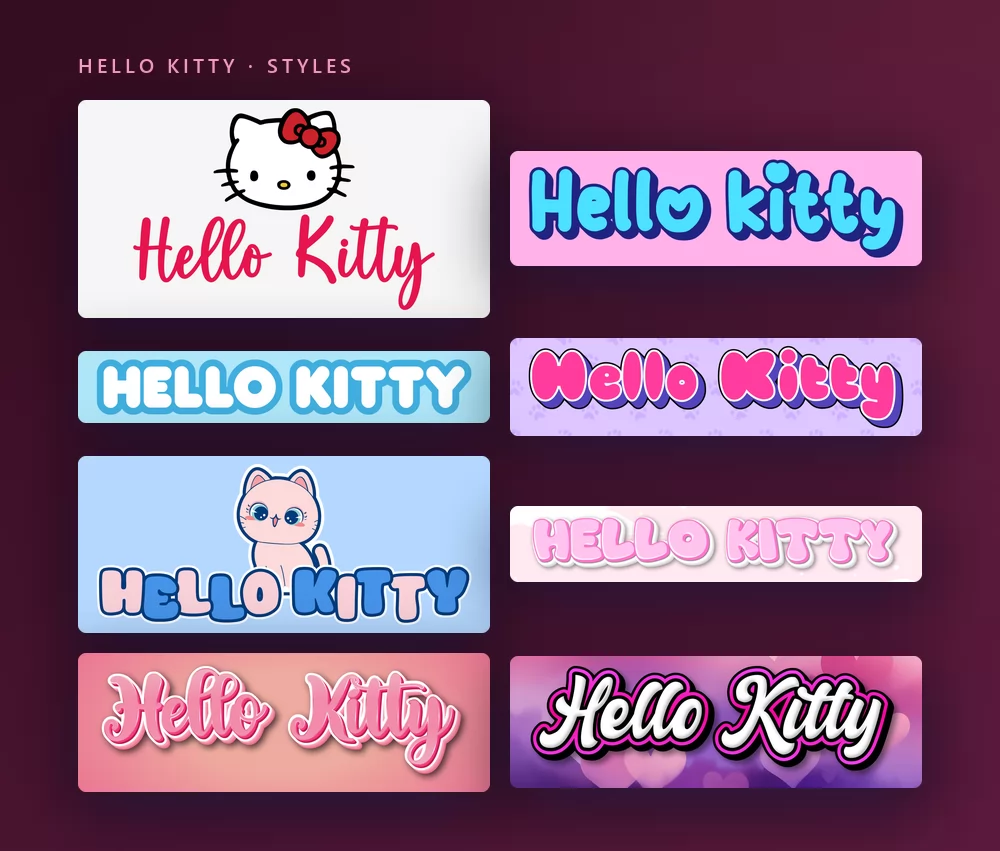
All of them come from the same Hello Kitty font generator, with a different style picked from the list. Nothing to install, no account.
About the Hello Kitty font
Hello Kitty is a Japanese character created in 1974 for Sanrio by the designer Yuko Shimizu, and drawn since 1980 by Yuko Yamaguchi. A white cat with a red bow on her left ear and no visible mouth, she first appeared on a vinyl coin purse in 1975 and went on to become one of the most licensed characters in the world, on toys, stationery, clothing and just about everything else.
The logo has used several letterings over the years, and none of them was released as a typeface: they are custom lettering, drawn for Sanrio. That is why "the Hello Kitty font" means different things to different people, and why the font sites all list lookalikes rather than one answer. The names that come up on every list are Janda Happy Day, Boldins, Odin Rounded, Jam Sessions, Hello Heartache and LMS Hello Kitty Hello.
One thing to know before you download anything: the most downloaded "Hello Kitty" font, the one by Woodcutter on DaFont with a million and a half downloads, is a dingbat font. Each key types a little drawing of Kitty, not a letter. Lovely, but it will not write a name.
How to make Hello Kitty text
Step 1. Type the name
Open the generator and replace the sample text with yours: a child's name, "Happy Birthday", a word for a phone wallpaper. The letters redraw as you type, under Kitty's face. Keep it in title case: the logo style is a script, and a word in capitals loses the joins that make it read as handwriting.
Step 2. Pick a style
The classic is the red script under the white face on a pale grey background. The Styles tab lets you change the fill, the outline and the shadow separately, so you can keep the letterforms and take the colours somewhere else: a soft pink, a pastel blue for a Cinnamoroll party, white on hearts.
Step 3. Pick the shape
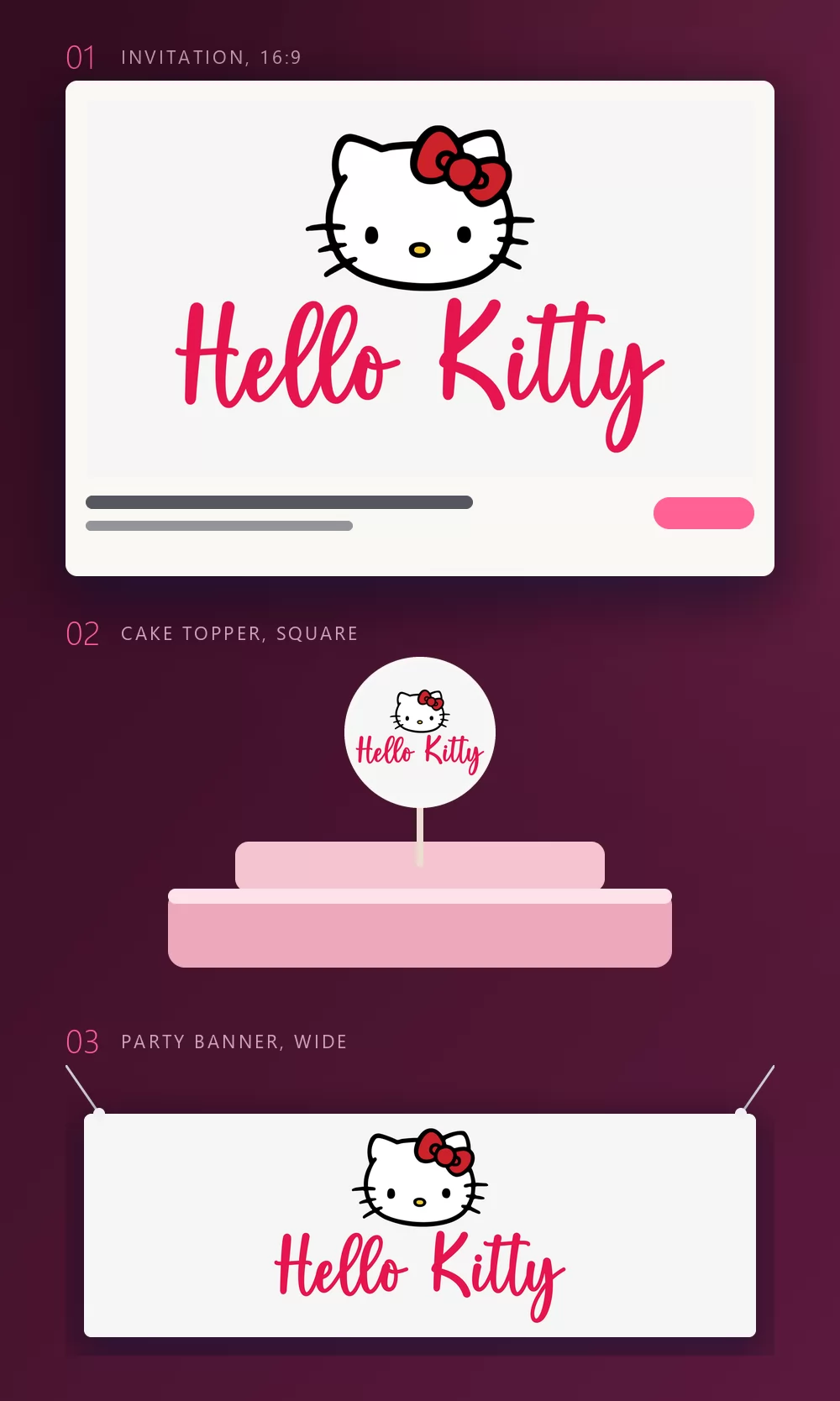
Set the shape before you export and nothing gets cropped afterwards. A 16:9 for an invitation, a square for a cake topper or a sticker, a wide strip for a banner across the wall. The three mock-ups above are what those shapes become once they are printed.
Step 4. Download
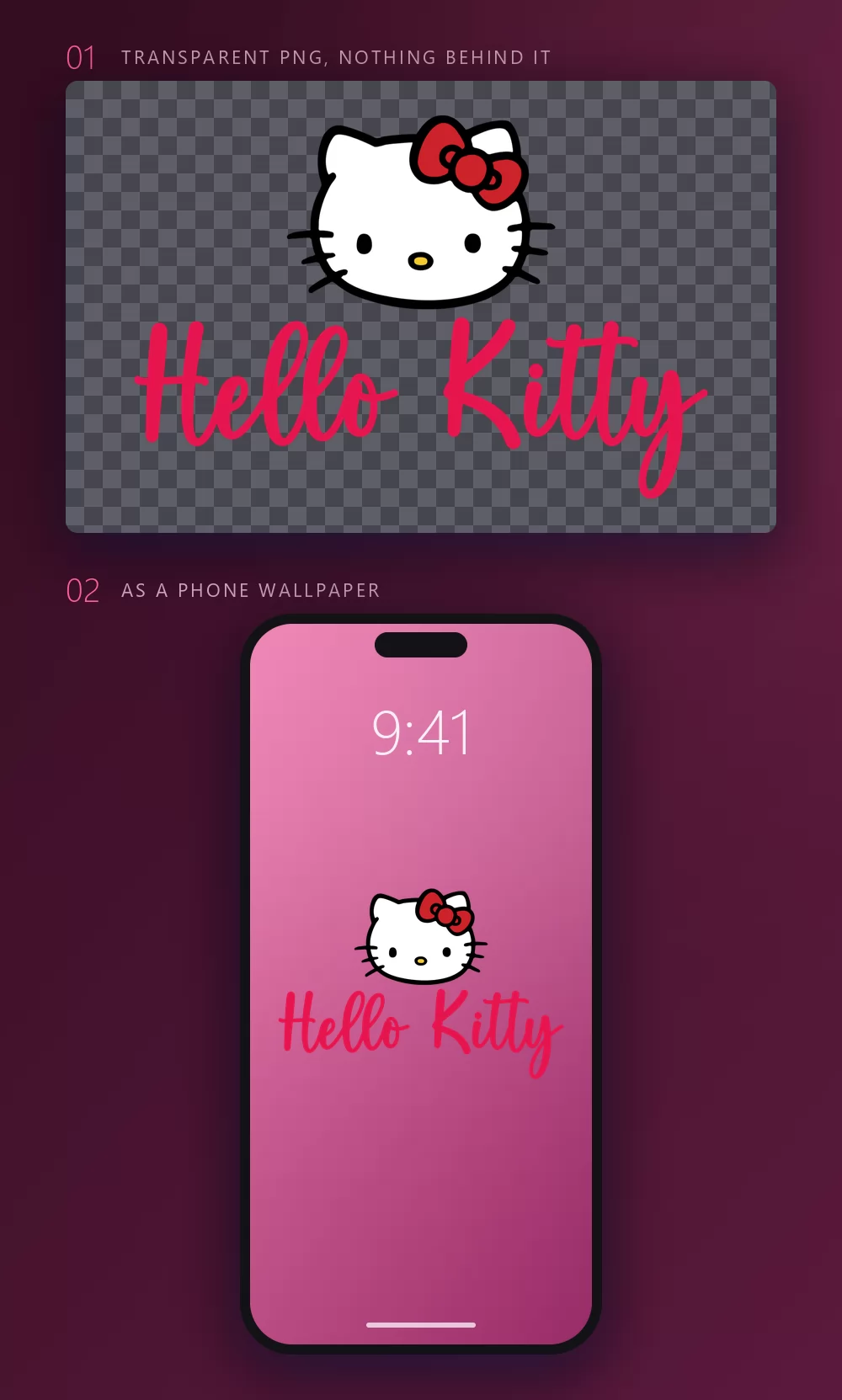
In the Download tab, take the transparent PNG if you plan to put the name onto your own design. This is the option most people miss, and it is the one that matters for a wallpaper, a sticker or a printable: your own background, Kitty and the name on top, no grey box around them.
Long names fill the width fast
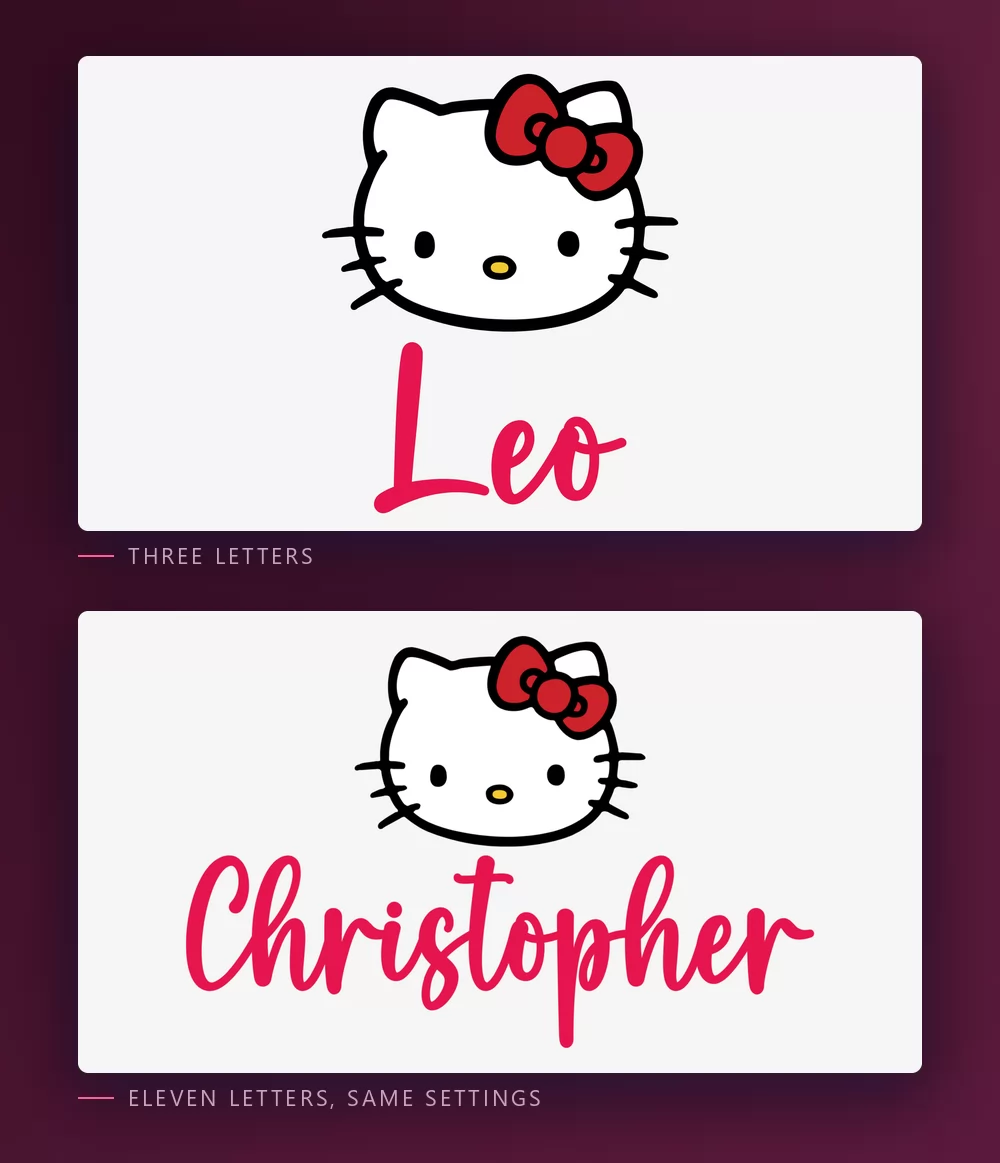
The more letters there are, the tighter they sit. Character spacing is a slider in the Text tab: open it up a little and a long name stops looking cramped. The same tab holds zoom, line height, curve and rotation.
The Hello Kitty look, or the kawaii look
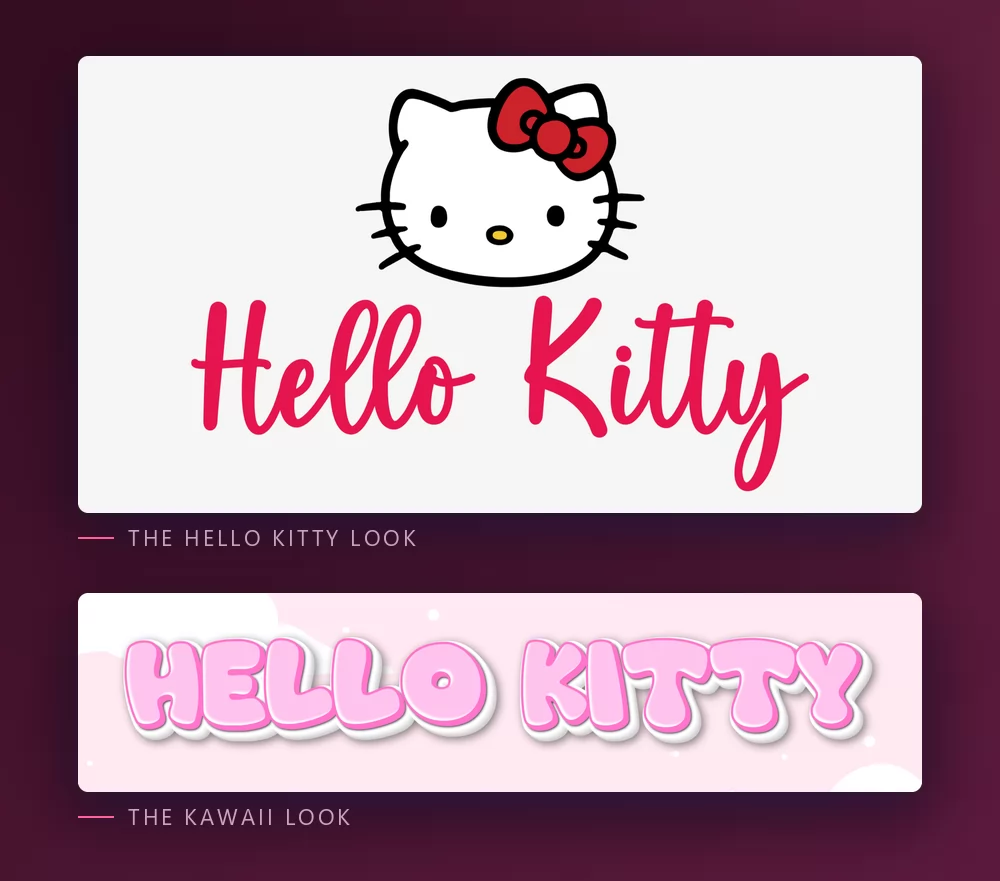
The Hello Kitty look is the logo itself: the white face with the red bow, and the name in a red script underneath. That is what most people picture, and it is the one for anything that has to say Hello Kitty at a glance.
The kawaii look is pink bubble letters on pastel clouds, with no character at all. It carries none of Sanrio's branding, which makes it the better choice for a planner, a shop sign or a phone wallpaper that just wants to be cute. The kawaii text generator has it as a preset.
Which font, if you want to install one
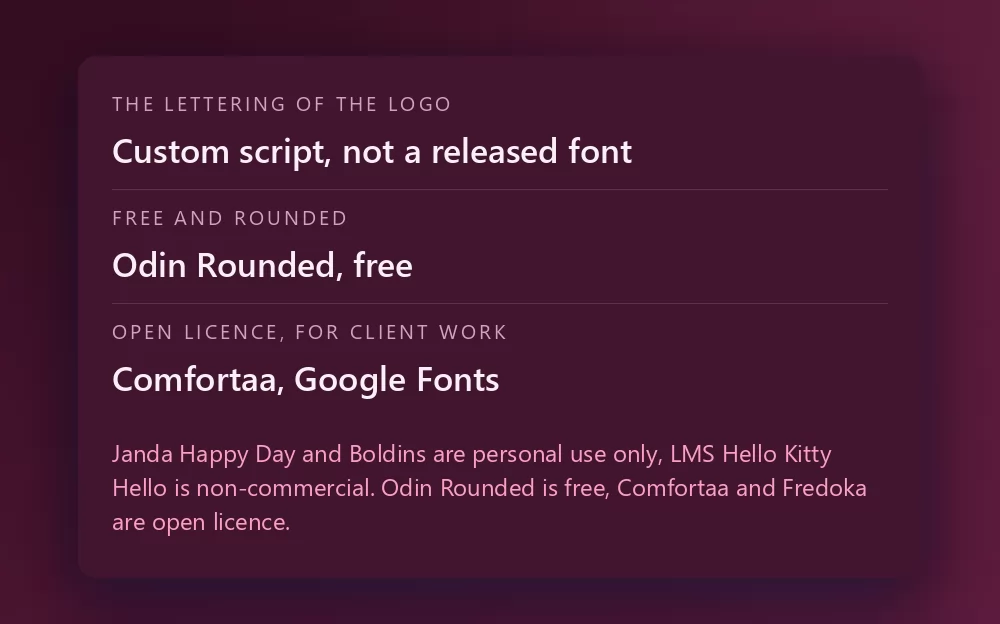
The logo itself is not a font. It is custom lettering drawn for Sanrio, so any file named "Hello Kitty font" is somebody's recreation of it, or a font that happens to look close.
Janda Happy Day, by Kimberly Geswein, is the one most lists put first: a bouncy, rounded handwriting that reads like the logo. It is listed on DaFont as free for personal use, with over eight hundred thousand downloads.
Odin Rounded is the free one with a clean licence: a plain rounded sans listed as 100% free on DaFont, past half a million downloads. It gives you the soft rounded feel of the wordmark without the bounce.
Boldins is another personal use script that comes up, and LMS Hello Kitty Hello, on FontSpace since 2001 with over a million downloads, is freeware for non-commercial use only. Read the readme before any of these goes on something you sell.
For client work, where the licence has to be clean, the honest options are the open licence rounded fonts on Google Fonts: Comfortaa, a geometric rounded face that sits closest to the wordmark, and Fredoka, bouncier, with a full range of weights. Neither is a Hello Kitty font. Both give you the soft rounded look with a licence nobody can question, and both are available inside Canva.
What people actually make with it
The generator gets used for the things Hello Kitty has always lived on: birthday invitations and cake toppers, stickers for a planner or a laptop, phone wallpapers, name tags, party banners and the occasional shop sign. Almost all of it works better with the transparent PNG than with an installed font, because the look is the face and the red script together, and a font file gives you letters and nothing else.
How to make Hello Kitty text in Canva
Canva does not carry Janda Happy Day, and no font in its library comes with the face. It does carry Comfortaa and Fredoka, so you can get the rounded feel without leaving it. For the logo look, make the lettering as a transparent PNG and upload it: it drops straight into a Canva invitation or story and stays sharp.
If you work in Canva often, you can also use TextStudio effects inside Canva and skip the upload.
How to make Hello Kitty text in Photoshop
Install Janda Happy Day or Comfortaa, type the name in title case, then keep the treatment minimal:
- Colour overlay in the bow red, a warm red rather than a pink.
- No stroke and no shadow: the logo is flat.
- A pale grey or white background, and the character artwork above, which you will have to source yourself.
The letters are the easy half. Without the face, it reads as a red script, not as Hello Kitty.
How to make Hello Kitty text in Word
Install the font, type the name in title case and colour the letters red. That is all the wordmark needs, and Word can do it. For anything you will print or share, an exported PNG with the face will still look better.
On your phone
You cannot install a font and use it in most apps, on iOS or Android. The generator runs in the phone browser: make the PNG on the phone, save it to the gallery, and set it as a wallpaper or add it in whatever app you were using.
Is the Hello Kitty font free?
The logo lettering is not a font at all. Janda Happy Day and Boldins are free for personal use only, LMS Hello Kitty Hello is non-commercial, and the Woodcutter font is free but draws pictures, not letters. Odin Rounded is free, and Comfortaa and Fredoka are open licence on Google Fonts.
And there is a second question underneath, which gets conflated with the first constantly: a font licence is not a trademark licence. Even a font you may use commercially says nothing about Hello Kitty, which belongs to Sanrio, one of the most actively licensed brands there is. Setting your child's name in the style for a birthday banner is the sort of personal use nobody has ever objected to. Selling stickers, prints or party kits that trade on the character is a different matter, and no font licence will cover you there.
Open TextStudio and type a name to see it in the style straight away.
More fonts and styles to try
If you came here for a character font, these cover the same ground:
- Bluey font generator : chunky rounded capitals on sky blue, and the same invitation and cake topper workflow
- Toy Story font generator : the other birthday favourite, yellow letters over a tilted red block
- Disney font generator : the signature script and the Mickey lettering, plus a style for most Disney films
- SpongeBob font generator : the same bold cartoon capitals, softer
- Pokemon font generator : the same solid and hollow lettering, in a different palette
- Minecraft font generator : blocky letters, and the same transparent PNG workflow
- Fortnite font generator : heavy condensed capitals, and the same thumbnail workflow
- Geometry Dash font generator : pixel logo letters or level-style letters, and the same thumbnail workflow
- Spiderman font generator : jagged capitals with a thick outline, plus a webbing texture
- Death Note font generator : the scratched title lettering and L's blackletter, plus the same thumbnail workflow
- logo fonts : why a film or game logo is almost never a font you can install
Frequently asked questions
What font is the Hello Kitty logo? None. The logo has used several custom letterings drawn for Sanrio, none released as a typeface. Janda Happy Day is the lookalike most lists put first.
Is there a free Hello Kitty font? Odin Rounded is 100% free. Janda Happy Day and Boldins are personal use only, LMS Hello Kitty Hello is non-commercial. For client work, Comfortaa and Fredoka on Google Fonts are open licence.
Why does the Hello Kitty font on DaFont only type pictures? Because it is a dingbat font: every key is a drawing of Kitty. It is not an alphabet.
Can I make a Hello Kitty cake topper with this? Yes. Pick the square shape, download the transparent PNG, print it and cut around the face and the name, or send the PNG to a cutting machine.
Can I use the Hello Kitty style on things I sell? The font licence and the trademark are separate questions. Hello Kitty belongs to Sanrio, so a permissive font licence would still not cover stickers or party kits trading on the character.
How do I get a transparent background for a wallpaper? Choose the transparent PNG in the Download tab, then place Kitty and the name over your own photo or gradient.
Why does my text look wrong next to the real logo? Usually the missing face, not the font. The red script on its own is just a red script. With the white face and the red bow above it, it reads as Hello Kitty even in a different font.