
 Mia Hartley
Type a name, pick a colour, download a PNG. That is the whole thing, and it takes about ten seconds.
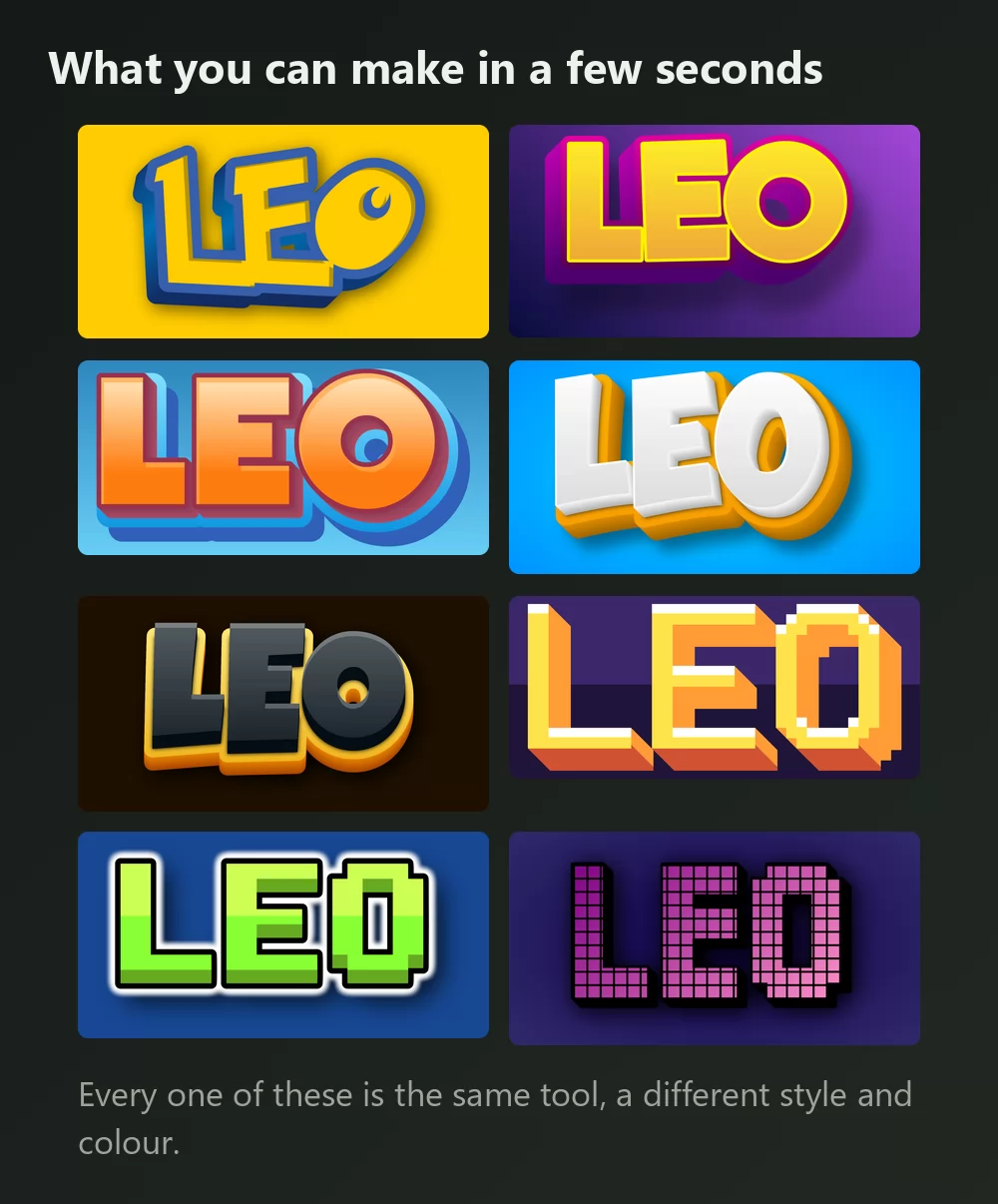
Every one of those is the same Pokemon font generator, with a different style picked from the list. Nothing installed, no account.
How to make Pokemon text
Step 1. Type your name
Open the generator and replace the sample text with whatever you want: a name, a team, a channel, a title. The letters redraw as you type.
Step 2. Pick your colours
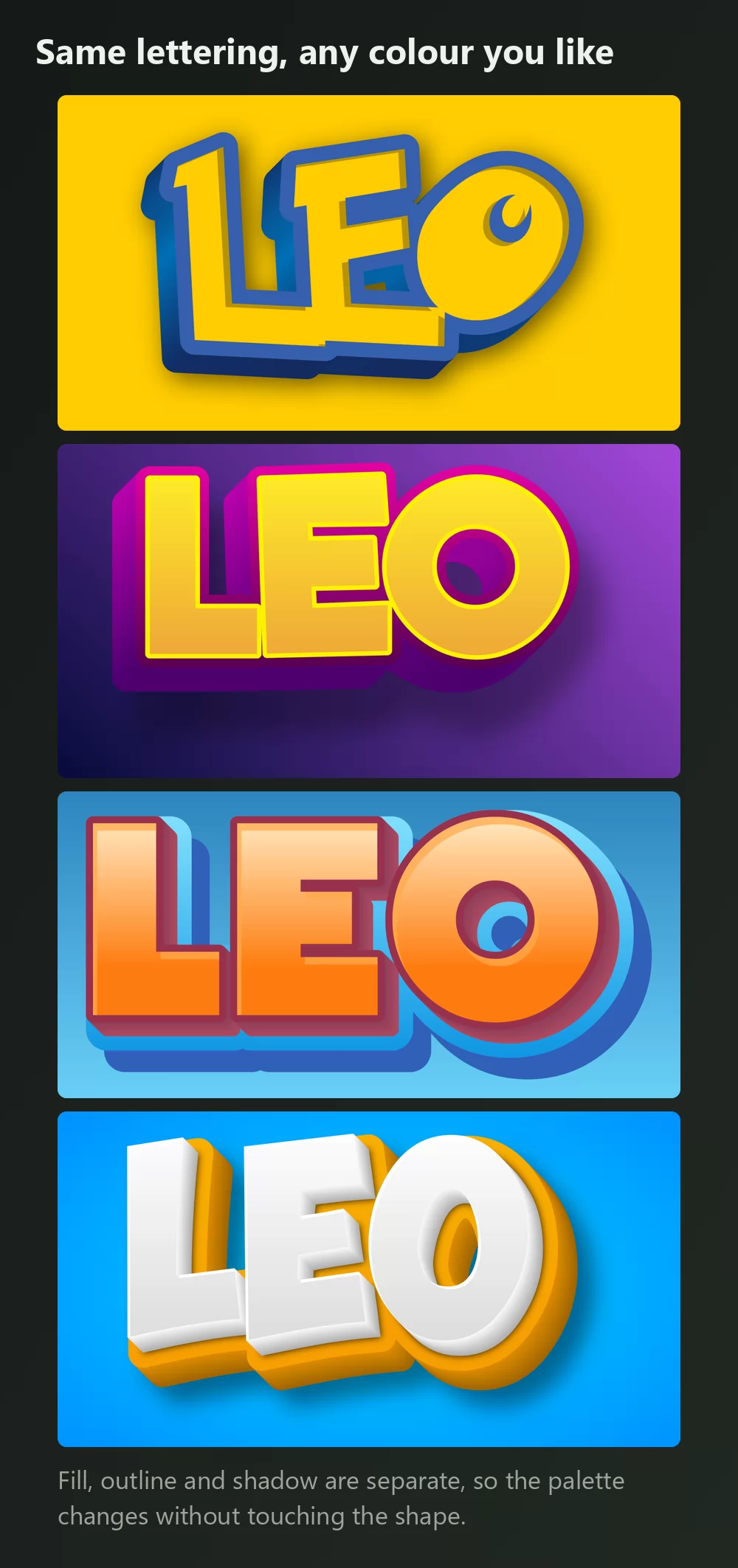
The Styles tab has three panels and they do different jobs:
- 3D and fill is the colour of the letters themselves: solid, gradient or pattern.
- Outlines is the border, including two kinds of 3D outline. The deep blue edge is what makes yellow letters read as Pokemon rather than as a plain yellow word.
- Shadows covers drop, outer and inner shadows, with blur and opacity.
Yellow with a blue outline is the show's palette, but the shape works in any pairing.
Step 3. Choose the shape
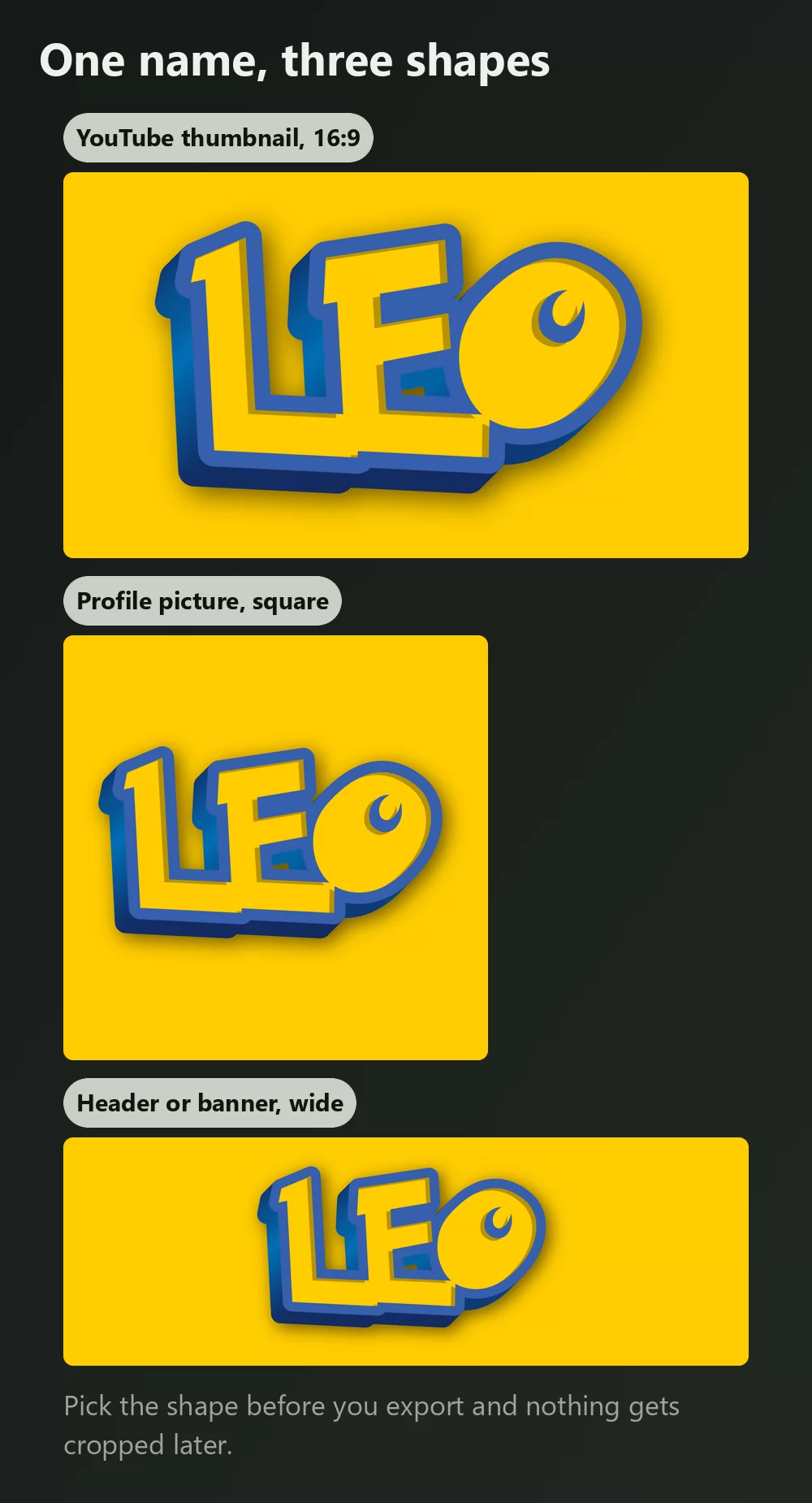
Set the format before you export and nothing gets cropped afterwards. A 16:9 frame for a video thumbnail, a square for a profile picture, a wide strip for a header.
Step 4. Download it
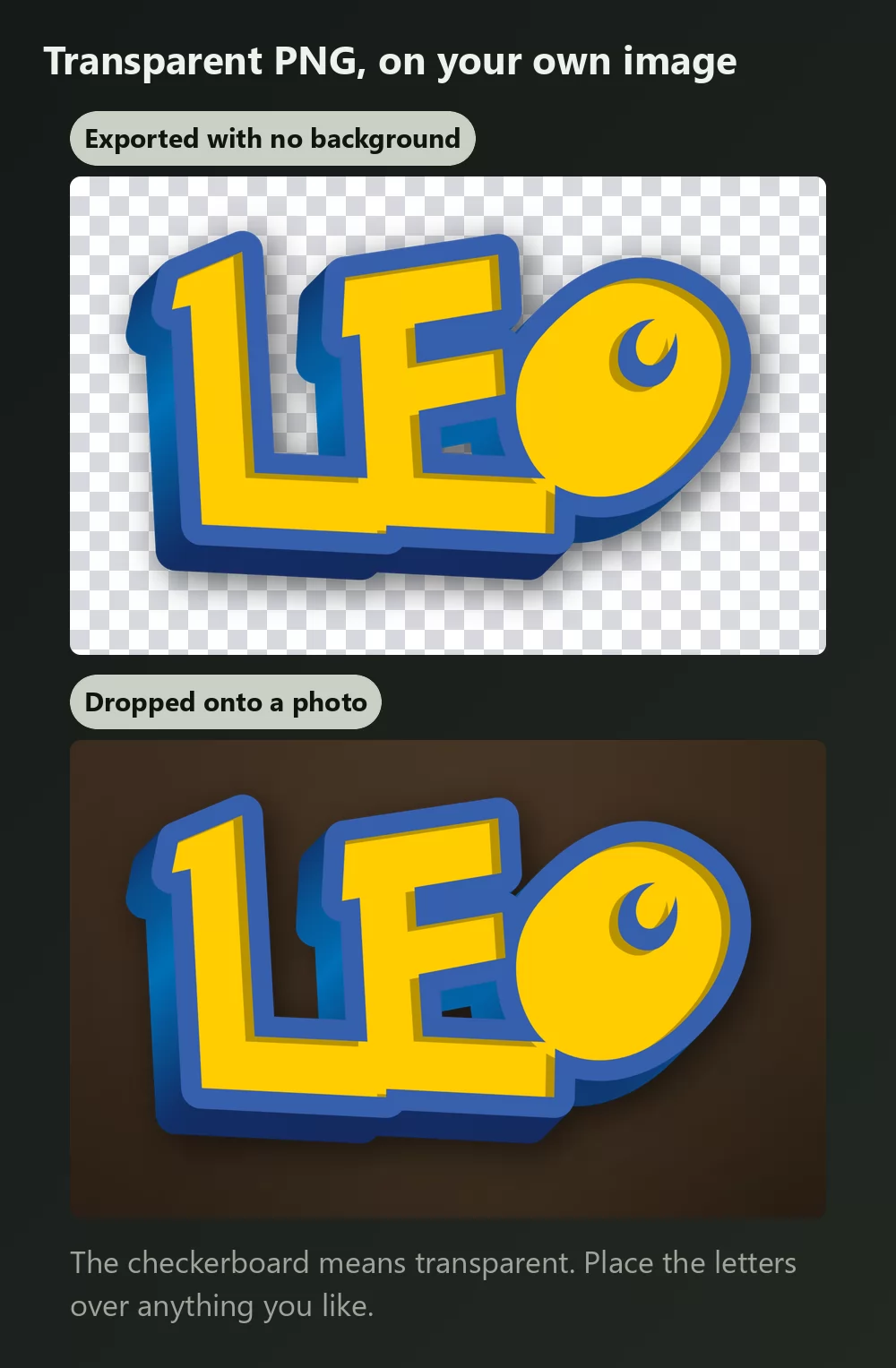
In the Download tab, take the transparent PNG if you plan to put the letters over your own screenshot, photo or thumbnail. That is the option most people miss, and it is the one that makes the result look made rather than pasted.
Long names fill the width fast
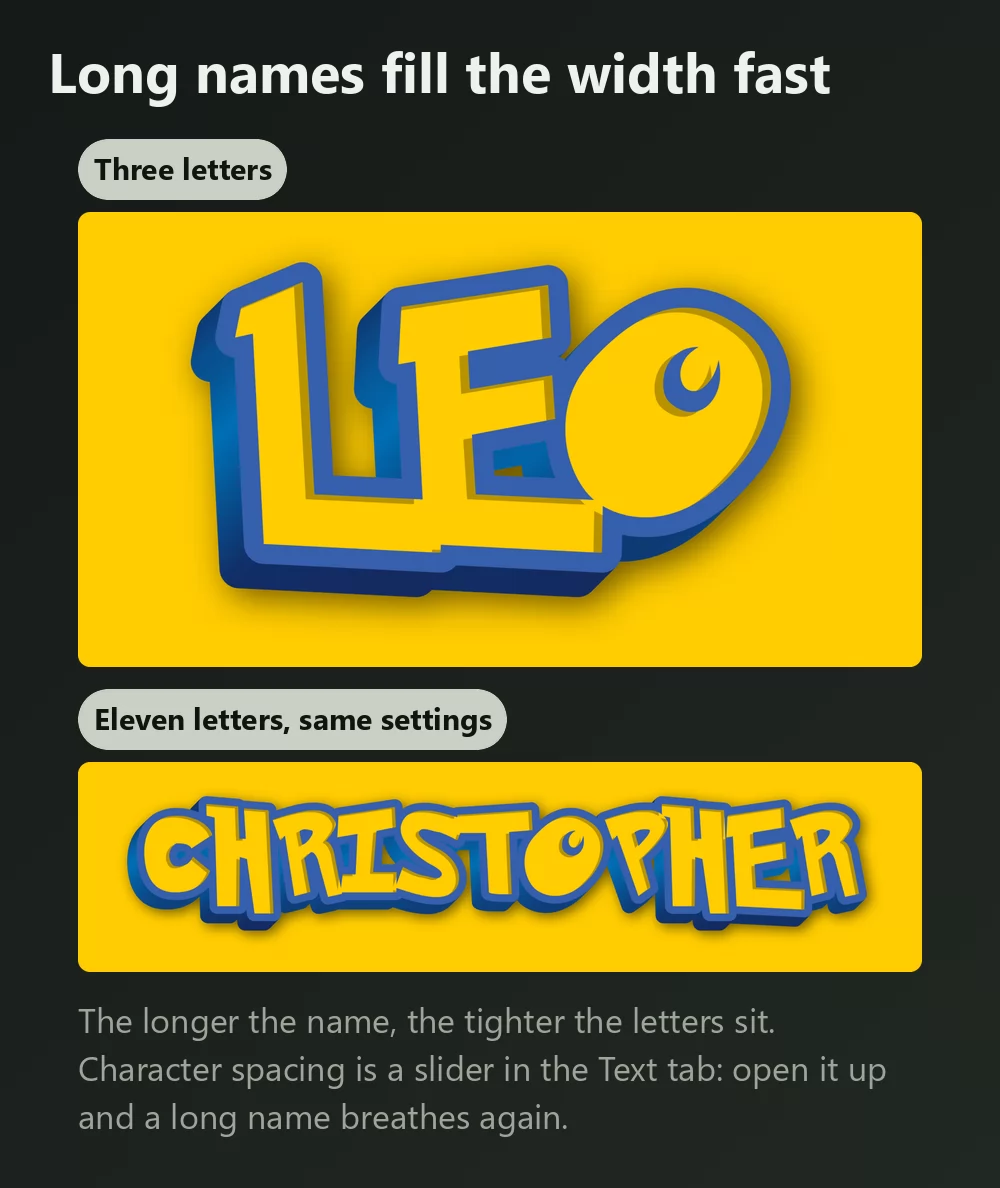
The more letters, the tighter they sit. Character spacing is a slider in the Text tab: open it a little and a long name stops feeling cramped. The same tab has zoom, line height, curve and rotation.
Curving the text
The curve slider is what gives a title its bounce, and it is the difference between a flat word and something that looks designed. A small amount goes a long way: past a certain point the letters start to fan out and the name gets hard to read.
Logo look or game look?
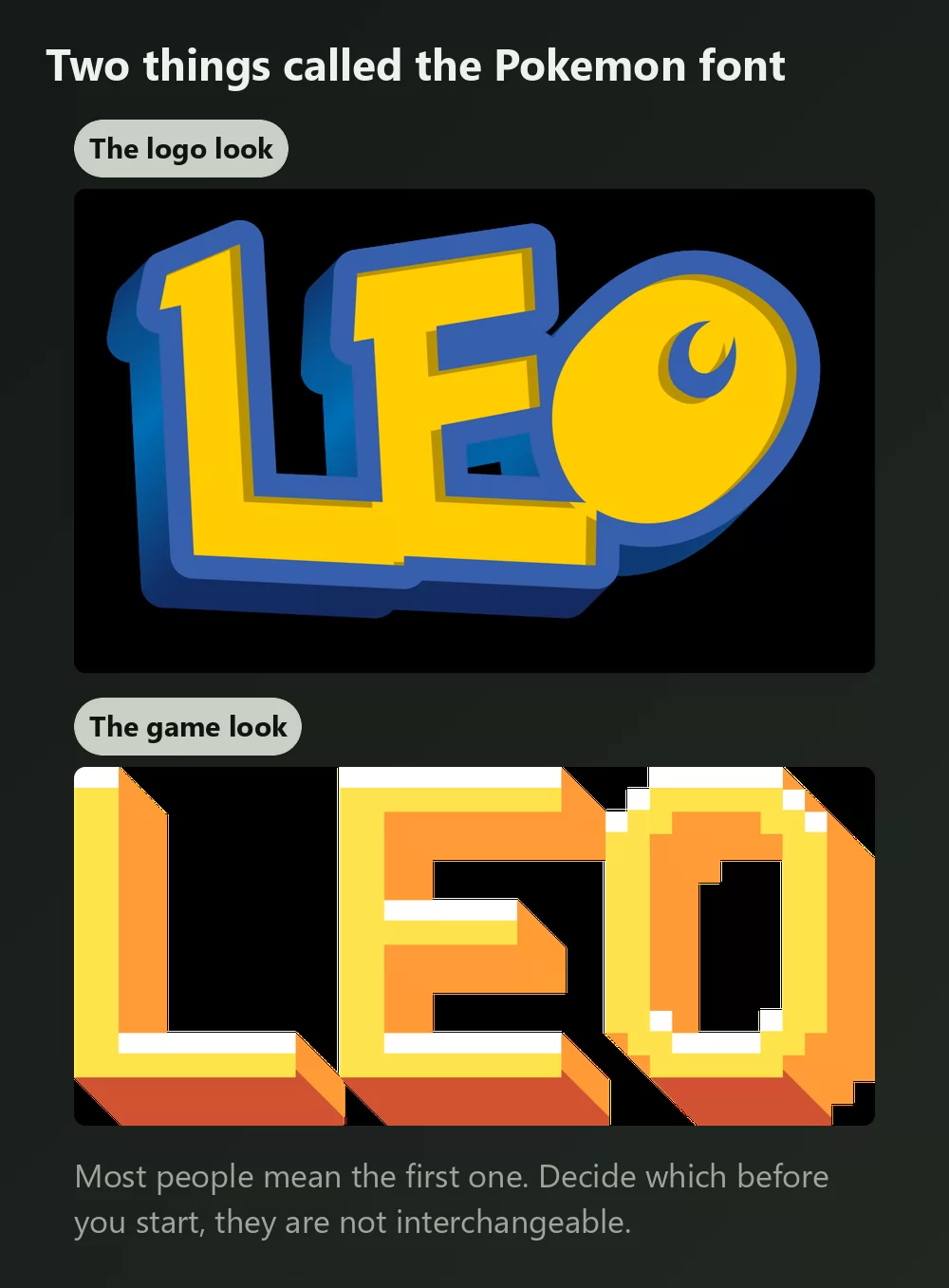
Two different things get called the Pokemon font. Most people mean the first.
The logo look is the thick rounded lettering with the heavy outline and a bit of depth, and it is what the generator above gives you.
The game look is the small blocky pixel type from the handheld games. If that is what you are after, an 8-bit pixel text effect gets you there instead.
The font is called Pokemon Solid
If you would rather install a font and set the text yourself, that is the name to look for. The fan recreation on DaFont, listed simply as "Pokemon", has passed seven million downloads and ships as two files:
- Pokemon Solid is the filled version, the one you want for a title.
- Pokemon Hollow is the outline only, for large sizes you fill in yourself.
One thing to expect: the font gives you letter shapes and nothing else. The blue outline, the fill, the depth and the shadow are all effects you then build on top, which is exactly the work the generator does for you.
Other Pokemon fonts worth knowing
- Pokemon GB recreates the small bitmap type from the Game Boy games. Right for a fake dialogue box, wrong for a title.
- Pocket Monk is another take on the logo lettering, useful if Pokemon Solid does not sit right.
- Pokemon Pixel Font is blocky with stepped diagonals, closer to an arcade screen than to the show.
All of them are fan recreations. The official lettering was drawn for the brand and has never been released as a font.
How to make Pokemon text in Canva
Canva does not have a Pokemon font in its library, and installing one is not possible on the free plan. The way round it is to make the lettering as a transparent PNG and upload it: it drops straight into a Canva design and stays sharp.
If you work in Canva often, you can also use TextStudio effects inside Canva and skip the upload step.
How to make Pokemon text in Photoshop
Install Pokemon Solid, type your text, then rebuild the treatment with Layer Styles:
- Stroke, set to Outside, in a deep blue, fairly thick.
- Gradient Overlay or a solid fill in yellow for the letters.
- Drop Shadow, offset down and slightly right, low opacity.
That gets you close. The depth in the real logo comes from a duplicated layer offset behind the first, which is fiddly to keep consistent across letters.
How to make Pokemon text in Word
Install the font, type your text, then use Text Effects for the outline and shadow. Word's effects are much coarser than an image editor's, so for anything you are going to print or publish, an exported PNG will look better than what Word can build.
On your phone
You cannot install a font and use it in most apps on iOS or Android. The generator runs in the phone browser, so the practical route is to make the PNG on the phone, save it to the camera roll, and add it in whatever app you were using.
Is the Pokemon font free?
The fan recreations are free to download and generally free for personal use: a party invitation, a school project, a name on your own wallpaper. Terms differ from one to the next, so read the file that comes with the download before any paid work. Note too that a font licence says nothing about the Pokemon name itself, which is a trademark of Nintendo, Creatures and Game Freak.
Using the generator sidesteps the font-file question, because you download an image rather than redistribute a font.
Open TextStudio and type a name to see it in the style right away.
Frequently asked questions
What is the Pokemon font called? Pokemon Solid, the filled version of the fan recreation. Pokemon Hollow is the same design as an outline only.
How do I make text in the Pokemon font? Type it into a Pokemon text generator, pick your colours, and download a PNG. Ten seconds, nothing installed.
Can I change the colour? Yes. Fill, outline and shadow are separate, so you can keep the shape and change the palette completely.
How do I get a transparent background? Choose the transparent PNG in the Download tab, then place the letters over your own image.
Why does my text not look like the logo even with the right font? Because a font is only the letter shapes. The blue outline, the depth and the shadow are effects applied on top.
Can I use it on things I sell? The font licence and the trademark are separate questions, and the trademark is the one that matters here. Keep it to personal use unless you have checked Nintendo's guidelines.