
 Mia Hartley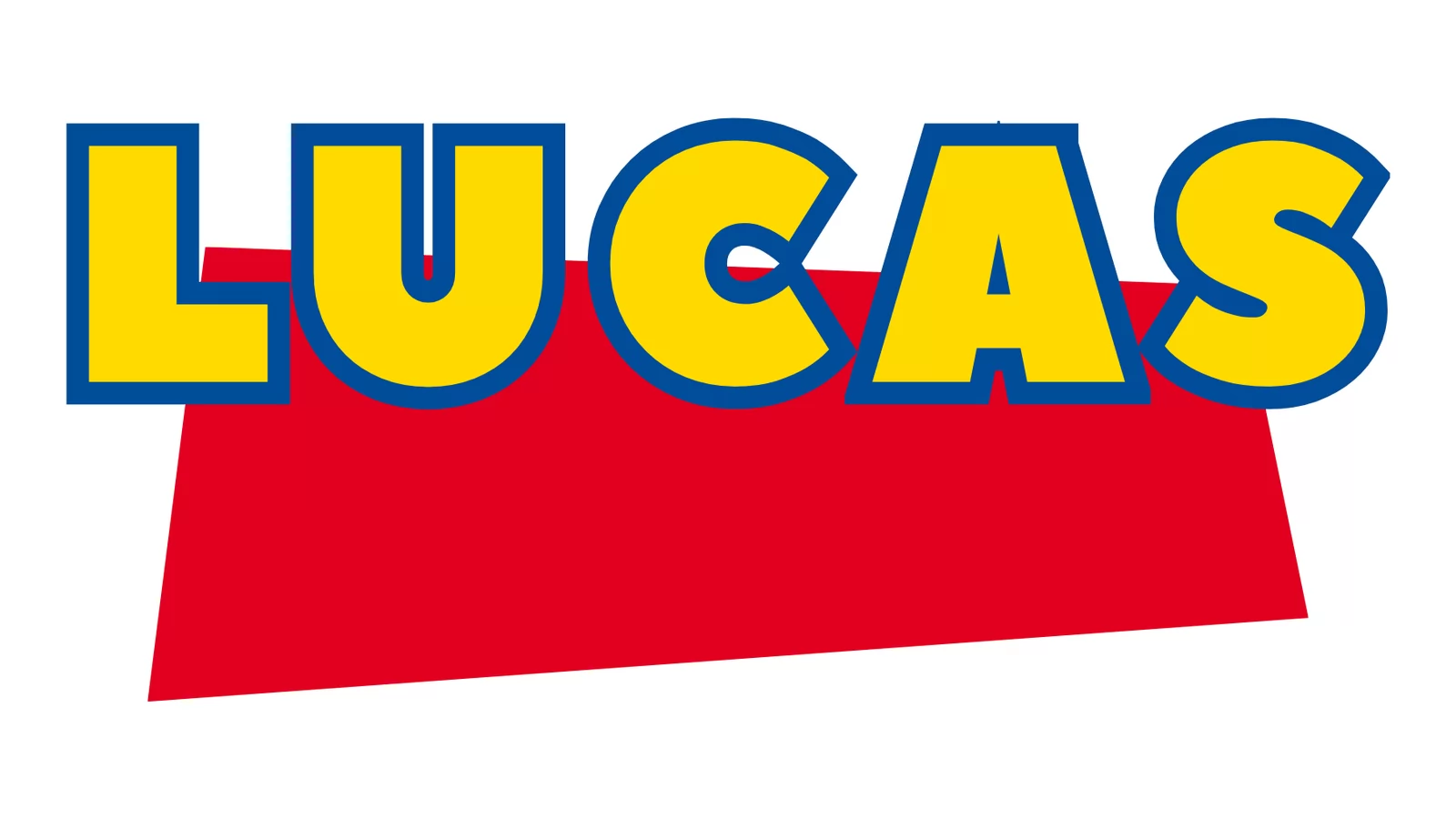
Search for the Toy Story font and you get a long list of downloads that all look slightly wrong. That is not bad luck. The Toy Story logo is not one typeface, it is two, and most download pages only ever hand you an approximation of one of them.
The useful news is that you may already own the other half, properly licensed, without knowing it.
This guide separates the two, says exactly what you may do with each (this is where most pages are vague), lists the four ingredients that actually make the look read as Toy Story, and shows how to get there without installing anything. Every image below comes from the Toy Story font generator of TextStudio.
The logo is two typefaces, not one
The word "TOY" is the big, chunky, rounded lettering everyone pictures. It was drawn for the film. It has never been released as a typeface, so there is no legitimate file of it anywhere.
The word "STORY" is the small word inside the red shape, and it is a real, commercially available typeface: Gill Sans Ultra Bold. Eric Gill drew the Gill Sans family for Monotype in 1928; the Ultra Bold weight is the heavy one used here.
That split is why downloads disappoint. A file named "Toy Story font" gives you a lookalike of the custom half and nothing for the other, and the two halves are what make the composition work together.
Do you already have half of it?
Quite possibly, and this is worth two minutes before you download anything.
On a Mac, yes. Gill Sans UltraBold ships with macOS and has done for many versions, right through the current one. Open Font Book and type "Gill" before going anywhere else.
With Microsoft Office installed, yes. The Gill Sans MT family that Office bundles includes Gill Sans Ultra Bold and Gill Sans Ultra Bold Condensed, on Windows as well as Mac.
On plain Windows with no Office, no. Gill Sans is not a Windows system font. Checking the font folder of a Windows machine with no Office installed turns up no Gill Sans at all, in any weight. If that is your setup, this half is a paid font from Monotype, not something to grab from a download site.
So the honest answer to "is the Toy Story font free" is: half of it is already on your machine if you use a Mac or Office, and the other half was never a font to begin with.
The "TOY" half was never released, so what are the lookalikes?
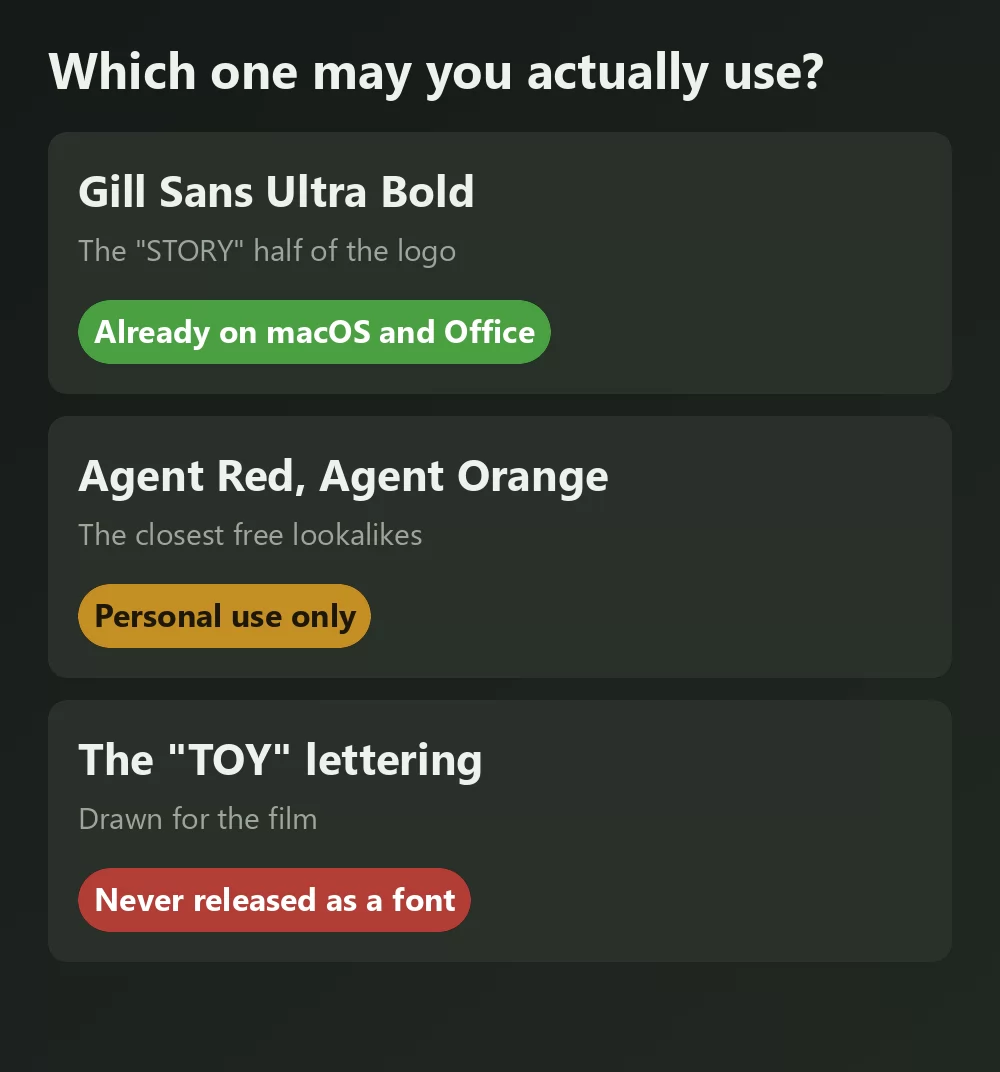
The names that come up again and again are Agent Red and Agent Orange by Pizzadude, and SF Slapstick Comic. They are close in spirit: heavy, rounded, cartoonish capitals with a bit of wobble.
The licence is the part to read, and almost nobody mentions it. Agent Red is listed on DaFont as free for personal use, with over 280,000 downloads. Personal use means your kid's party invitation, not a product you sell, not a client job, not a print run of shirts. If money is involved anywhere, you need the designer's commercial terms first.
There is no free lookalike here with a clean commercial licence in the way Monocraft covers Minecraft or Liberation Serif covers Times New Roman. This is a case where the honest answer is that the free options are personal use only.
A font licence is not a trademark licence
These are separate questions and they get conflated constantly.
Even if you own Gill Sans Ultra Bold outright, that licence covers the letters. It says nothing about Toy Story, which is a Disney and Pixar property, and neither does any lookalike font's licence. Setting a friend's name in the style for a birthday banner is the sort of personal use nobody has ever objected to. Selling merchandise that trades on the film's identity is a different matter entirely, and no font licence will cover you there.
The practical line: personalise for yourself and your family freely, and stop before anything you sell or use to promote a business.
What actually makes it read as Toy Story
This is the part the download pages skip, and it matters more than the exact font. Four things are doing the work:
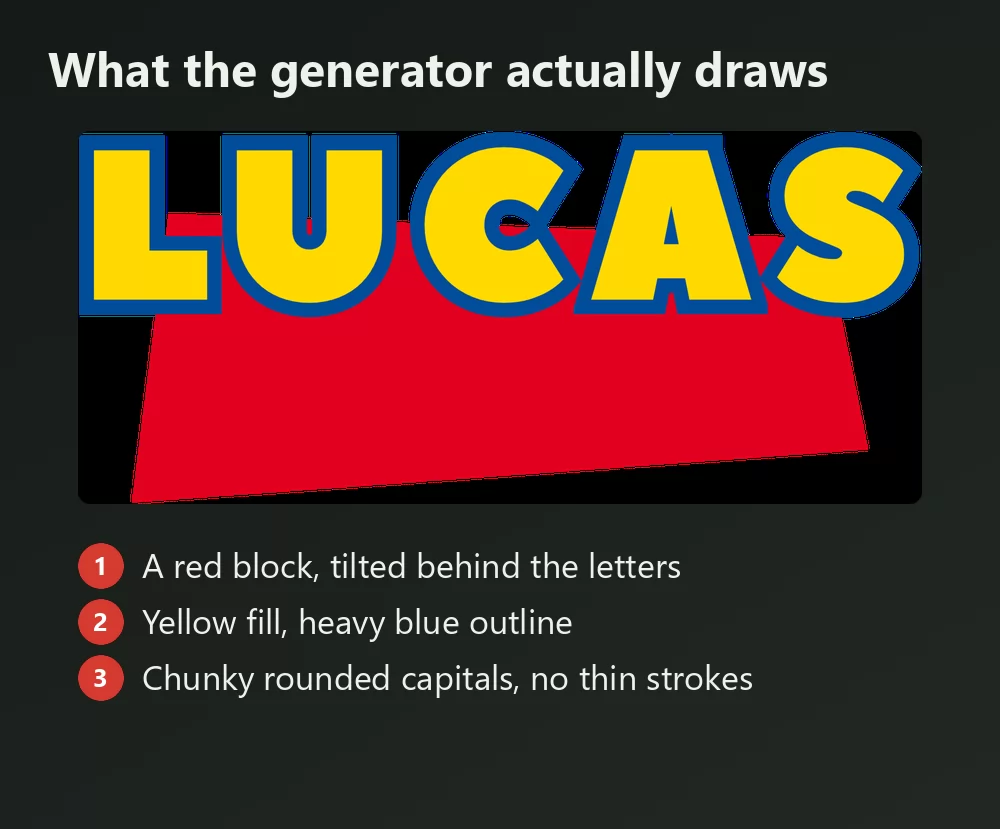
- A red quadrilateral tilted one way, sitting behind the title as a block of colour rather than a neat rectangle.
- The title tilted the opposite way, so the two angles oppose each other. That counter-tilt is most of the energy in the composition.
- Yellow fill with a heavy blue outline, the primary-colour pairing the whole franchise runs on.
- Letters set slightly askew, each one at its own small angle, as if arranged by a child rather than typeset.
Get those four right and the look lands even with an approximate typeface. Get the typeface exactly right and skip the counter-tilt, and it does not read as Toy Story at all.
One honest note about the image above: the generator gives you the tilted red block, the yellow fill and the blue outline, and it sets the text level. If you want the counter-tilt and the per-letter angles of the original, export the transparent PNG and rotate it a few degrees yourself. That last step takes about five seconds and it is the difference between close and right.
Making the look without installing anything
Installing a font only gives you letter shapes. It does not give you the outline, the fill, the tilted red block or the per-letter angles, and those are four of the four things listed above. Building them by hand means layer styles, a shape layer, and rotating every letter individually.
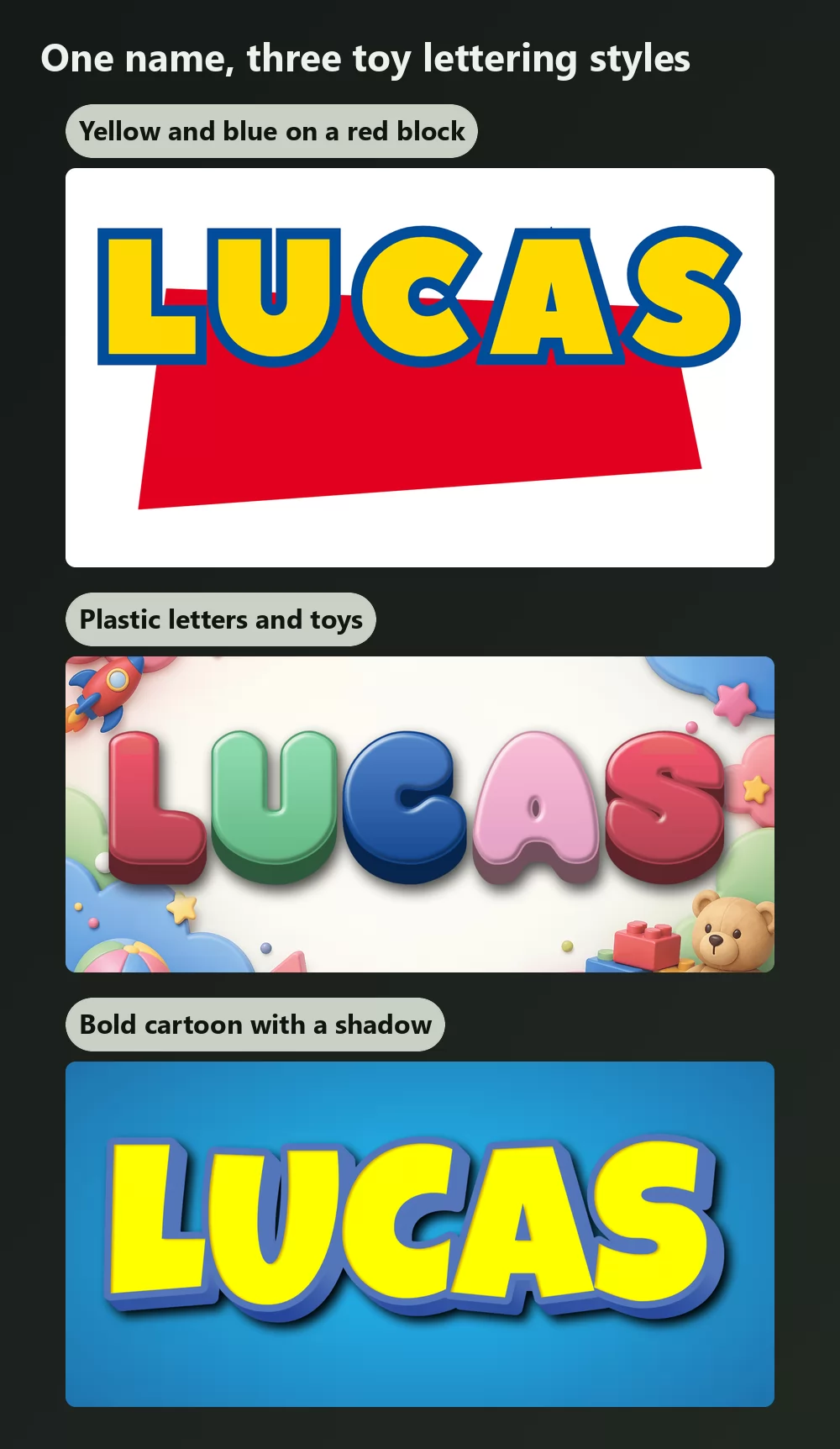
A generator does the whole treatment at once. Type a name, pick a style, download a PNG. It takes about ten seconds, nothing is installed, and the licence question around font files disappears, because you are not redistributing a font at all.
Two starting points:
- For the classic tilted composition, the Toy Story logo maker puts your text in yellow-and-blue lettering over the red block.
- For a softer birthday or nursery version, the 3D toy letters generator gives rounded plastic letters surrounded by toys.
Both export a transparent PNG, which is what you want for an invitation, a banner or a cake topper.
Open TextStudio and type a name to see it in the style straight away.
Frequently asked questions
What font is used in the Toy Story logo? Two. The word "STORY" is Gill Sans Ultra Bold. The word "TOY" is custom lettering drawn for the film and never released as a typeface.
Is the Toy Story font free to download? The custom half does not exist as a font at all. Gill Sans Ultra Bold is a commercial Monotype face, though it already ships with macOS and with Microsoft Office. The free lookalikes are personal use only.
What free font looks most like the Toy Story letters? Agent Red and Agent Orange by Pizzadude are the ones designers reach for most, along with SF Slapstick Comic. All are free for personal use, so check the terms before any commercial work.
Do I already have Gill Sans? On a Mac, yes. With Microsoft Office installed, yes. On Windows with no Office, no.
Can I use the Toy Story style on things I sell? The font licence and the trademark are separate. Toy Story belongs to Disney and Pixar, so a permissive font licence would still not cover merchandise trading on the film's identity.
What colours does the Toy Story logo use? Yellow letters with a blue outline, over a red block. Bright primaries throughout, which is a large part of why the look is recognisable at a glance.