
 Mia Hartley
Type a name, pick a style, download a PNG. That is the whole thing, and it takes about ten seconds.
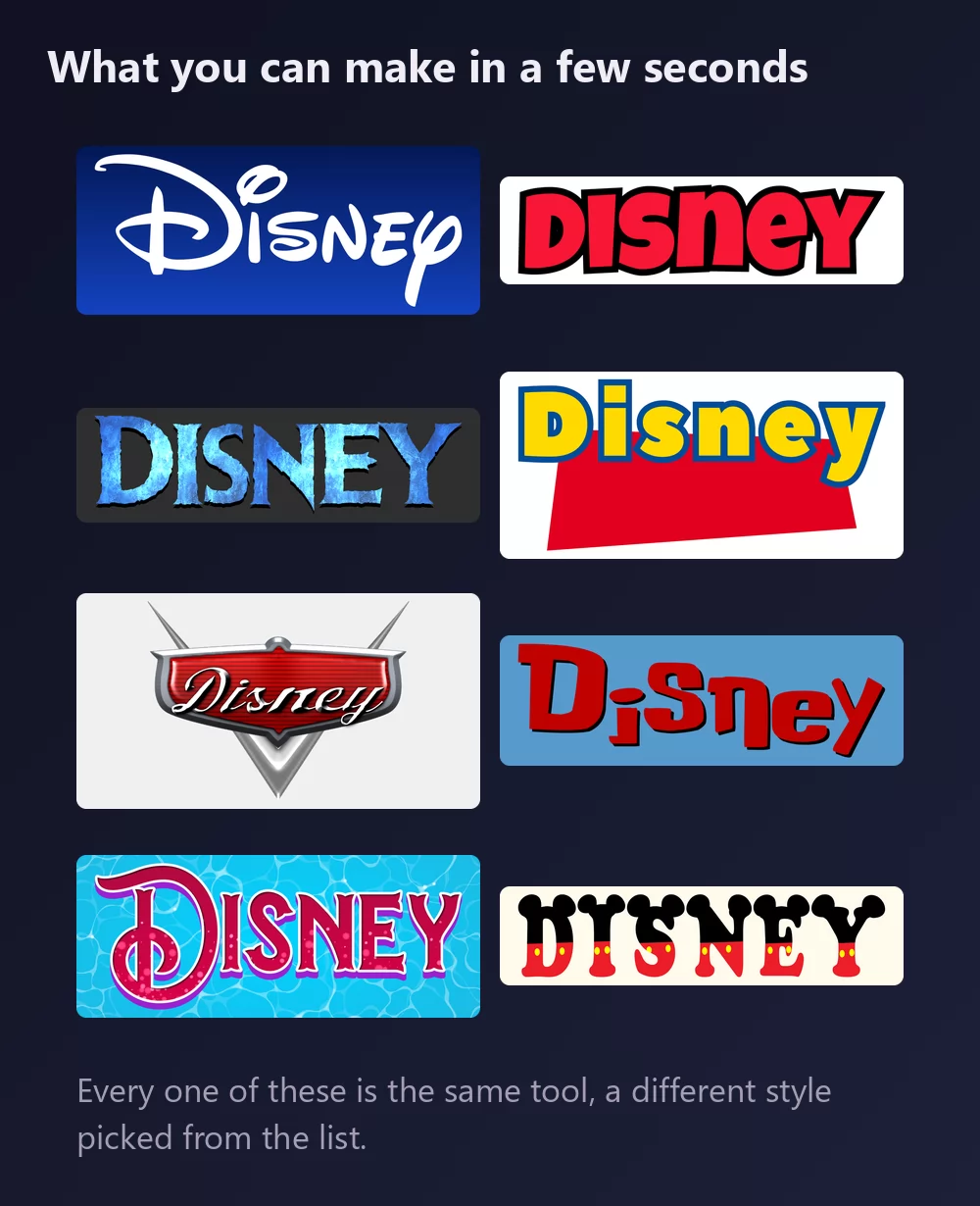
All of them come from the same Disney font generator, with a different style picked from the list. Nothing to install, no account.
About the Disney font
The Walt Disney Company was founded in 1923 by the brothers Walt and Roy O. Disney, and it has grown into one of the largest media companies in the world. Mickey Mouse, its best-known character, is the official mascot.
The lettering in the logo is a stylised version of Walt Disney's signature. It has served as the corporate logo since 1956, and it was never released as a typeface: there is no official file to install. The font everyone downloads instead is Waltograph, drawn by Justin Callaghan to match the logotype. It comes in two variants: Waltograph 42, with uppercase and lowercase letters plus a few ligatures and alternates, and Waltograph UI, a unicase cut made to stay legible at small sizes and on screens. Both are free for personal use.
How to make Disney text
Step 1. Type the name
Open the generator and replace the sample text with yours: a child's name, a party title, a family name for a trip shirt. The letters redraw as you type. Keep it in title case: the signature style is a script, and a word in capitals loses the tall looped D that makes it read as Disney.
Step 2. Pick a style
The classic is the white signature script on a royal blue gradient. The Styles tab lets you change the fill, the outline and the shadow separately, so you can keep the letterforms and take the colours somewhere else: gold on navy for a wedding, pink for a princess party.
Step 3. Pick the shape
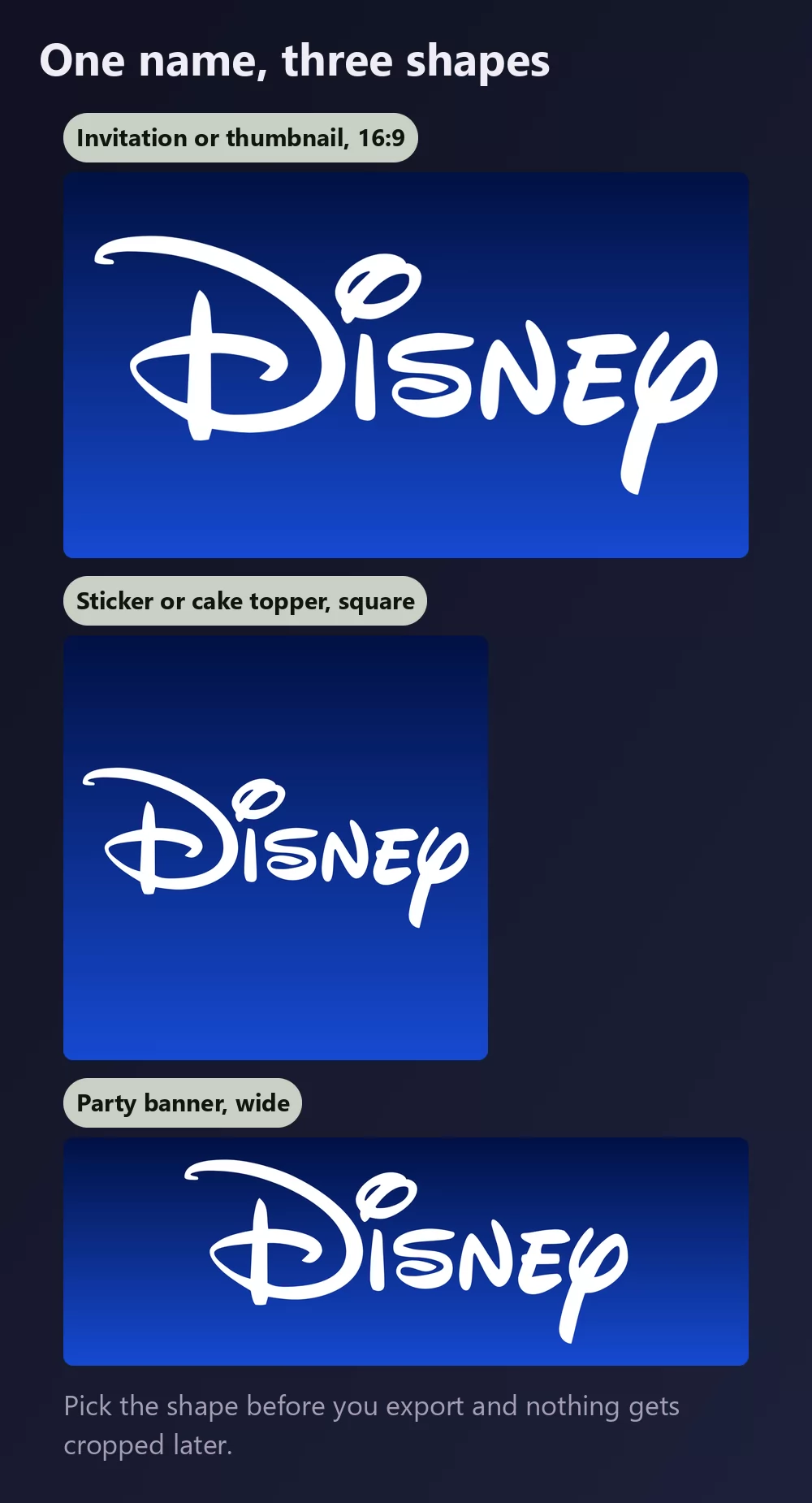
Set the shape before you export and nothing gets cropped afterwards. A 16:9 for an invitation or a video thumbnail, a square for a sticker or a cake topper, a wide strip for a banner across a wall.
Step 4. Download
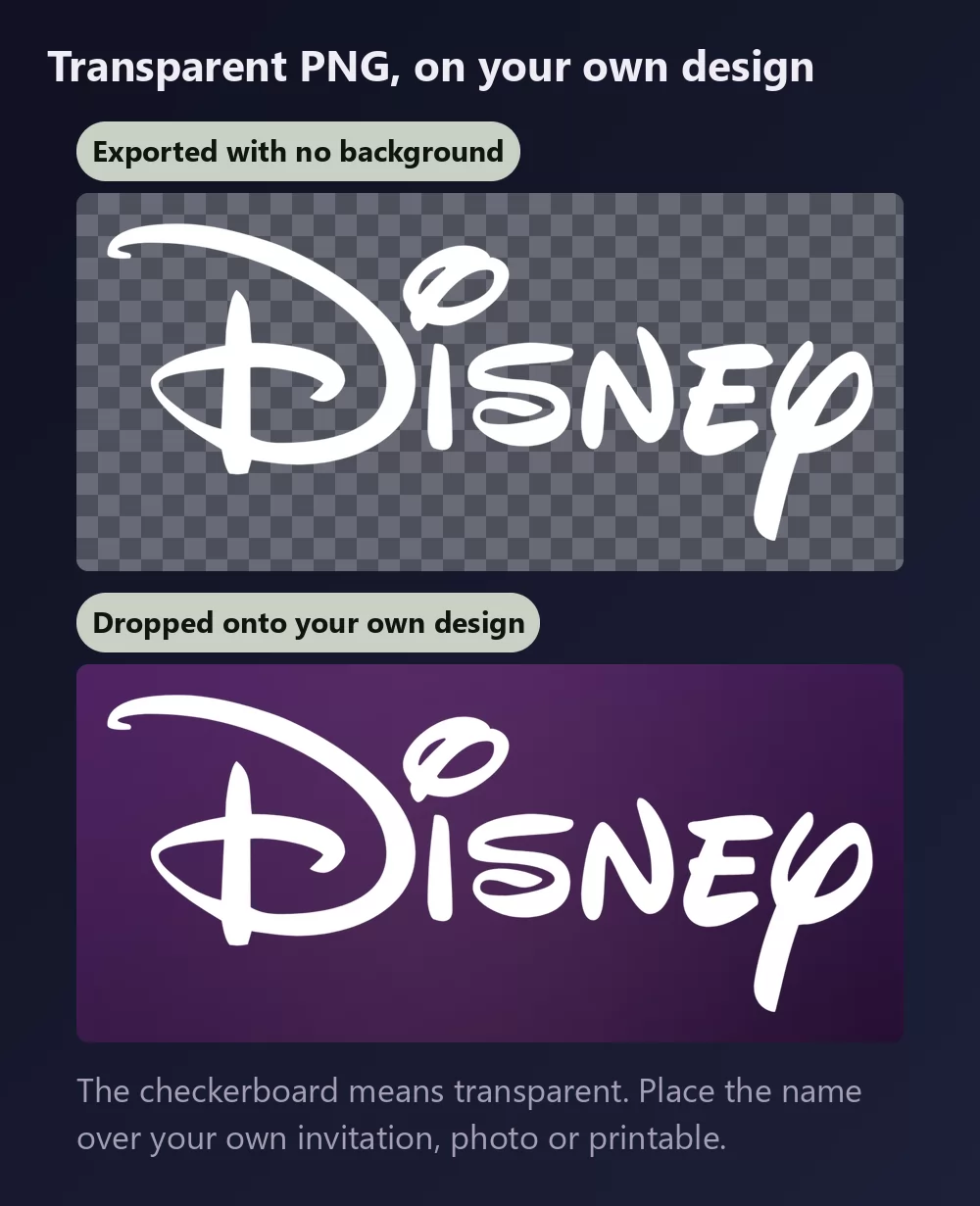
In the Download tab, take the transparent PNG if you plan to put the name onto your own design. This is the option most people miss, and for party printables it is the one that matters: your own background, the name on top, no blue box around it.
Long names fill the width fast
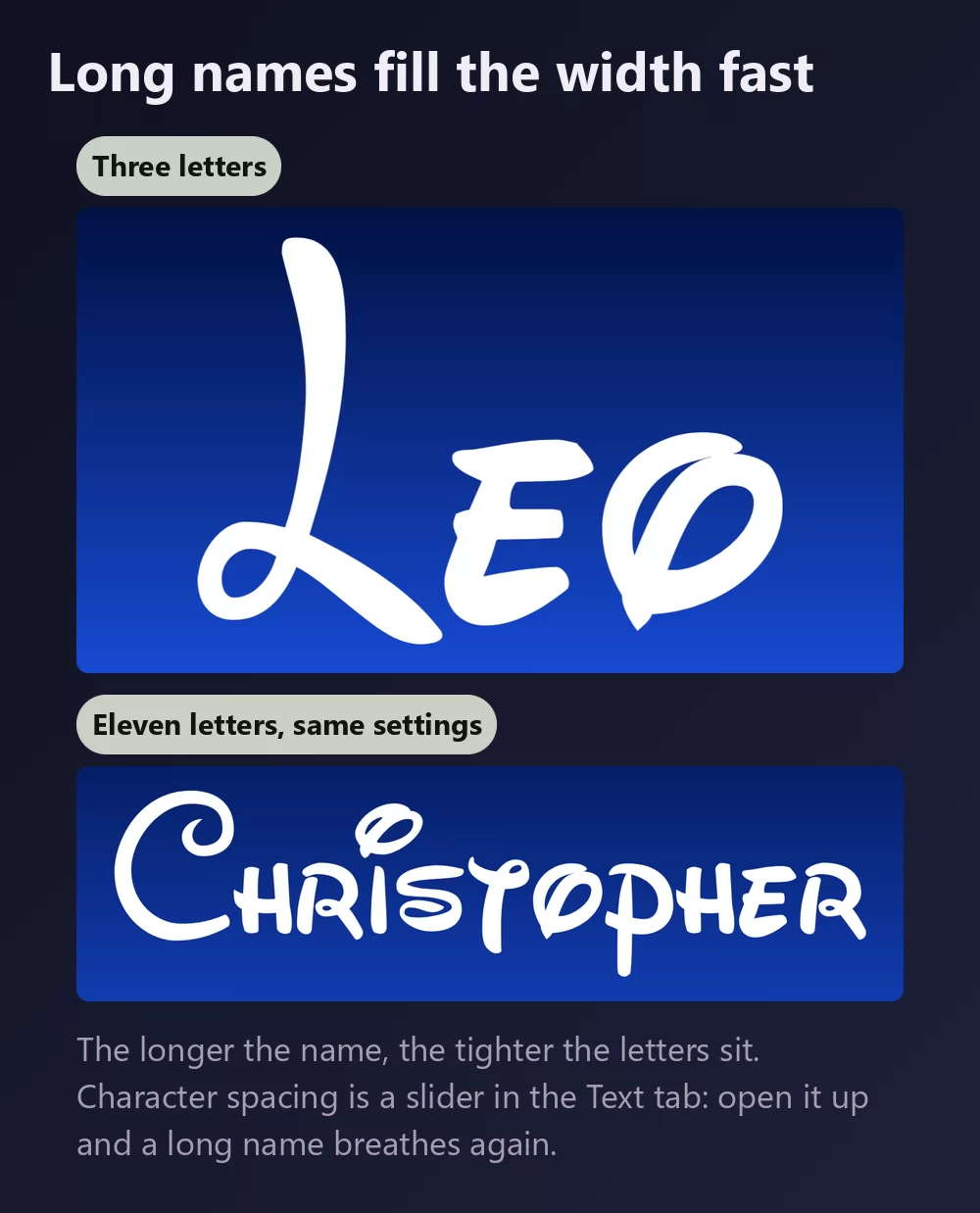
The more letters there are, the tighter they sit. Character spacing is a slider in the Text tab: open it up a little and a long name stops looking cramped. The same tab holds zoom, line height, curve and rotation.
The signature look, or the Mickey look
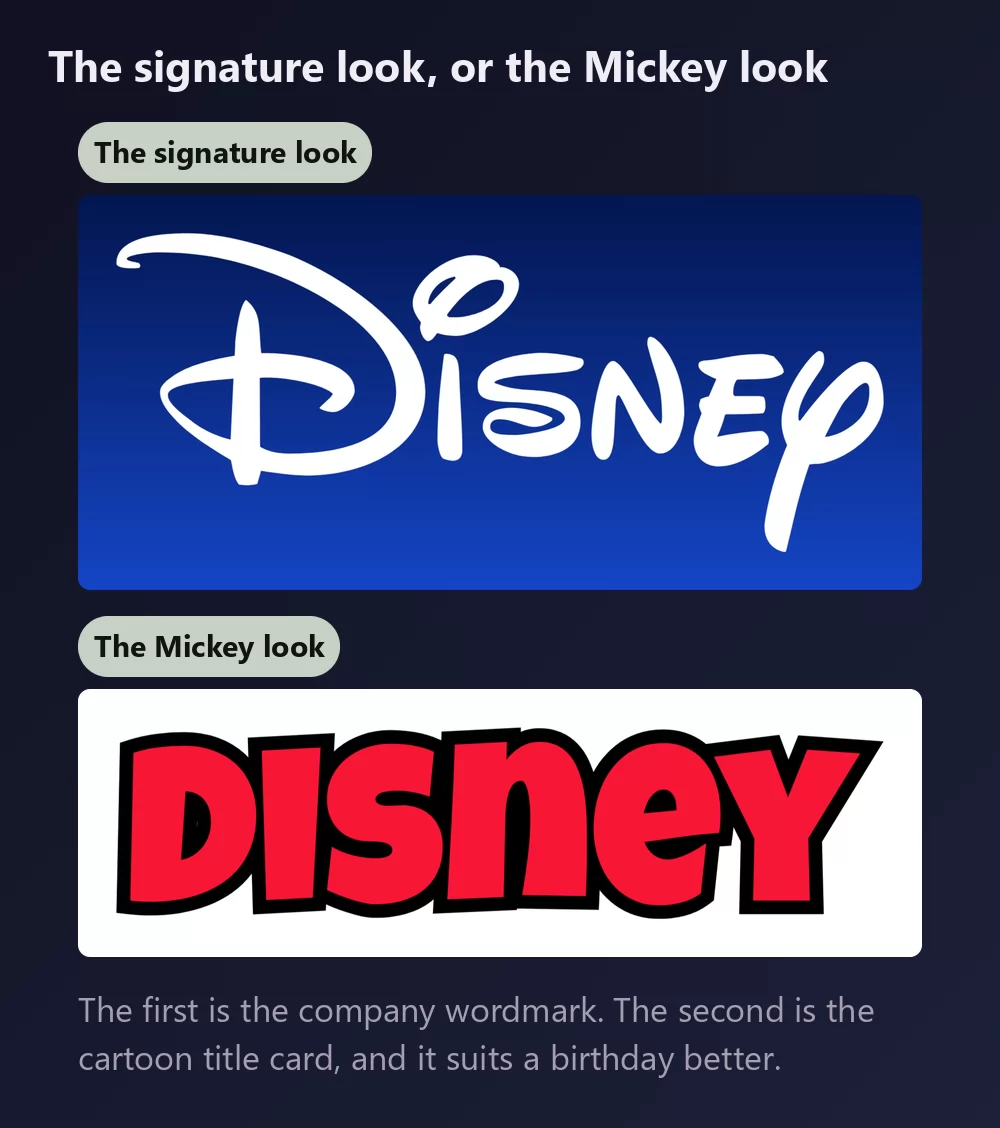
The signature look is the company wordmark: a flowing script with the tall looped D, white on blue. That is what most people picture when they say "the Disney font".
The Mickey look is the cartoon title card: chunky red capitals with a black outline, the lettering of the Mickey Mouse shorts. It carries no company branding, it reads from across a room, and for a first birthday it usually works better than the signature does. The Mickey Mouse font generator has it as a preset.
Which font, if you want to install one
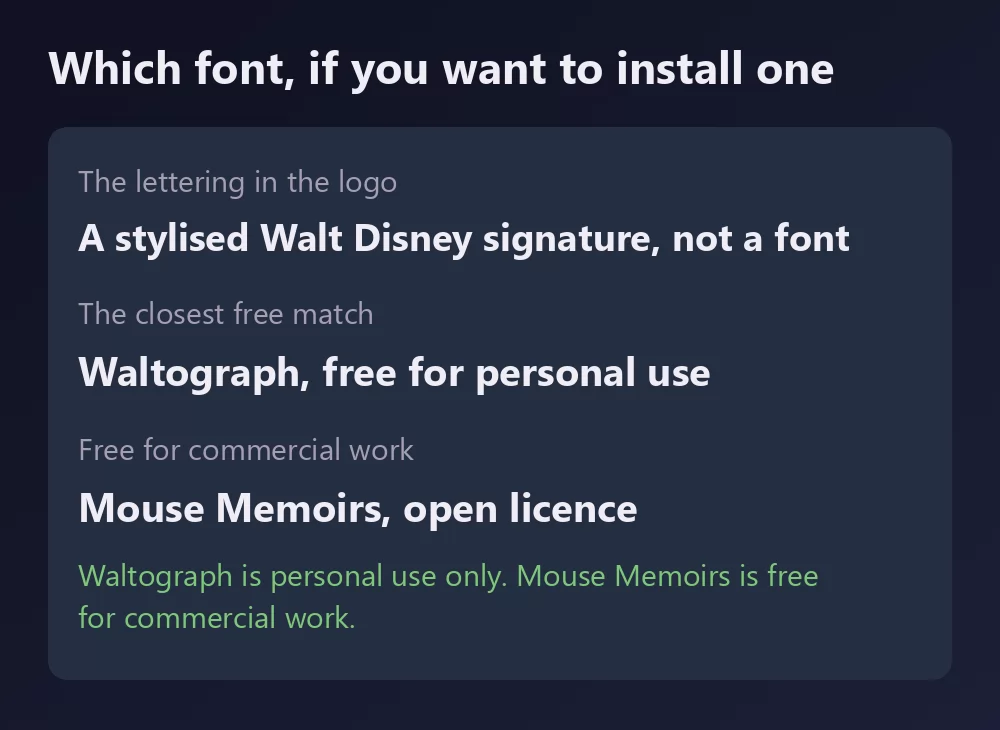
The logo itself is not a font. It is a piece of custom lettering, so any file named "Disney font" is somebody's recreation of it.
Waltograph, by Justin Callaghan, is the recreation everyone uses. It has been on DaFont for about twenty years and has passed thirteen million downloads there. The download holds two files, waltograph42.otf and waltographUI.ttf, and it is listed as free for personal use. Personal use means your child's party invitation or a family trip shirt, not a product you sell.
New Waltograph, by 538Fonts, is a reworked version on FontSpace, where it is the most downloaded Disney style font. FontSpace lists it as 100% free, which on that site includes commercial use. Read the readme inside the download before relying on it for a client job.
Mouse Memoirs, by Astigmatic, is the one to reach for when the licence has to be clean. It has been on Google Fonts under the Open Font License since 2012, which makes it free for commercial work. It is not a copy of the signature: it is a tall, hand-lettered sans in the spirit of the early cartoons, and it pairs well with the signature style on a poster or a menu.
Disney fonts by film and character
The company logo is one thing. Each film has its own title lettering, and most of the search results for "Disney font" are really lists of those. The same generator has a style for most of them, each on its own page:
- Mickey Mouse font : chunky red capitals with a black outline
- Minnie Mouse font : pink polka dots and a bow on every letter
- Frozen font : icy blue capitals with frost on the edges
- Toy Story font : yellow letters with a blue outline over a red block, and we have a full Toy Story guide
- Cars font : a chrome badge with a red script, straight off a hood
- Lilo and Stitch font : hand-drawn red letters on blue
- Little Mermaid font : an ornate purple serif over water
- Winnie the Pooh font : red letters with a yellow edge, in the woods
- Lion King font, Peter Pan font, Monsters Inc font, Moana font, Tangled font, Encanto font, Coco font and Finding Nemo font
The whole set sits on the Disney text effects page, with the characters' own alphabets: letters wearing Mickey's ears and shorts, Donald's sailor suit, the princesses' colours.
How to make Disney text in Canva
Canva does not carry Waltograph, and nothing in its library reads as the signature. Make the lettering as a transparent PNG and upload it: it drops straight into a Canva design and stays sharp at print size, which matters for an invitation.
If you work in Canva often, you can also use TextStudio effects inside Canva and skip the upload.
How to make Disney text in Photoshop
Install Waltograph, type the name in title case, then build the treatment with layer styles:
- Colour overlay in pure white.
- Drop shadow, soft, dark blue, low opacity, so the script lifts off the background without a hard edge.
- A gradient on the layer behind, light royal blue at the top to deep navy at the bottom.
No stroke. The signature has no outline, and adding one is the quickest way to make it look like a knock-off.
How to make Disney text in Word
Install Waltograph, type the name, and keep it in title case. Word can fill the letters and add a soft shadow, and that is really all the style needs. A gradient page background prints badly, so for anything you will hand out, an exported PNG on your own background will look better.
On your phone
You cannot install a font and use it in most apps, on iOS or Android. The generator runs in the phone browser: make the PNG on the phone, save it to the gallery, and add it in whatever app you were using.
Is the Disney font free?
The logo lettering is not a font at all. Waltograph, the usual download, is free for personal use only. Mouse Memoirs is free for anything, commercial work included.
And there is a second question underneath, which gets conflated with the first constantly: a font licence is not a trademark licence. Even a font you may use commercially says nothing about the name Disney, which is one of the most actively defended trademarks there is. Setting your child's name in the style for a birthday banner is the sort of personal use nobody has ever objected to. Selling shirts, prints or party kits that trade on the brand is a different matter, and no font licence will cover you there.
Open TextStudio and type a name to see it in the style straight away.
More fonts and styles to try
If you came here for a character font, these cover the same ground:
- Toy Story font generator : the Pixar cousin, yellow letters over a tilted red block
- Pokemon font generator : the same solid and hollow lettering, in a different palette
- Minecraft font generator : blocky letters, and the same transparent PNG workflow
- SpongeBob font generator : the same bold cartoon capitals, softer
- Fortnite font generator : heavy condensed capitals, and the same thumbnail workflow
- Spiderman font generator : jagged capitals with a thick outline, plus a webbing texture
- logo fonts : why a film or game logo is almost never a font you can install
Frequently asked questions
What font is the Disney logo? None. It is a stylised version of Walt Disney's signature, drawn as custom lettering and never released as a typeface. Waltograph is the closest recreation.
Is Waltograph free? Free for personal use. It is not licensed for commercial work.
Is there a Disney style font I can use commercially? Mouse Memoirs, on Google Fonts under the Open Font License. It is Disney in spirit rather than a copy of the signature.
What is the difference between Waltograph 42 and Waltograph UI? Waltograph 42 has uppercase and lowercase with ligatures and alternates. Waltograph UI is unicase and drawn to stay legible small and on screens.
Should I type in capitals? No. The signature is a script, and its character comes from the tall looped D and the lowercase letters. Capitals lose it.
Can I use the Disney style on things I sell? The font licence and the trademark are separate questions. Disney defends its name actively, so a permissive font licence would still not cover merchandise trading on the brand.
How do I get a transparent background for an invitation? Choose the transparent PNG in the Download tab, then place the name over your own paper, photo or printable.