
 Mia Hartley
Type a name, pick a style, download a PNG. That is the whole thing, and it takes about ten seconds.
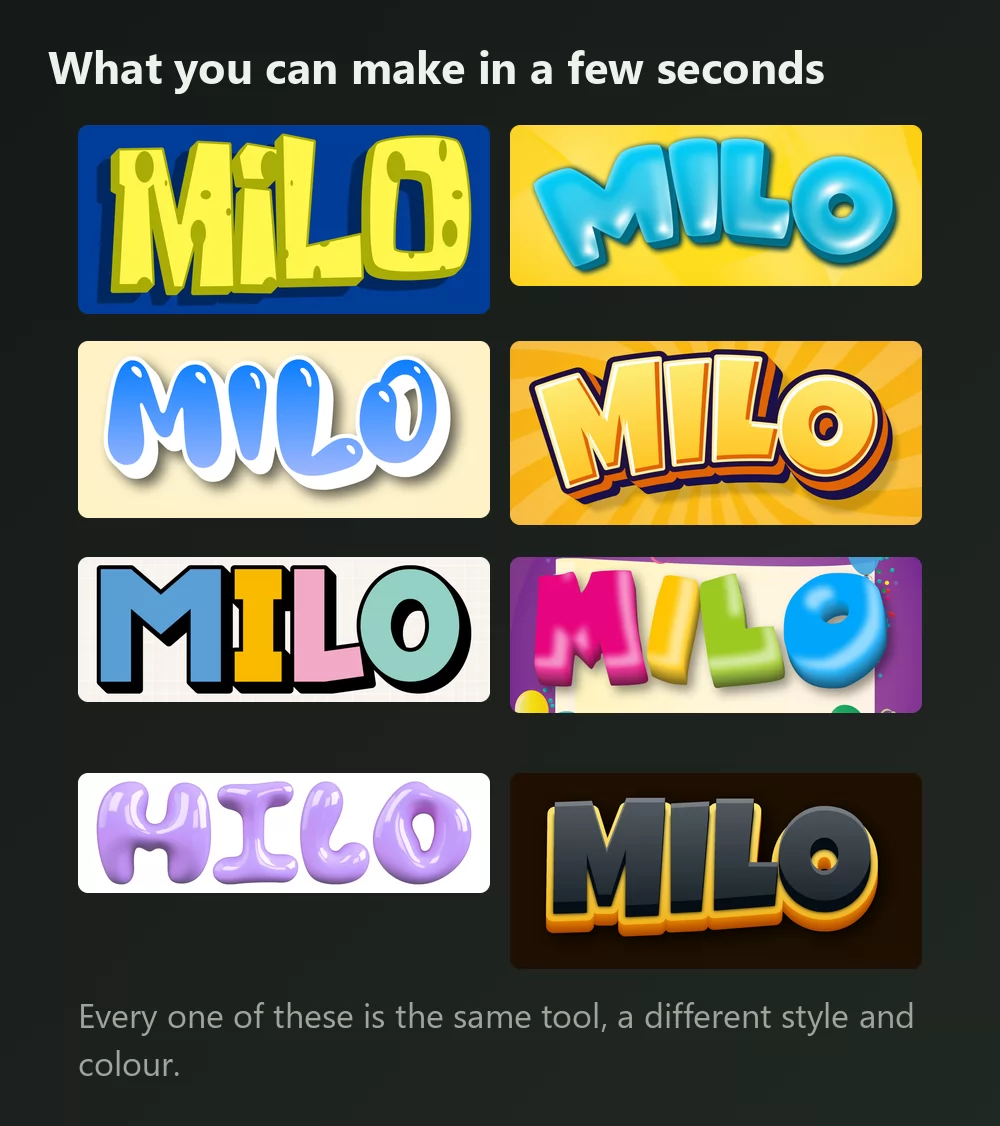
Every one of those is the same SpongeBob font generator, with a different style picked from the list. Nothing installed, no account.
How to make SpongeBob text
Step 1. Type the name
Open the generator and replace the sample text with your own: a name, a party, a channel, a title. The letters redraw as you type.
Step 2. Pick a style
The show look is the yellow sponge texture with holes and a heavy dark outline. It is the one people picture, and it is the loudest of the set. The Styles tab lets you change the fill, the outline and the shadow separately, so you can keep the shape and take the volume down.
Step 3. Choose the shape
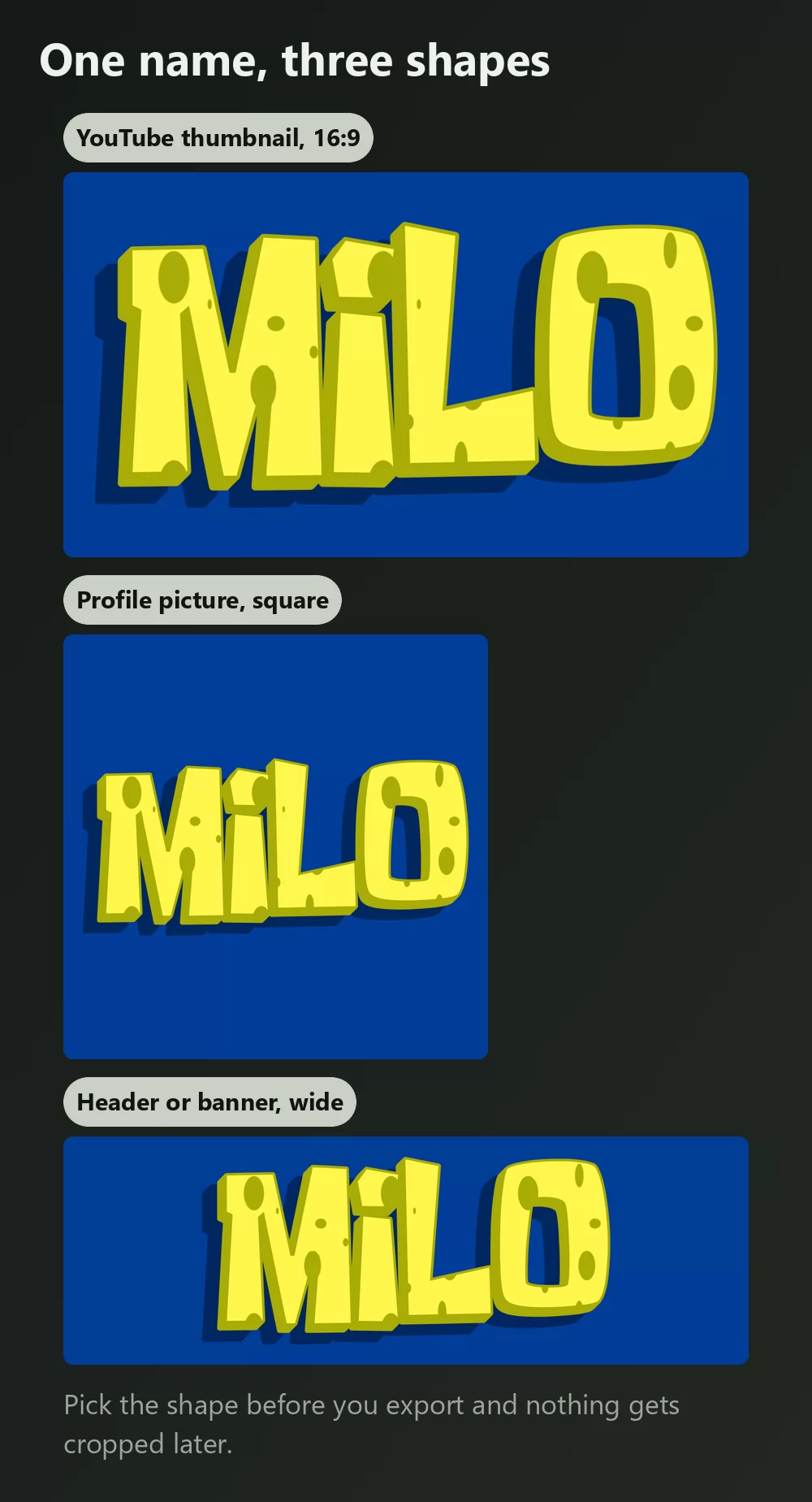
Set the format before you export and nothing gets cropped afterwards. A 16:9 frame for a video thumbnail, a square for a profile picture, a wide strip for a party banner.
Step 4. Download it
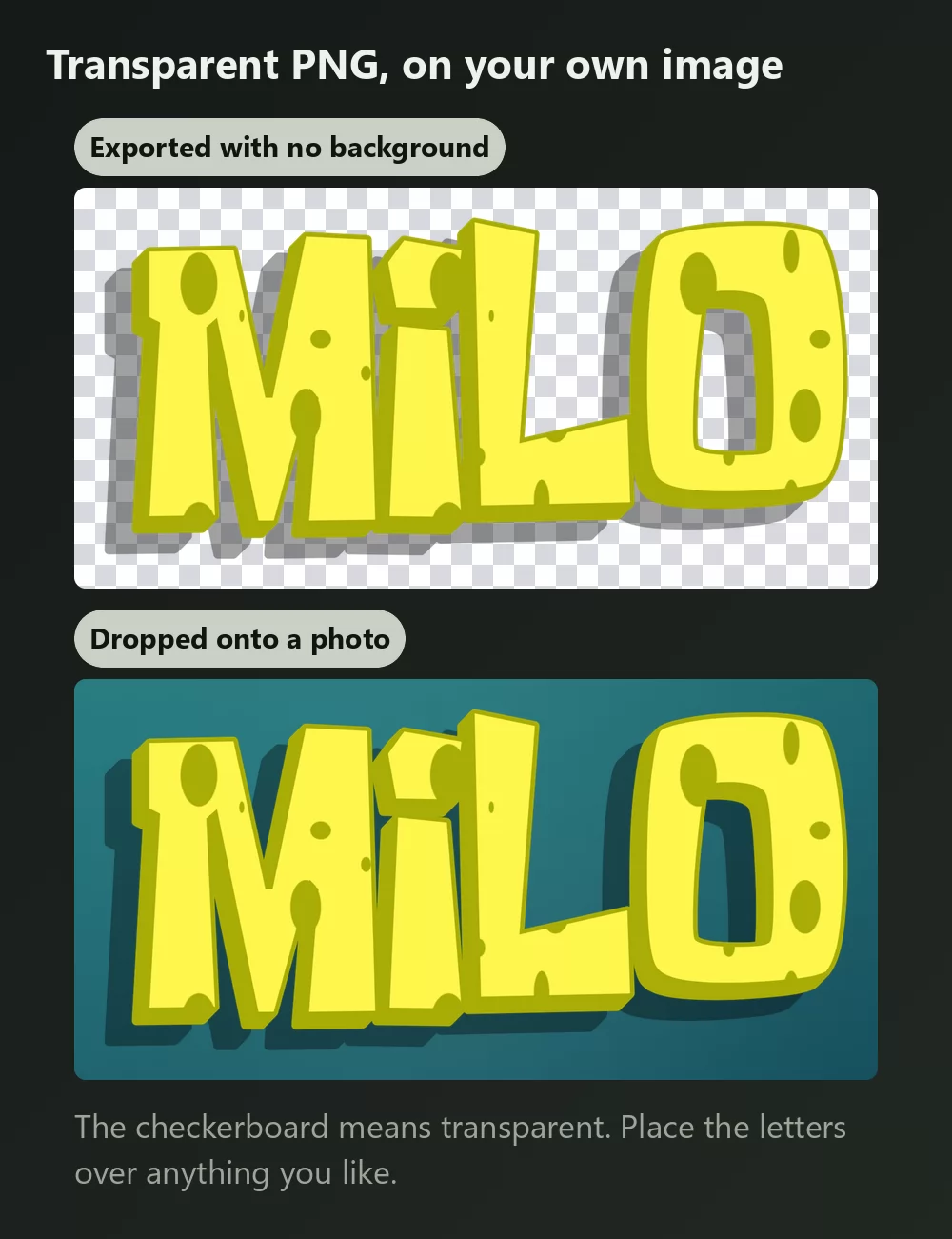
In the Download tab, take the transparent PNG if you plan to put the letters over your own photo, screenshot or invitation. That is the option most people miss, and it is the one that makes the result look made rather than pasted.
Long names fill the width fast
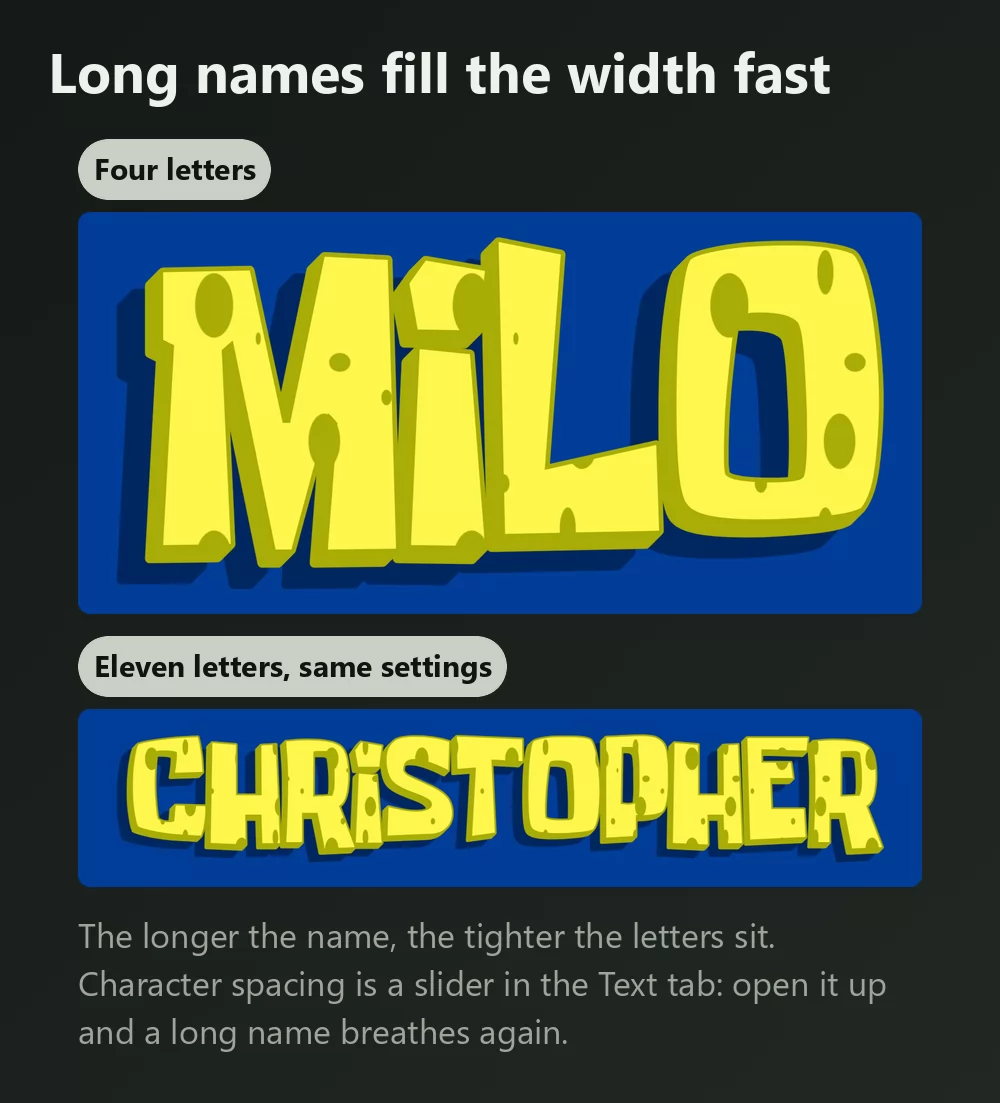
The more letters, the tighter they sit. Character spacing is a slider in the Text tab: open it a little and a long name stops feeling cramped. The same tab has zoom, line height, curve and rotation.
Two looks, two jobs
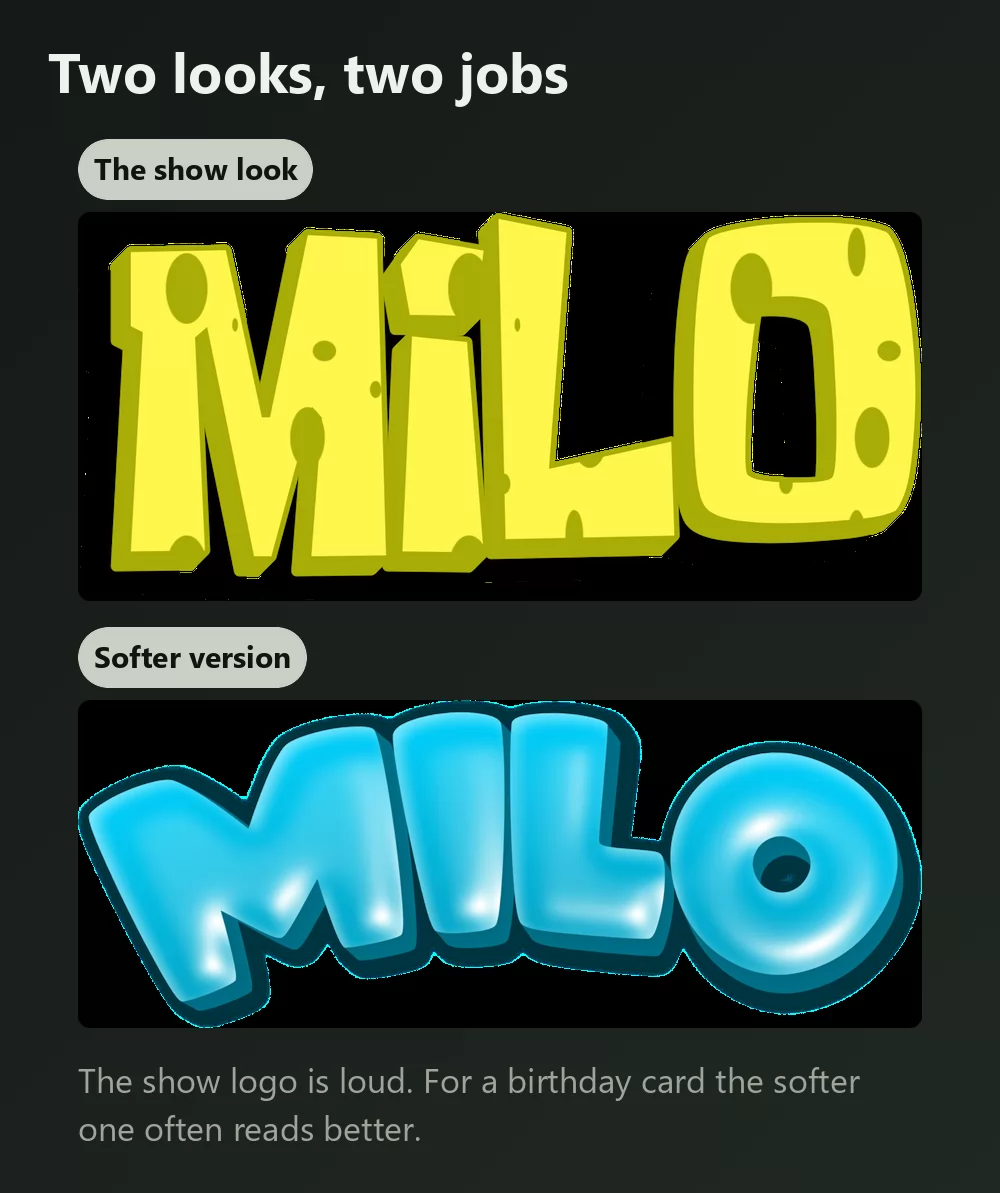
Worth deciding before you start, because they suit different things.
The show look is right for a thumbnail, a poster or anything that has to compete for attention.
A softer bubble version usually reads better on a birthday card or an invitation, where the show logo can feel shouty next to the rest of the layout. Same idea, less volume.
Which font, if you want to install one
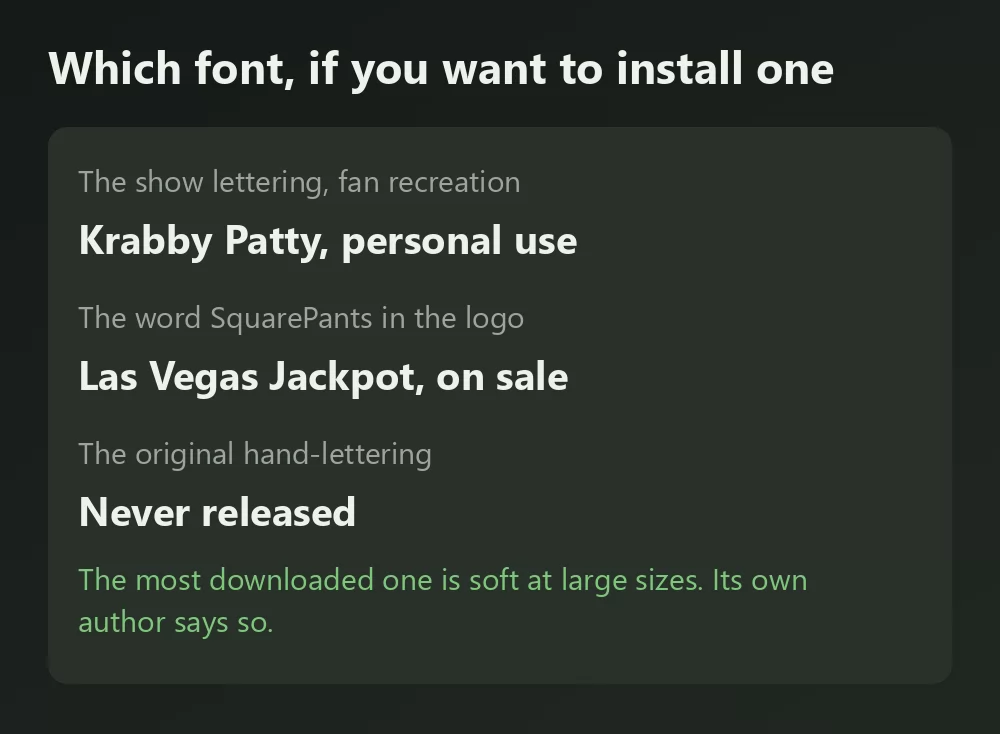
The logo is actually two typefaces, which is why no single download ever matches it.
"SpongeBob" is custom hand-lettering drawn for the show by its creator Stephen Hillenburg, known internally as Spongeboy TT1. It was never released, so everything free is a fan recreation.
"SquarePants" is a real typeface you can buy: Las Vegas Jackpot by Ken Barber for House Industries, with the capital Q's diagonal replaced by a flat bar.
The most downloaded recreation comes with a warning from the person who made it. Krabby Patty by Seil has passed 708,000 downloads on DaFont. Its author explains that the glyphs were auto-traced from low-resolution game textures, says outright that it does not scale nicely, and points people to Spongeboy Me Bob or Some Time Later instead. If your text is small it is fine. At title size the tracing shows: edges go soft and lumpy exactly where the letters are biggest.
That is also the honest reason to use a generator for a title. A font gives you letter shapes; the sponge texture, the holes, the outline and the shadow are effects built on top.
How to make SpongeBob text in Canva
Canva has no SpongeBob font in its library, and installing one is not possible on the free plan. The way round it is to make the lettering as a transparent PNG and upload it: it drops straight into a Canva design and stays sharp.
If you work in Canva often, you can also use TextStudio effects inside Canva and skip the upload.
How to make SpongeBob text in Photoshop
Install a recreation such as Krabby Patty, type your text, then rebuild the treatment with Layer Styles:
- Stroke, set to Outside, in a very dark blue or black, thick.
- Color Overlay in the yellow, or a subtle gradient for a bit of depth.
- Drop Shadow, offset down and right, fairly tight.
The sponge holes are the part a font will not give you. In the show they are drawn into each letter, so recreating them means painting soft ellipses on a layer above and clipping them to the text.
How to make SpongeBob text in Word
Install the font, type your text, then use Text Effects for the outline and shadow. Word's effects are much coarser than an image editor's, so for anything you are printing, an exported PNG will look better than what Word can build.
On your phone
You cannot install a font and use it in most apps on iOS or Android. The generator runs in the phone browser, so the practical route is to make the PNG on the phone, save it to the camera roll, and add it in whatever app you were using.
Is the SpongeBob font free?
The fan recreations are free to download and generally free for personal use: a party invitation, a school project, a name on your own wallpaper. Terms differ from one to the next, so read the file that comes with the download before any paid work. Las Vegas Jackpot, the "SquarePants" half, is a normal commercial font you license like any other.
Note too that a font licence says nothing about SpongeBob SquarePants itself, which is a trademark of Nickelodeon and Paramount. Using the generator sidesteps the font-file question, because you download an image rather than redistribute a font.
Open TextStudio and type a name to see it in the style right away.
Frequently asked questions
What font is the SpongeBob logo? Two. "SpongeBob" is custom hand-lettering by Stephen Hillenburg, never released. "SquarePants" is Las Vegas Jackpot by House Industries, with a modified capital Q.
How do I make text in the SpongeBob font? Type it into a SpongeBob text generator, pick a style, and download a PNG. Ten seconds, nothing installed.
Why does the free SpongeBob font look blurry when I make it big? Because of how it was built. Krabby Patty's own author explains that its glyphs were auto-traced from low-resolution game textures, and recommends Spongeboy Me Bob or Some Time Later for larger sizes.
How do I get a transparent background? Choose the transparent PNG in the Download tab, then place the letters over your own image.
Can I get the sponge holes with just a font? No. The holes are part of the artwork, not the letter shapes. A generator applies them for you; in Photoshop you would paint them on a clipped layer.
Can I use it on things I sell? The font licence and the trademark are separate questions, and the trademark is the one that matters. Keep it to personal use unless you have checked Nickelodeon's guidelines.