
 Mia Hartley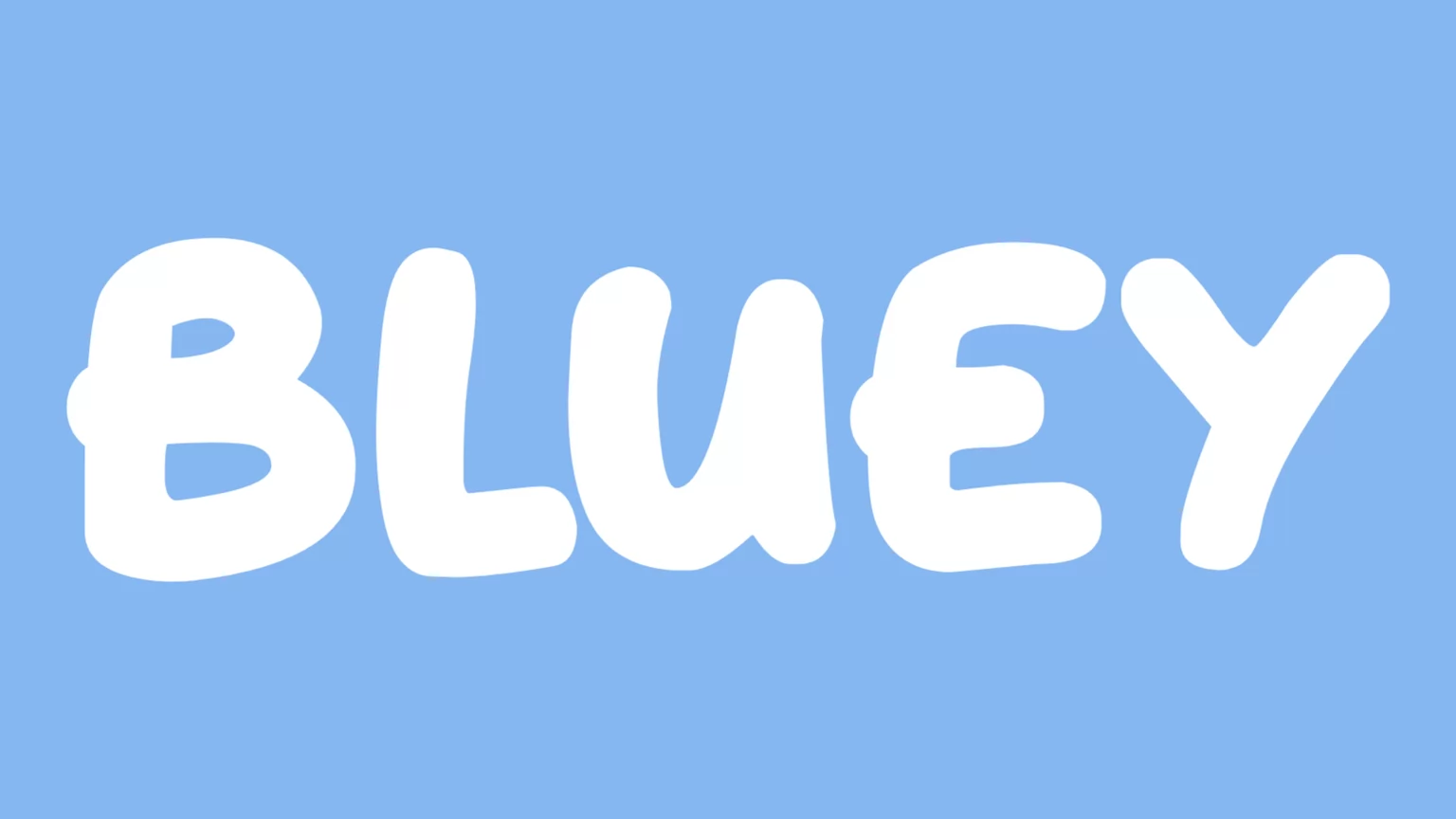
Type a name, pick a style, download a PNG. That is the whole thing, and it takes about ten seconds.
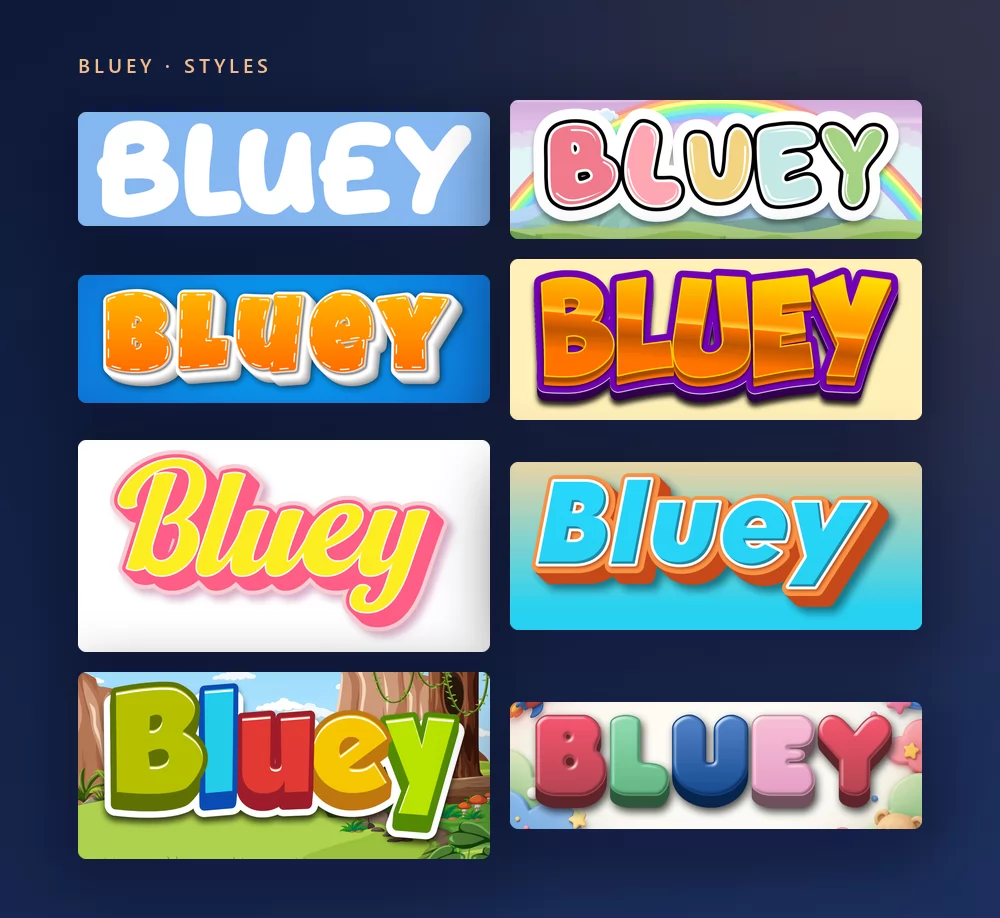
All of them come from the same Bluey font generator, with a different style picked from the list. Nothing to install, no account.
About the Bluey font
Bluey is an Australian animated series for preschoolers, created by Joe Brumm and produced by Ludo Studio in Brisbane. It first aired on ABC Kids in 2018 and went round the world through BBC Studios and Disney+. It follows Bluey, a six-year-old Blue Heeler puppy, her little sister Bingo and their parents Bandit and Chilli, through games of make-believe that somehow land a life lesson for the adults watching too.
The logo of the series is custom lettering: chunky, rounded, bouncing capitals that were drawn for the show and never released as a typeface. The font used everywhere else, in the title card, the credits and the official website, is Hello Headline, designed by Veneta Rangelova and published by DearType. When Bluey: The Videogame arrived in 2023, "The Videogame" under the logo was set in Hello Headline too. It is a commercial font.
For free fonts with a similar look, the sites that rank on this query all point to the same three: Blue Custard by rockcake, and Lovely Bubbles and Magical Markers by Darrell Flood. Heyam by FG Studios is the other close commercial match.
How to make Bluey text
Step 1. Type the name
Open the generator and replace the sample text with yours: a child's name, "Happy Birthday", a classroom label. The letters redraw as you type. The style sets everything in capitals on its own, the way the logo is.
Step 2. Pick a style
The classic is chunky white rounded capitals on sky blue. The Styles tab lets you change the fill, the outline and the shadow separately, so you can keep the bouncy letterforms and take the colours somewhere else: orange for a Bingo party, a pale pink, a rainbow.
Step 3. Pick the shape
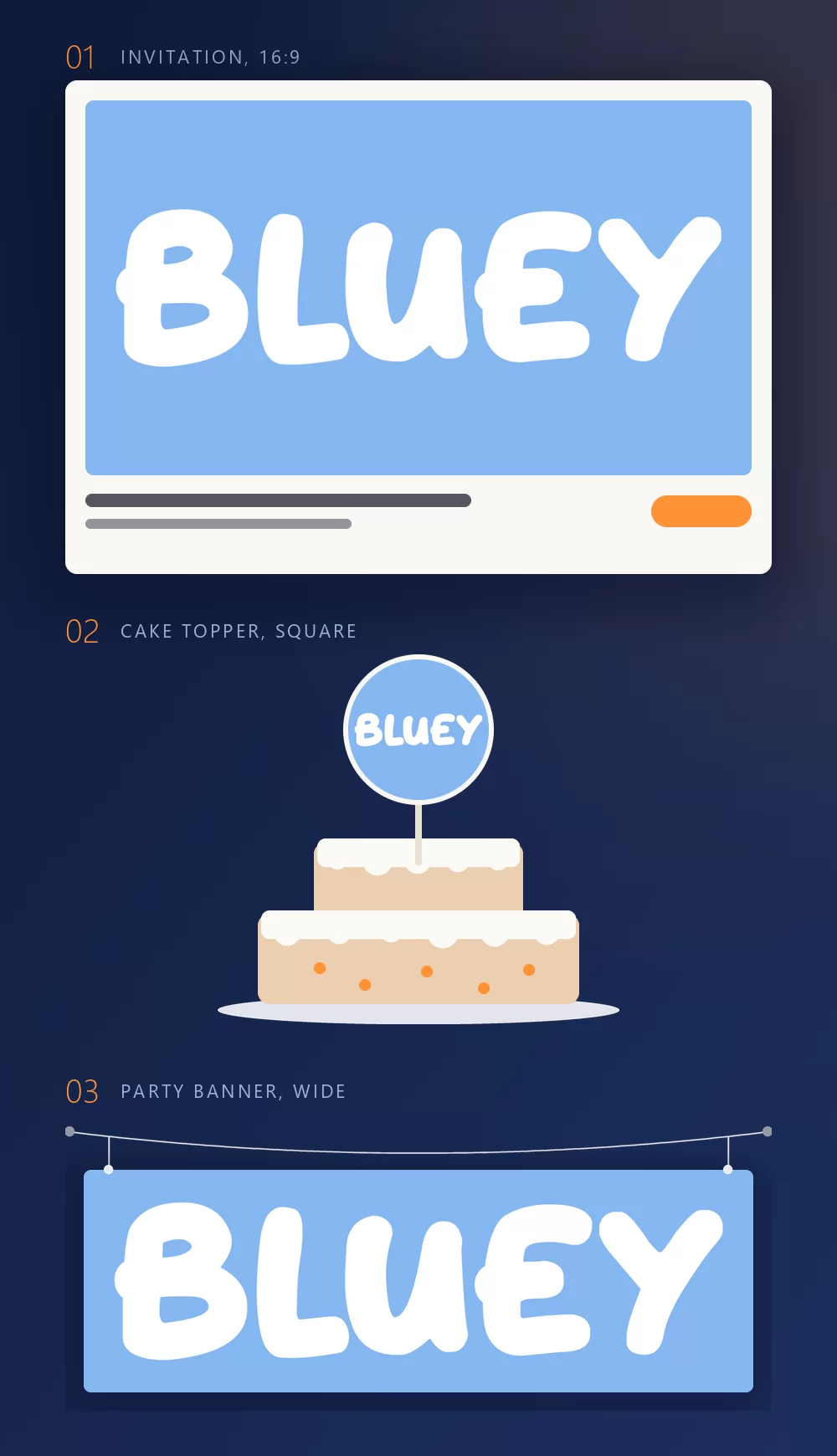
Set the shape before you export and nothing gets cropped afterwards. A 16:9 for an invitation, a square for a cake topper or a cupcake pick, a wide strip for a banner across the wall. The three mock-ups above are what those shapes become once they are printed.
Step 4. Download
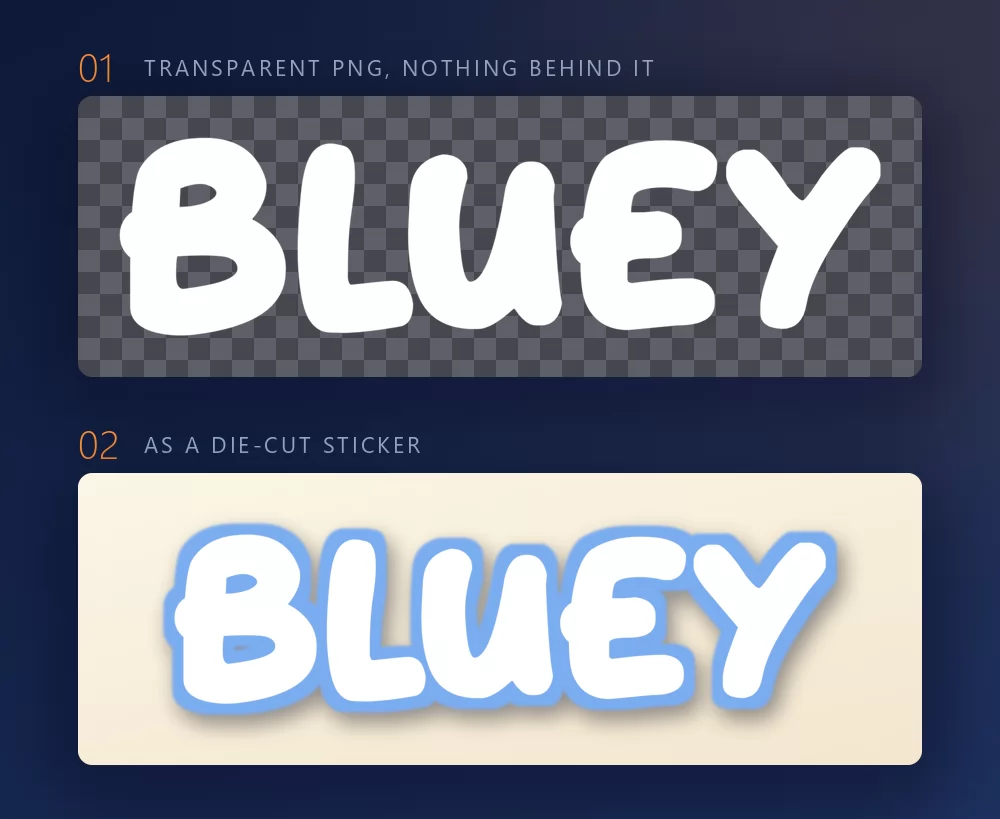
In the Download tab, take the transparent PNG if you plan to put the name onto your own design. This is the option most people miss, and for party printables it is the one that matters: your own paper, the name on top, no blue box around it. It is also what a cutting machine needs for a die-cut sticker or a topper: the shape of the letters is the shape of the cut.
Long names fill the width fast
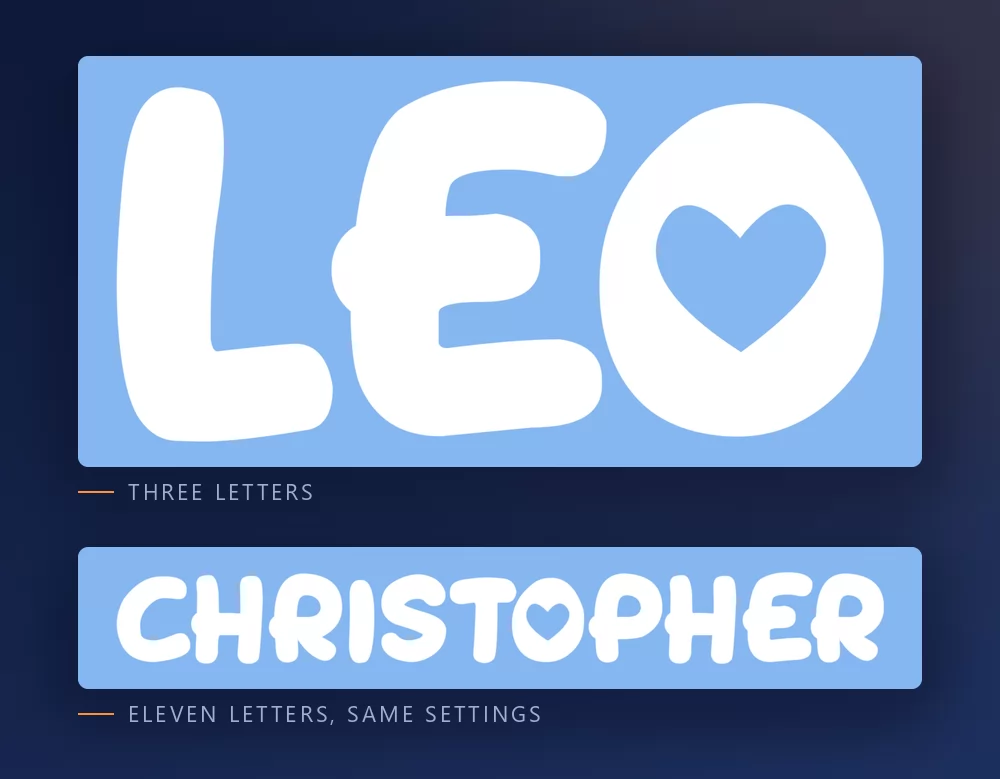
The more letters there are, the tighter they sit. Character spacing is a slider in the Text tab: open it up a little and a long name stops looking cramped. The same tab holds zoom, line height, curve and rotation.
The Bluey look, or the playroom look
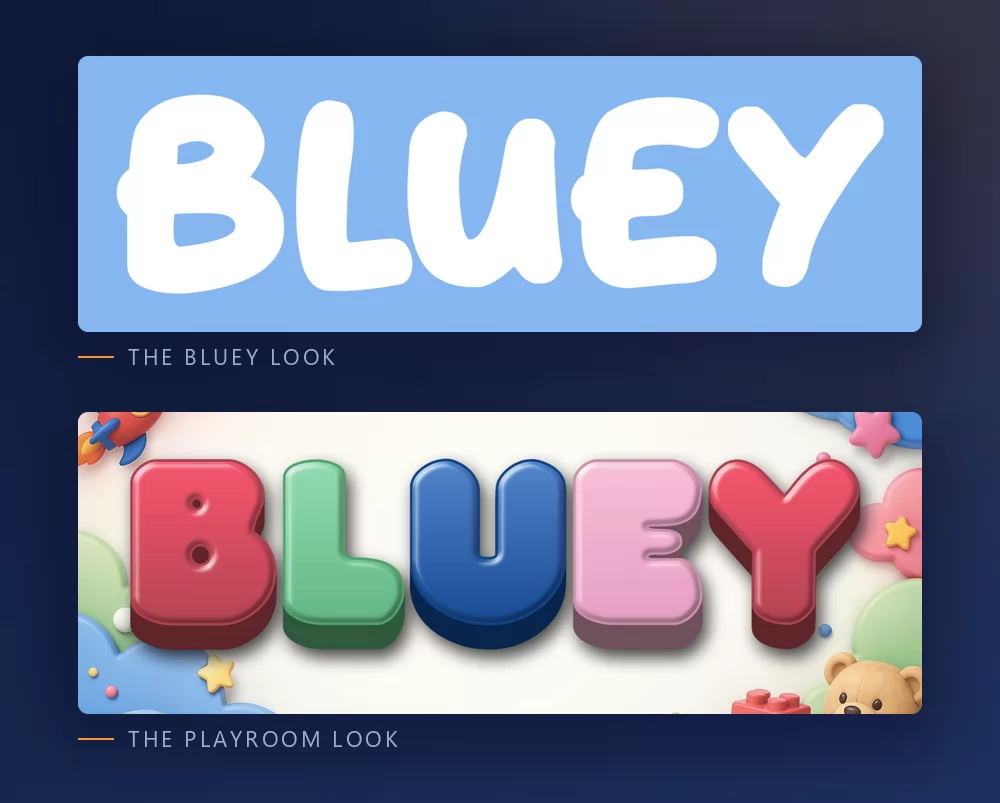
The Bluey look is the logo itself: white, chunky, rounded, a little bouncy, on that sky blue. That is what most people picture, and it is what a Bluey birthday needs.
The playroom look is rounded plastic letters in pastel colours, with toys scattered around. It carries no series branding at all, which makes it the better choice for a nursery wall or a first birthday that is not themed. The playroom letters generator has it as a preset.
Which font, if you want to install one
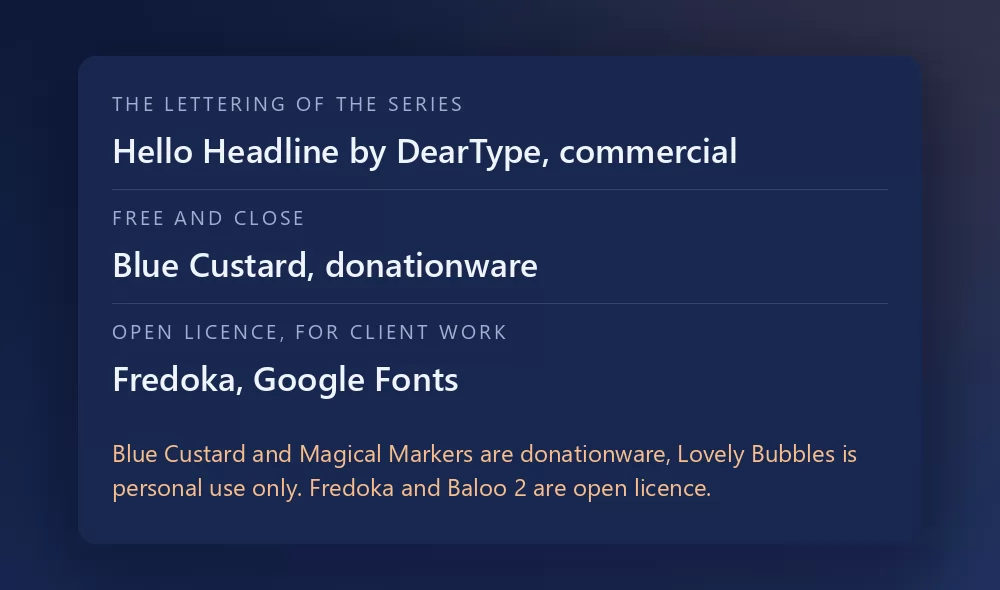
The logo itself is not a font. It is custom lettering, so any file named "Bluey font" is somebody's recreation of it.
Hello Headline is the real answer for the rest of the series. It is a commercial font from DearType, bought and downloaded from the foundry. If you want the exact look of the title card and the credits, this is it.
Blue Custard, by rockcake, is the free font that comes closest to the bouncy capitals of the logo. It is on DaFont as donationware: free to use, with a tip to the designer welcome.
Lovely Bubbles and Magical Markers, both by Darrell Flood, are the two others every list gives. Lovely Bubbles is listed as free for personal use, Magical Markers as donationware, both on DaFont.
For client work, where the licence has to be clean, the honest options are the open licence rounded fonts on Google Fonts: Fredoka, the closest in spirit, with a full range of weights, Baloo 2, and Sniglet. None of them is a Bluey font. All three give you the friendly rounded look with a licence nobody can question, and they are available inside Canva.
What people actually make with it
The download pages list "best uses" and they match what actually gets made: birthday invitations, cake and cupcake toppers, banners across a wall, name tags for a party, a t-shirt for the birthday child, classroom labels and welcome signs. Almost all of it is printed, and almost all of it works better with the transparent PNG than with an installed font, because the look is the white letters on that exact sky blue, and a font file gives you the outlines and nothing else.
How to make Bluey text in Canva
Canva does not carry Hello Headline. It does carry Fredoka, so you can get the rounded look without leaving it, and it will not be the logo. For the exact logo look, make the lettering as a transparent PNG and upload it: it drops straight into a Canva invitation and stays sharp at print size.
If you work in Canva often, you can also use TextStudio effects inside Canva and skip the upload.
How to make Bluey text in Photoshop
Install Blue Custard or Fredoka, type the name in capitals, then build the treatment with layer styles:
- Colour overlay in white.
- Stroke, set to Outside, in a slightly darker blue than the background, thin.
- A sky blue background, the same tone as the logo: light, a little grey, never electric.
No gradient, no glow. The whole look is white on that blue, and every effect you add takes it further from the show.
How to make Bluey text in Word
Install the font, type the name in capitals, colour the letters white and put a sky blue shape behind them. That is all the style needs, and Word can do it. For invitations and anything else you will print, an exported PNG will still look cleaner.
On your phone
You cannot install a font and use it in most apps, on iOS or Android. The generator runs in the phone browser: make the PNG on the phone, save it to the gallery, and add it in whatever app you were using.
Is the Bluey font free?
The logo lettering is not a font at all. Hello Headline, the font of the series, is commercial. Blue Custard and Magical Markers are donationware, and Lovely Bubbles is free for personal use. Fredoka, Baloo 2 and Sniglet are open licence on Google Fonts.
And there is a second question underneath, which gets conflated with the first constantly: a font licence is not a trademark licence. Even a font you may use commercially says nothing about Bluey, which belongs to Ludo Studio and is licensed through BBC Studios. Setting your child's name in the style for a birthday banner is the sort of personal use nobody has ever objected to. Selling party kits, shirts or prints that trade on the show is a different matter, and no font licence will cover you there.
Open TextStudio and type a name to see it in the style straight away.
More fonts and styles to try
If you came here for a character font, these cover the same ground:
- Toy Story font generator : the other birthday favourite, yellow letters over a tilted red block
- Disney font generator : the signature script and the Mickey lettering, plus a style for most Disney films
- SpongeBob font generator : the same bold cartoon capitals, softer
- Pokemon font generator : the same solid and hollow lettering, in a different palette
- Minecraft font generator : blocky letters, and the same transparent PNG workflow
- Fortnite font generator : heavy condensed capitals, and the same thumbnail workflow
- Geometry Dash font generator : pixel logo letters or level-style letters, and the same thumbnail workflow
- Spiderman font generator : jagged capitals with a thick outline, plus a webbing texture
- Death Note font generator : the scratched title lettering and L's blackletter, plus the same thumbnail workflow
- Hello Kitty font generator : the red script under Kitty's face, and the same invitation and wallpaper workflow
- logo fonts : why a film or game logo is almost never a font you can install
Frequently asked questions
What font is the Bluey logo? None. It is custom lettering drawn for the series and never released as a typeface. Blue Custard is the closest free recreation.
What font does Bluey use? Hello Headline, by Veneta Rangelova at DearType, in the title card, the credits and on the official website. It is commercial.
Is there a free Bluey font? Blue Custard and Magical Markers are donationware, Lovely Bubbles is free for personal use. For client work, Fredoka on Google Fonts is open licence.
Can I make a Bluey cake topper with this? Yes. Pick the square shape, download the transparent PNG, print it and cut around the letters, or send the PNG to a cutting machine.
Can I use the Bluey style on things I sell? The font licence and the trademark are separate questions. Bluey belongs to Ludo Studio and is licensed through BBC Studios, so a permissive font licence would still not cover party kits or shirts trading on the show.
How do I get a transparent background for an invitation? Choose the transparent PNG in the Download tab, then place the name over your own paper, photo or printable.
Why does my text look wrong next to the real logo? Usually the blue, not the font. The logo sits on a light, slightly greyed sky blue. On a bright electric blue, or with a gradient, it stops reading as Bluey.