
 Mia Hartley
Type "calligraphy generator" into a search box and the first page hands you two completely different products under one name, without telling you which is which. Half of those pages give you characters you can paste into a bio. The other half give you a picture you download. They are not competitors, they answer different questions, and if you open the wrong one you will spend ten minutes wondering why nothing works the way you expected. Our own calligraphy font generator sits on the picture side, and this page says plainly where it wins and where it does not.
We opened eight free tools on 6 September 2026, with no account and nothing paid, and typed the same name into each.
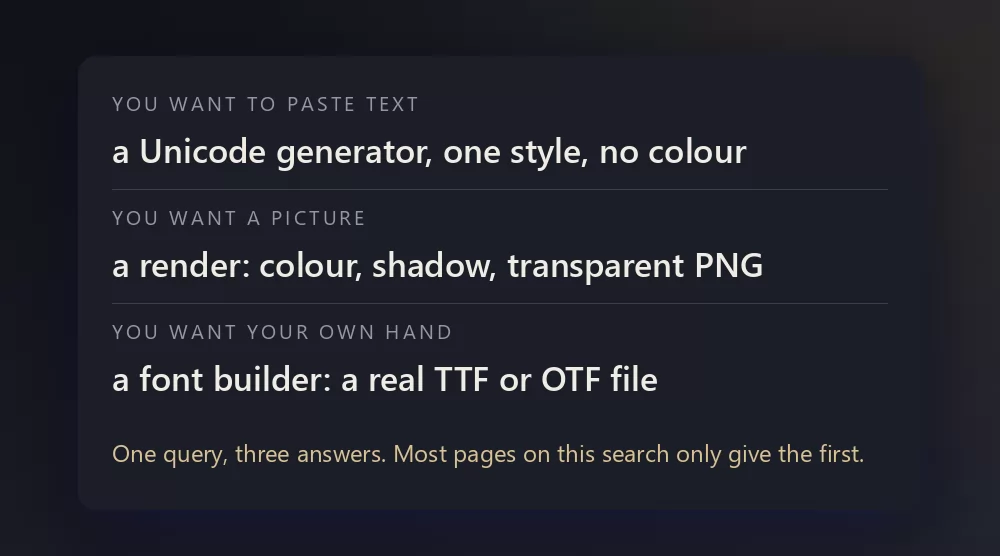
One search, three different jobs
Calligraphy means beautiful writing, and the fonts on every tool below imitate what a flat pen or a pointed brush does by hand: thick on the downstroke, thin on the upstroke, letters that join. None of them is handwriting, and none of them is a Chinese or Arabic brush tradition, which have their own rules. What they share is the Latin alphabet drawn as if it had been written.
You want to paste text. A Unicode generator swaps each letter you type for a lookalike character that already exists in the Unicode standard, Fraktur or script italic. The result is still text, so it travels into an Instagram bio or a Discord name. It also has no colour, no size and no shadow, because it is not a picture. Two more things nobody mentions: a screen reader announces those characters one strange name at a time, and some platforms strip them.
You want a picture. A renderer draws your word with a real font and gives you a PNG. You get colour, a shadow, an outline and, if the tool bothers, a transparent background. You cannot paste it into a username, and that is fine, because you wanted something to print or to post as an image.
You want your own hand. A font builder takes your handwriting and returns a TTF or OTF file you install. It is the slowest of the three by far, and the only one that gives you something reusable.
The eight tools at a glance
| Tool | What it gives you | Free | Account | Watermark |
|---|---|---|---|---|
| TextStudio | rendered image, transparent PNG | yes | no | no |
| FontMeme | rendered image, embed link | yes | no | no |
| MakeCalligraphy | rendered PNG and SVG | yes | no | no |
| Pixelied | characters to paste | yes | no | n/a |
| Creative Fabrica | characters to paste | yes, with a subscription push | no | n/a |
| CalligraphyMaker | rendered image, Indian scripts | partly | no | n/a |
| Calligraphr | a real font file | limited | yes | no |
| FontMaker | a real font file | yes | no | no |
Two of these are ours, and we would rather say it here than let you find out later: TextStudio publishes this blog, and FontMaker is from the same workshop. The ranking below is not built around that.
TextStudio
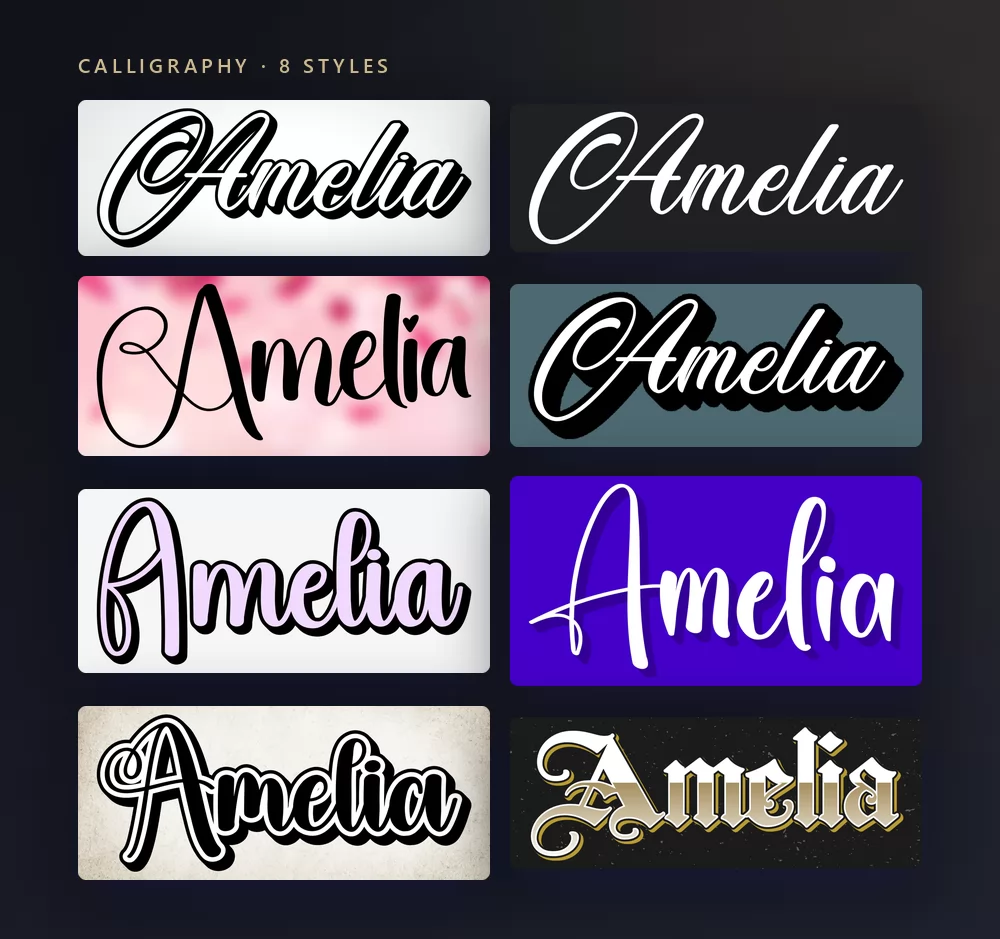
The calligraphy generator holds sixty-seven presets, and the eight above are the ones that survive being looked at rather than read: several presets whose name contains the word calligraphy turn out to be an engraved serif or a marker, which is why we rendered them all before choosing. You type, you pick, you download a PNG. No account, no watermark, no limit on how many you make.
The eight above, in reading order, are a bold brush script with a hard shadow, a clean formal script in white, a fine wedding script on a soft background, a retro sign script, a pastel outline script, a modern brush lettering, an outlined script on paper, and a gold blackletter. Only the last one is not a script in the strict sense: blackletter is calligraphy drawn with a broad nib, which is why it sits in the same catalogue.
Where it wins. The output is a finished picture, not a font sample: colour, shadow, outline and a transparent PNG on the same screen. It is also the only tool here that offers a blackletter and a modern brush script side by side without switching sites.
Where it stops. It renders images and nothing else. If you need characters to paste into a bio, this is the wrong tab, and the right one is our fancy text generator, which does the Unicode job.
FontMeme
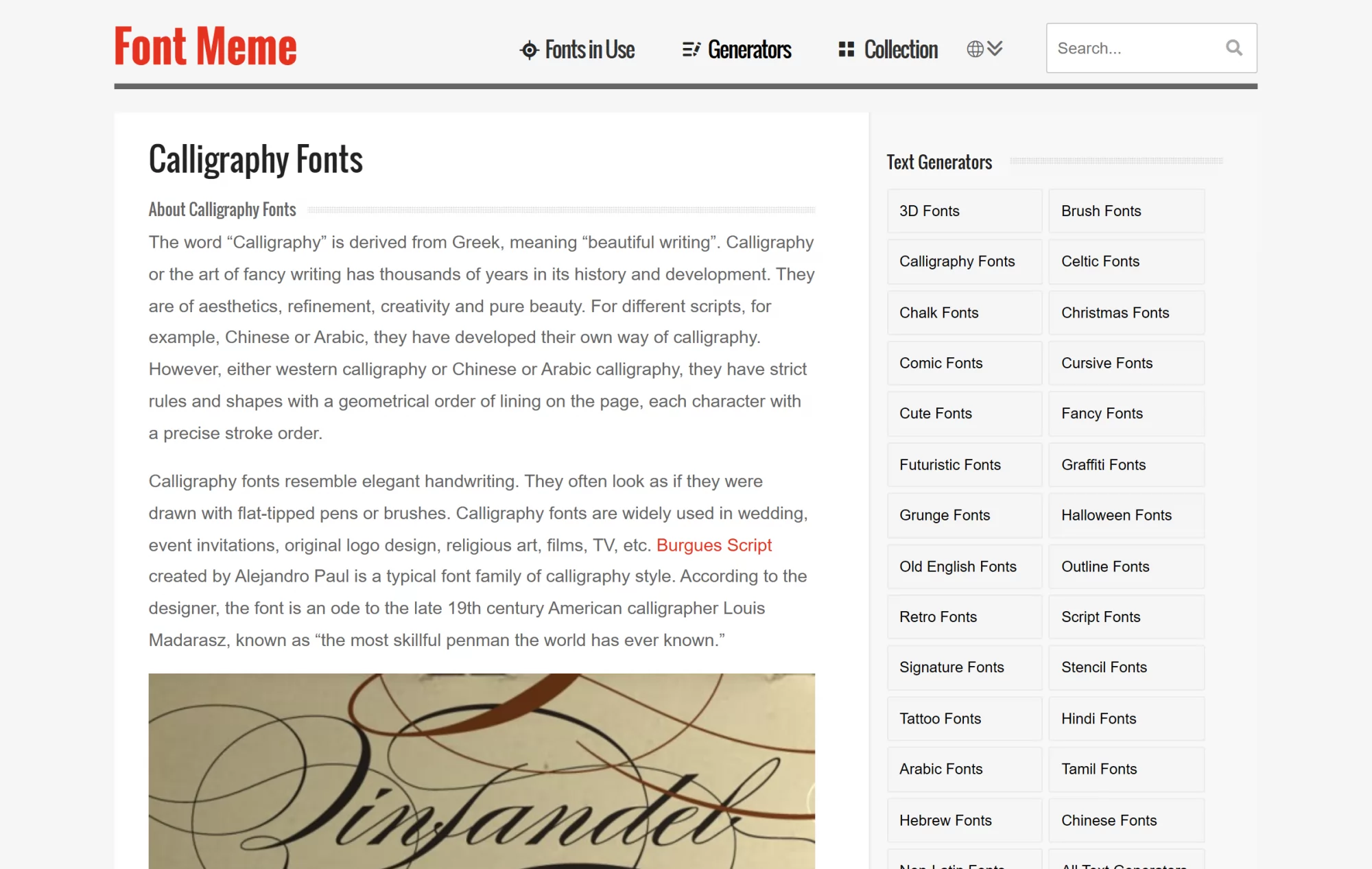
FontMeme is the veteran of image generators, and the calligraphy page does two jobs at once: it lists fonts you can download, and it renders your text with a choice of colours, effects and sizes. The embed button gives you an image link, which is genuinely useful if you are putting the result in a forum signature.
Where it wins. The font list is the point. If you want to know the name of the script you are looking at, this is the page that tells you.
Where it stops. Several fonts in the catalogue are marked personal use, and the page does not stop you from rendering with them, so the licence question lands on you. The interface is dense and dated.
MakeCalligraphy
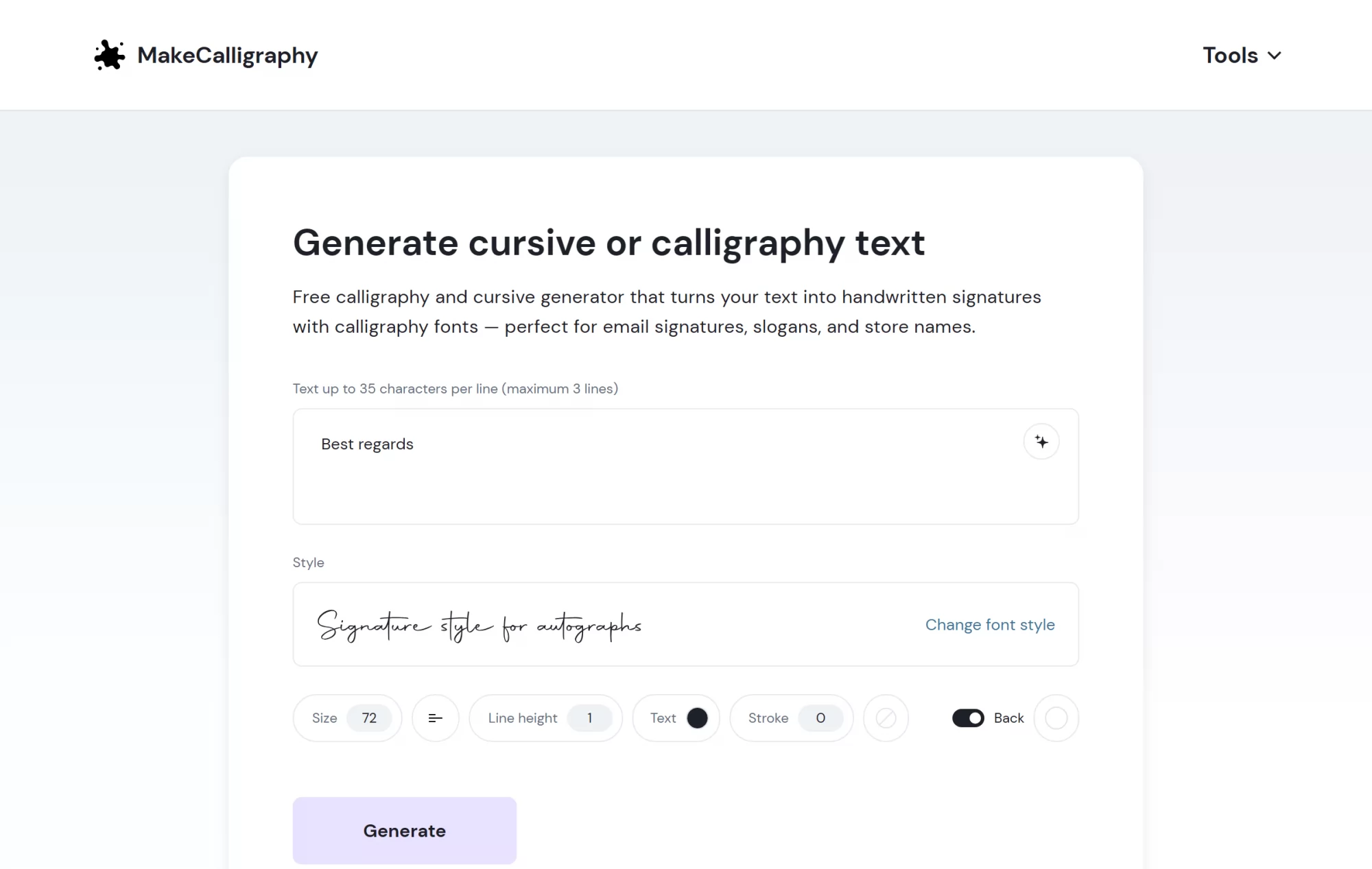
MakeCalligraphy is aimed squarely at signatures and monoline script, with roughly twenty-four fonts sorted into handwritten, signature, flourish and name styles. It is free, needs no account, adds no watermark, and it exports SVG as well as PNG with a transparent background.
Where it wins. SVG. Nobody else in this list gives you a vector, and if the name is going on a sign, a shirt or anything printed large, that is the download you want.
Where it stops. Thirty-five characters per line and three lines maximum, so it is a name tool, not a paragraph tool. The style range is narrow by design: monoline script and little else.
Pixelied and Creative Fabrica
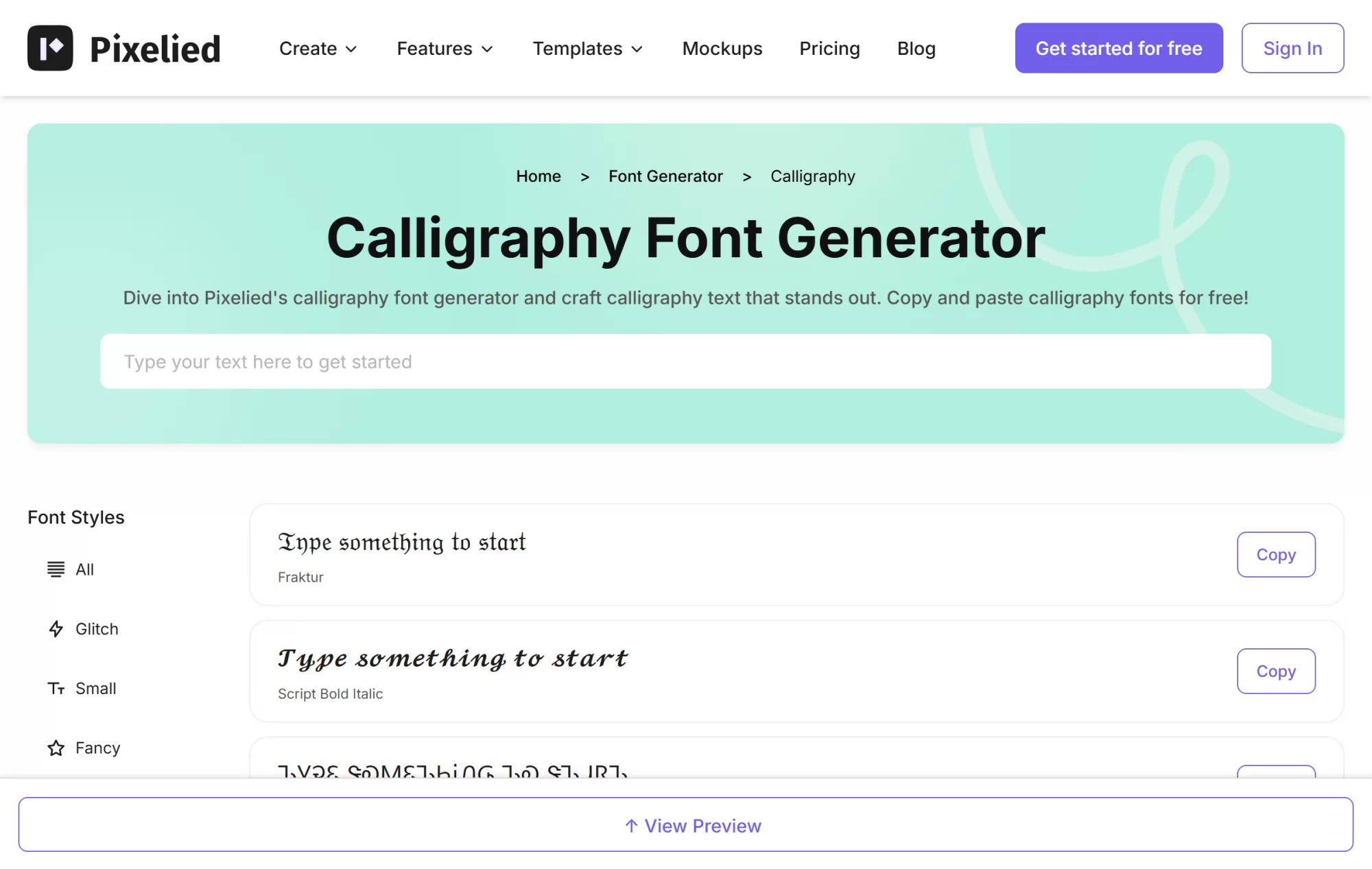
Pixelied and Creative Fabrica sit on the other side of the fork. You type, and you get a list of styles with a copy button next to each: Fraktur, script bold italic, and a dozen more. It is instant, it is free, and it is exactly right when the destination is a bio or a username.
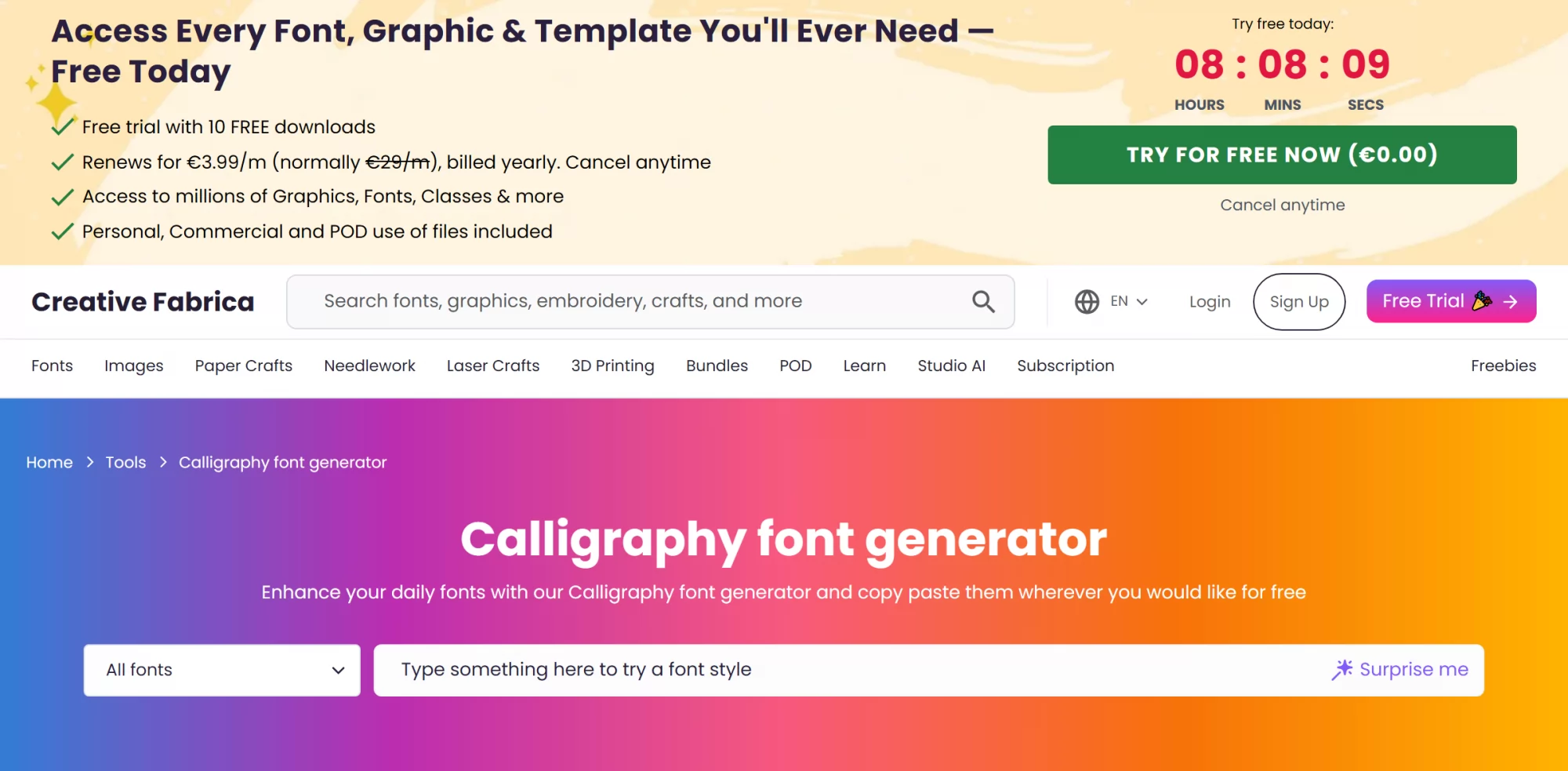
Creative Fabrica does the same thing and uses it as a doorway to its font marketplace: a countdown, a free trial with ten downloads, then €3.99 a month billed yearly. The generator itself stays free.
Where they win. Speed, and the fact that the result is real text that travels.
Where they stop. Everything a picture gives you is missing, and the accessibility cost is real: those characters are mathematical symbols wearing a costume, and assistive software reads them as such.
CalligraphyMaker
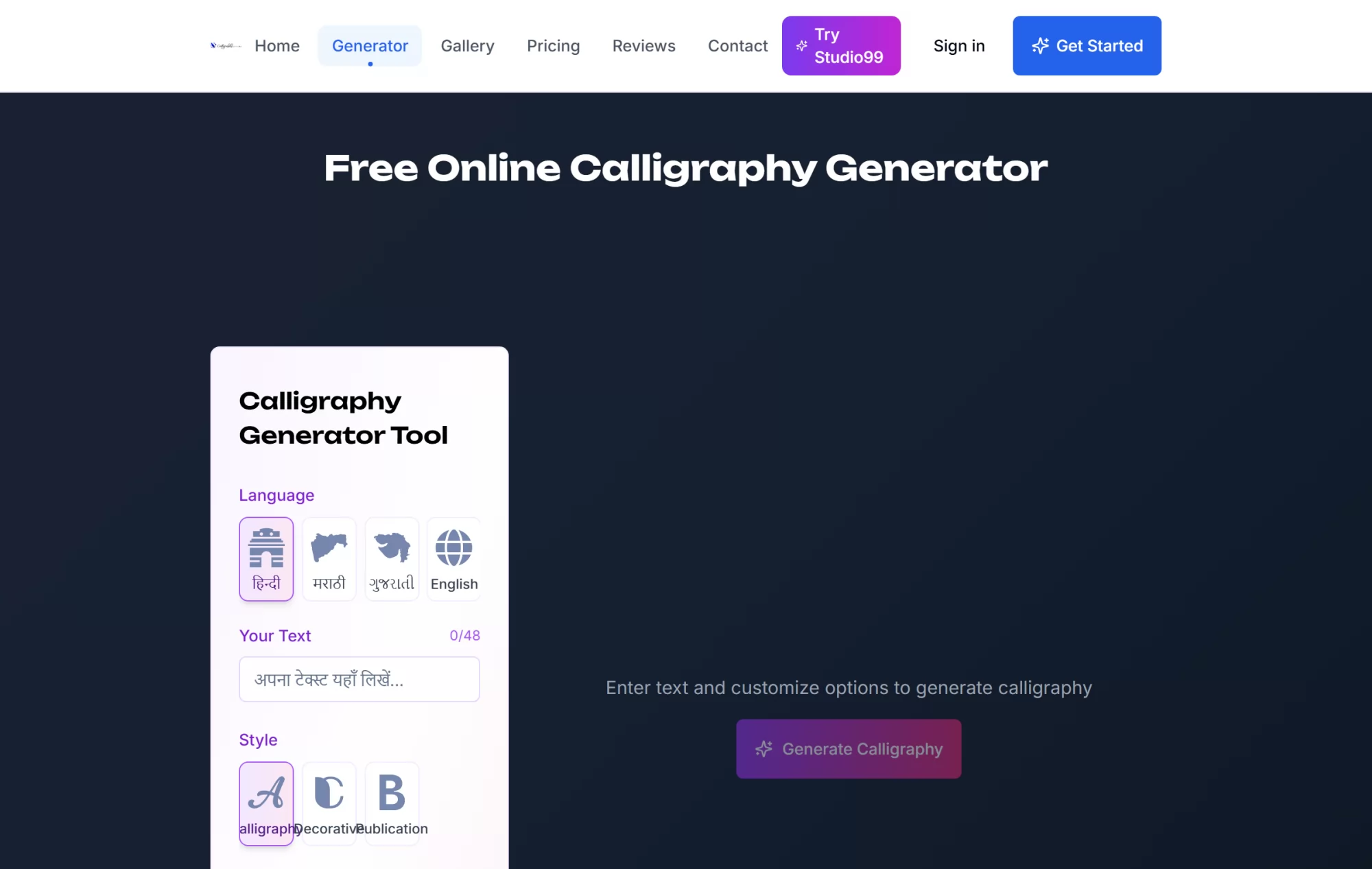
CalligraphyMaker renders Hindi, Marathi, Gujarati and English, with calligraphy, decorative and publication styles, and it belongs to a larger ecosystem of Indian typography tools. Text is capped at forty-eight characters.
Where it wins. Devanagari and Gujarati calligraphy that actually looks like calligraphy. If that is your script, the Latin tools above have nothing for you.
Where it stops. The free tier is not clearly bounded and the commercial licence is a separate purchase, so read the pricing page before you use a result on anything you sell.
Calligraphr and FontMaker
Both of these answer the third question, and neither is a generator in the sense the other six are. Calligraphr gives you a template to print and write on, then turns the scan into a font. Its free tier is genuinely usable but narrow: one font at a time, seventy-five characters, two variants per character, and no ligatures or letter spacing control. The Pro plan is €10 for a month, or €6 a month over six months, and lifts those to twenty fonts, six hundred characters and fifteen variants.
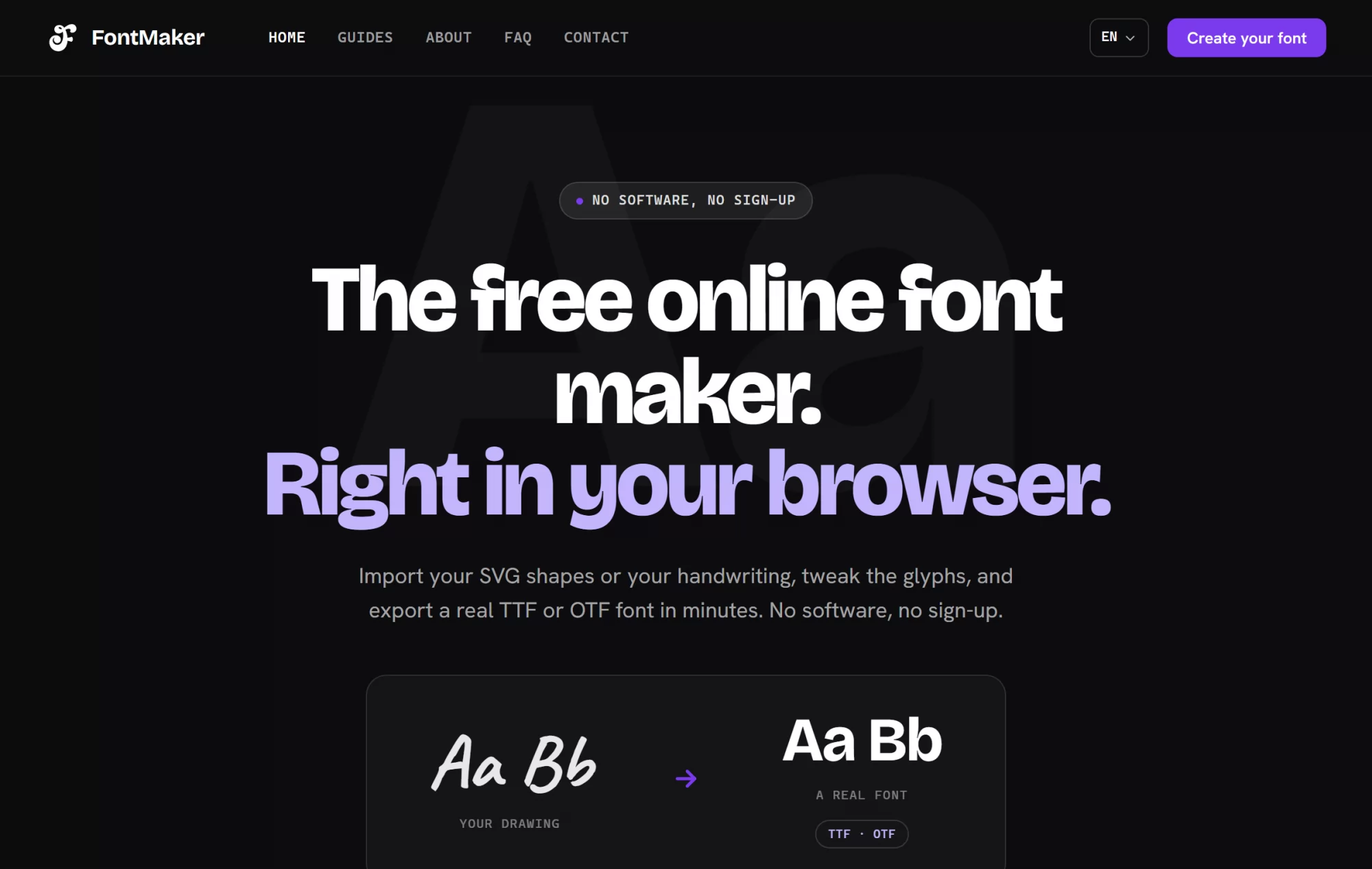
FontMaker, which is ours, takes the same idea into the browser: import your SVG shapes or your handwriting, adjust the glyphs, export TTF or OTF, with no software to install and no sign-up. The honest comparison is that Calligraphr's template workflow is more methodical if you are digitising a full alphabet on paper, and FontMaker is faster if your letters already exist as files.
Where they win. You end up owning the letters. Nothing else on this page gives you that.
Where they stop. Neither is a five-minute job, and neither is what you want if you just need a name on a card tonight.
How to make one, in three steps
Type the word first, then choose. Every tool here previews your own text, so pick the style with the word you will actually use. A script that looks beautiful on the word "Calligraphy" can fall apart on a name with two ascenders in a row.
Set the size before the colour. On a rendered image the size decides how much of the flourish survives. If the result goes on a card at ten centimetres wide, look at it small before you decide.
Download the transparent version if there is one. It costs nothing at that moment and saves the cut-out later. On the paste tools there is nothing to download: you copy, and that is the end of it.
Where the letters actually end up
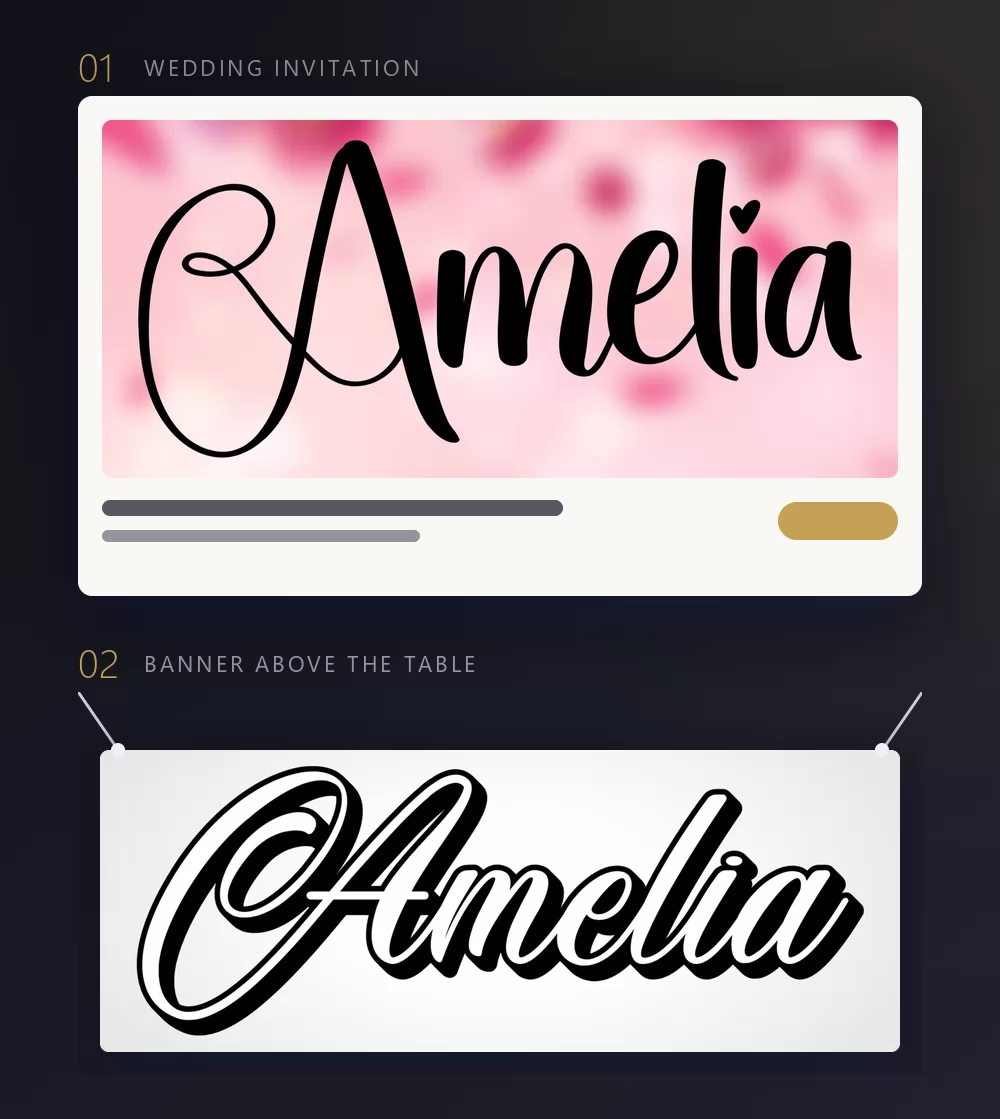
It is worth naming the destinations, because they decide the fork for you. Invitations, place cards, banners, shop signs, tattoos and logos all need a rendered file. Bios, usernames, chat messages and captions need pasted characters. A signature that will be printed at any size needs the vector, which sends you to MakeCalligraphy. A word you will reuse a hundred times needs a font file, which sends you to Calligraphr or FontMaker.
The transparent PNG most tools skip
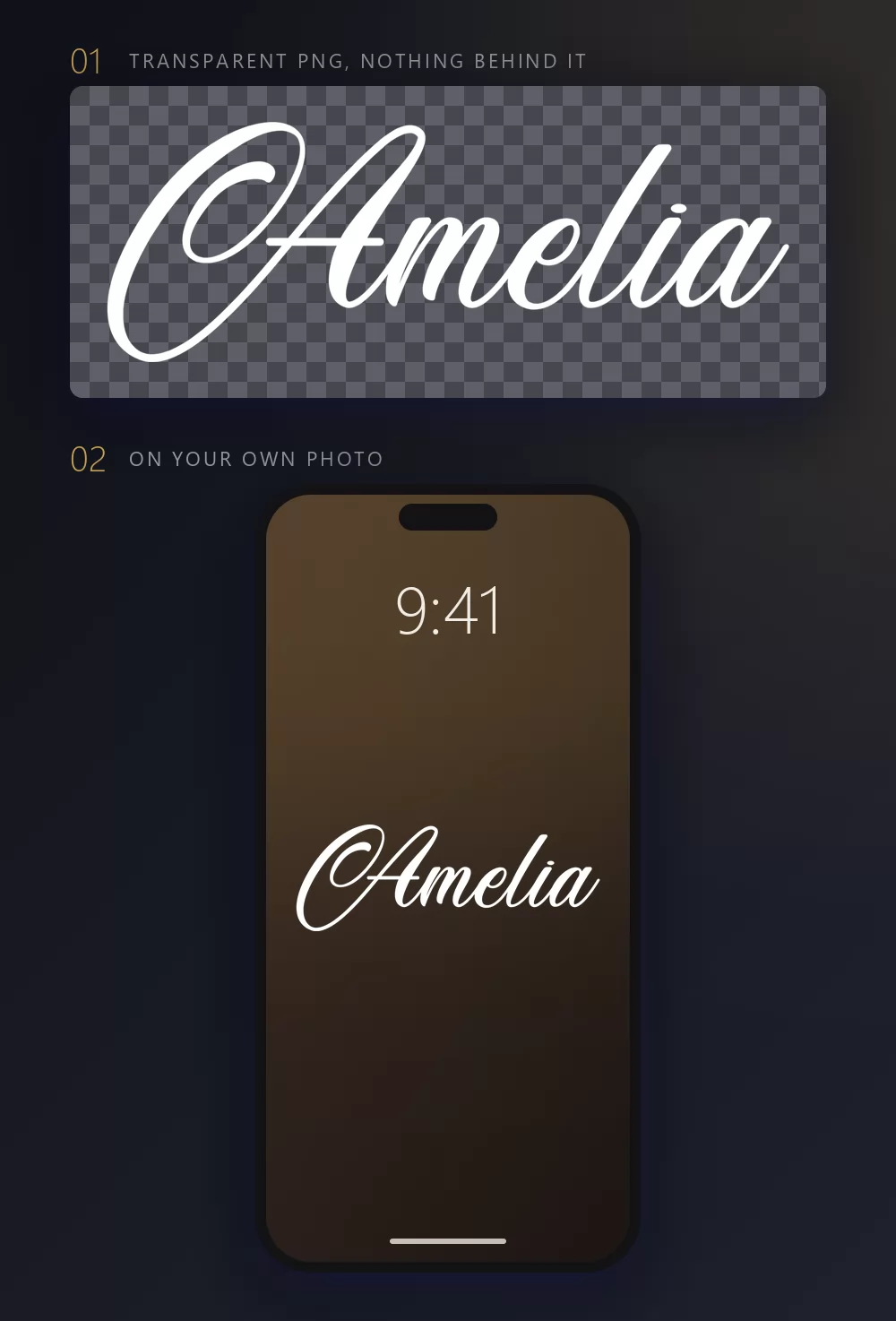
This is the one feature worth checking before you pick a tool, and the one most comparison lists never mention. A PNG with a transparent background drops the letters onto your own photo, your own colour, your own card. A PNG with a white background gives you a white rectangle you then have to cut out. Of the image tools here, TextStudio and MakeCalligraphy both export transparency; the paste tools have nothing to be transparent.
Questions people ask
Is any of this free for commercial use? The tools are free to use; the fonts behind them are a separate question. FontMeme marks part of its catalogue personal use, and Creative Fabrica sells commercial licences. A rendered image from TextStudio carries no licence claim from us, but a font you download elsewhere carries its own.
Why does my pasted calligraphy show as boxes? Because the receiving app has no glyph for those Unicode characters. It is not your device: the characters exist, the font on the other side does not have them. If it matters, send a picture instead.
Can I get a vector rather than a PNG? From MakeCalligraphy, yes, as SVG. The other image tools here export raster only.
Does any of them write in my own alphabet? CalligraphyMaker does Hindi, Marathi and Gujarati. For Cyrillic, Greek or CJK, the Latin scripts above have no glyphs, and you will get boxes or plain letters.
What is the difference between calligraphy and cursive? Cursive is joined-up handwriting. Calligraphy is lettering drawn to a set of rules, with deliberate thick and thin strokes. Most tools use the words interchangeably, and their catalogues overlap heavily.
Which one to open
If you are putting a name on something you will print or post as an image, open the TextStudio calligraphy generator and pick from the sixty-seven presets. If that name is a signature going onto a sign, use MakeCalligraphy for the SVG. If you write in Devanagari or Gujarati, CalligraphyMaker is the only one here that serves you properly. If the destination is a bio or a username, use a paste tool and accept what it cannot do. And if you want the letters to be yours rather than borrowed, spend the evening with FontMaker or Calligraphr and come out with a font.