
 Mia Hartley
Need a signature for a document, an email footer, or your personal brand? You don't need expensive software or a graphic designer.
With our new Signature Maker, you can create a beautiful, professional signature in seconds — draw it by hand or type your name and pick a font. The best part? It's 100% vector, meaning your signature stays perfectly sharp at any size.
Two Ways to Create Your Signature
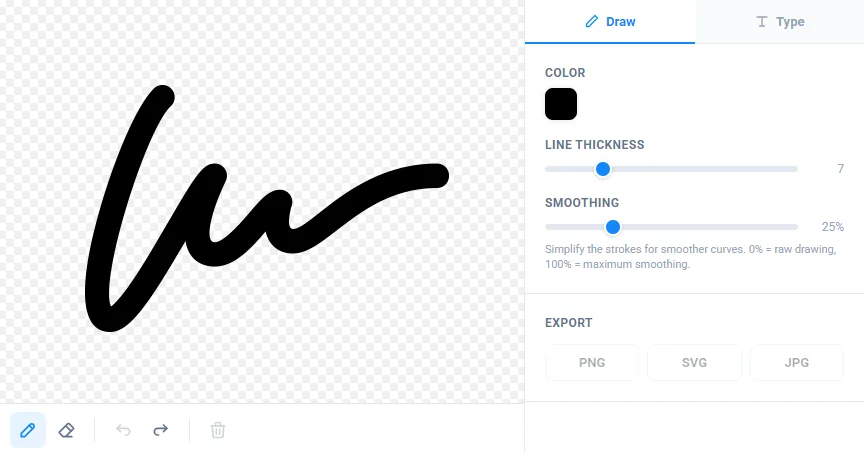
Draw It by Hand
Use your mouse, trackpad, or finger (on mobile) to sign naturally — just like you would on paper. The tool captures your movement and converts it into smooth mathematical curves in real time.
The result doesn't look digital or robotic. It looks like your signature.
Type Your Name
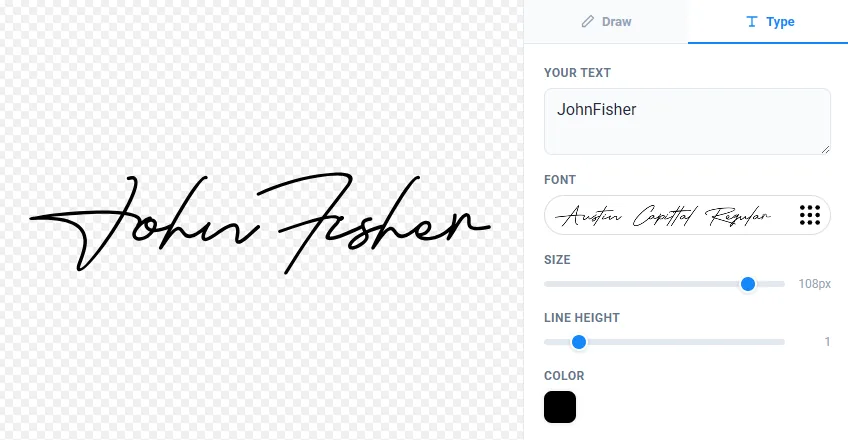
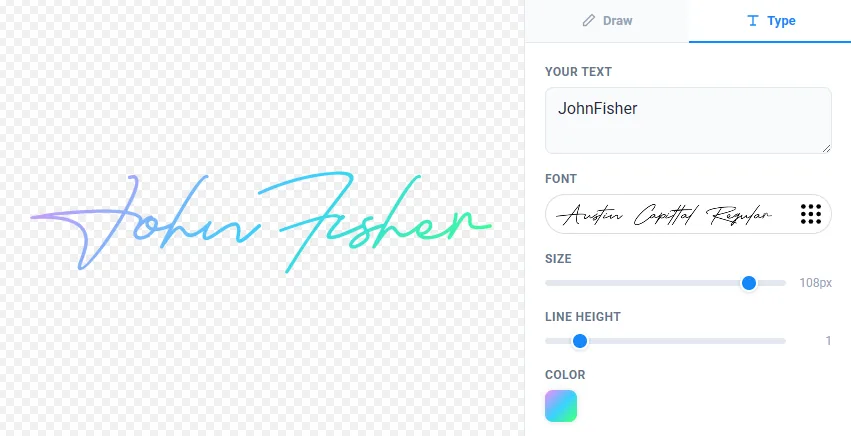
Don't trust your handwriting? No problem. Type your name and browse through hundreds of handwriting and calligraphy fonts. Preview each one instantly until you find the style that fits you.
You can adjust the size, color, and even apply gradients for a unique look.
Why Vector Matters
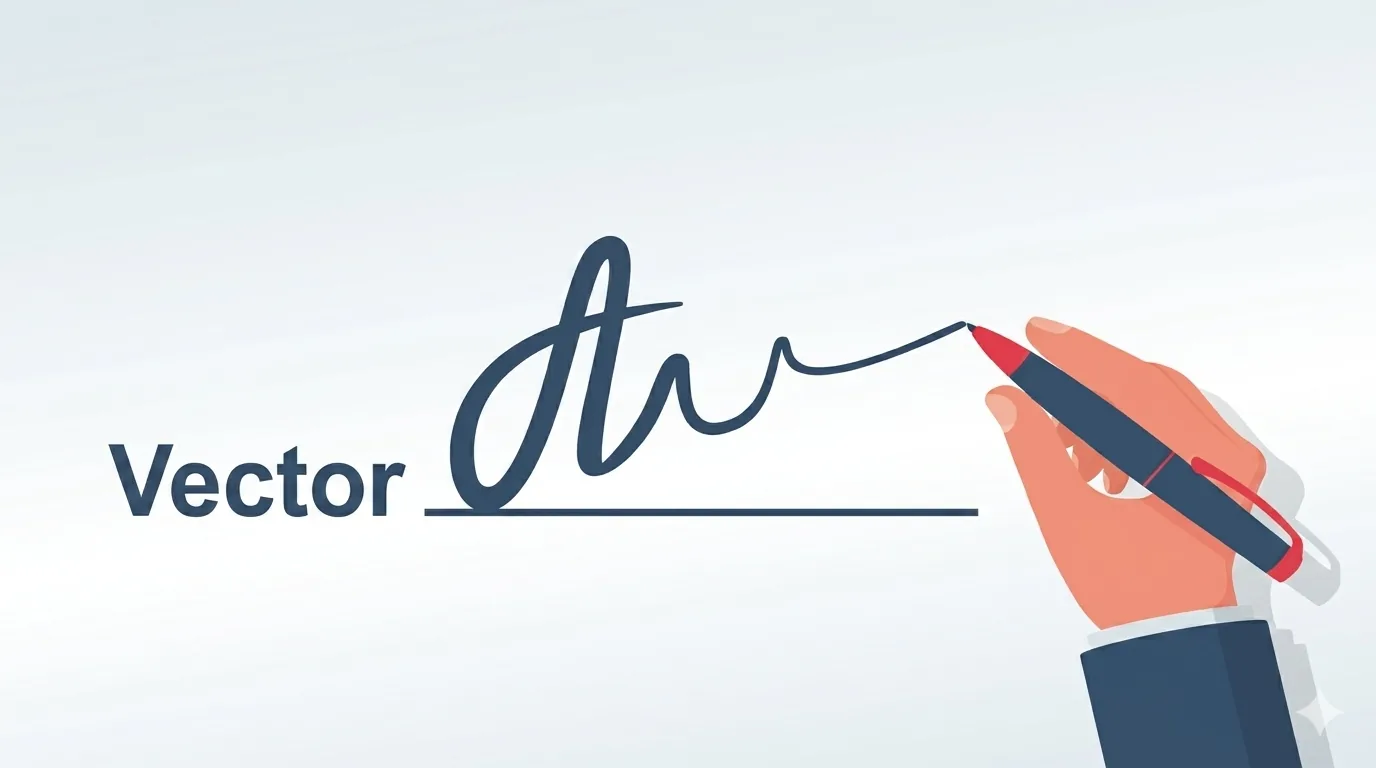
Most signature tools online work like a screenshot — they capture your drawing as a flat image made of pixels. Zoom in, and it gets blurry. Print it large, and it looks terrible.
Our tool is fundamentally different. Every stroke you draw is stored as a mathematical curve (Bézier path). Your typed signature is converted to vector outlines. This means:
- Sharp at any size — from 16 pixels to 16,000 pixels
- Editable — open the SVG in Illustrator, Figma, or Inkscape
- Lightweight — vector files are tiny compared to high-res images
- Professional — the same format used by designers and print shops
Smart Smoothing
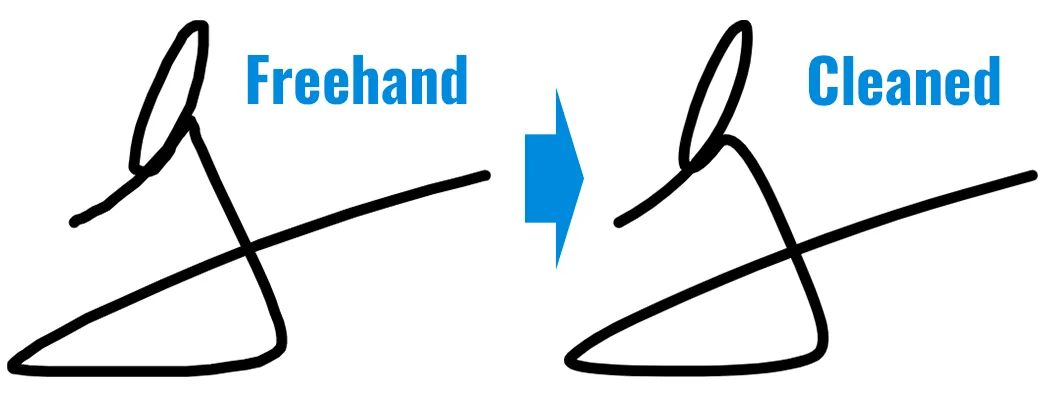
Your hand isn't perfectly steady — and that's fine. The smoothing slider intelligently simplifies your strokes while preserving their character. Behind the scenes, it uses the an algorithm to remove jitter and unnecessary points, then fits beautiful curves through what remains.
Slide it to 0% for raw, authentic strokes. Crank it to 100% for ultra-clean, stylized curves. You can adjust it after drawing — every stroke updates in real time.
Colors & Gradients
A signature doesn't have to be black. Pick any color with the built-in color picker, or go bold with linear and radial gradients. The gradient flows naturally across the entire signature — whether drawn or typed.
Perfect for:
- Blue ink for a classic document look
- Brand colors to match your company identity
- Gradient effects for creative signatures and logos
Sign PDFs Directly in Your Browser
Why juggle a signature image, a PDF editor, and three different apps when you can sign a document right here?
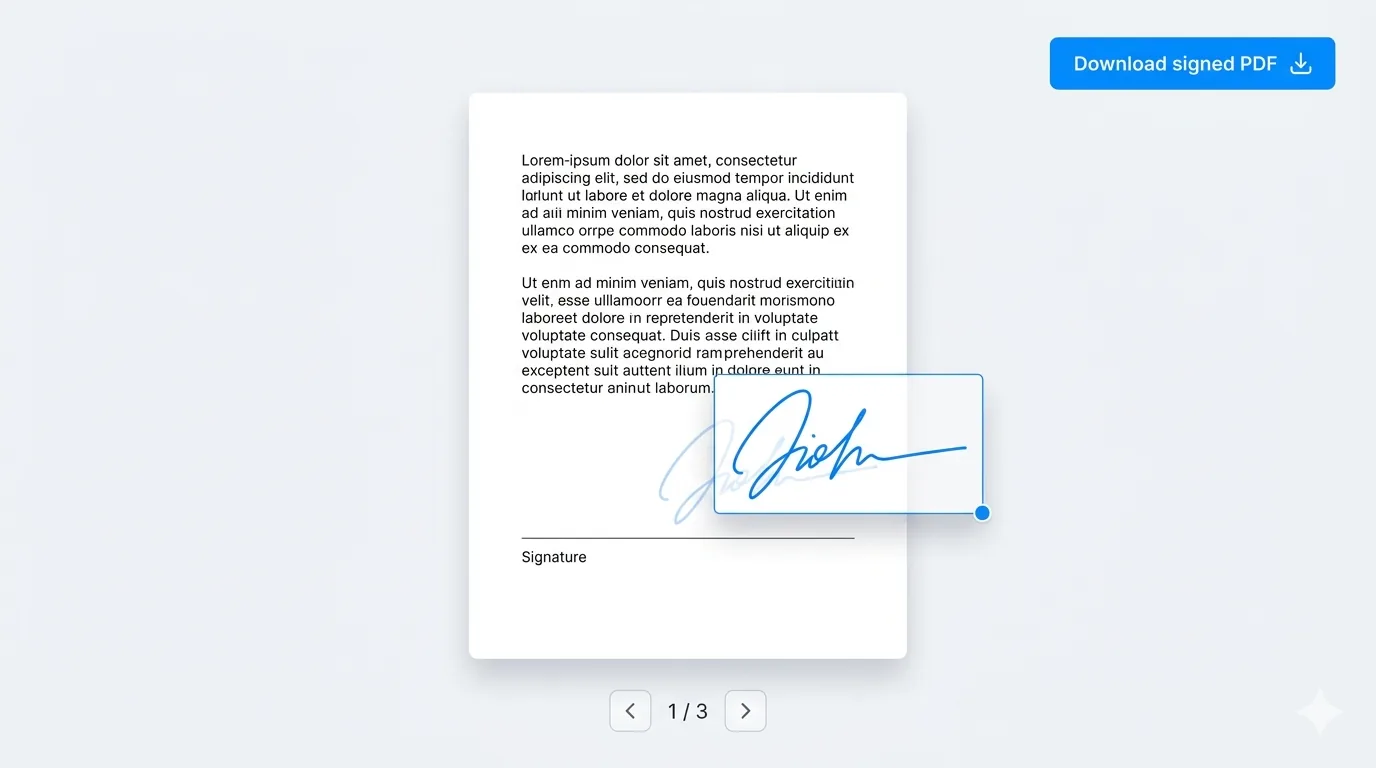
Once your signature is ready, drop any PDF into the built-in viewer. Your signature lands on the page — drag it exactly where it belongs, resize it with the corner handle, and flip through pages to sign wherever needed. Place as many signatures as you like, on as many pages as you like.
When you're done, download the signed PDF in one click. The signature is embedded cleanly into the document — not a flattened screenshot — so it stays sharp even when zoomed in or printed.
And like the rest of the tool: everything happens on your device. Your document never leaves your browser — no uploads, no servers, no third parties.
Export in 3 Formats
Once you're happy with your signature, export it in one click:
| Format | Best For |
|---|---|
| SVG | Print, design tools, logos, maximum quality |
| PNG | Documents, emails, websites (transparent background) |
| JPG | Simple sharing, white background |
The export automatically trims whitespace around your signature — no need to crop manually.
Real-World Use Cases
Here's what people are using the Signature Maker for:
Signing Documents
Create a clean signature PNG and paste it into Word, Google Docs, or PDF editors. No more printing, signing, and scanning.
Email Signatures
Export a transparent PNG and add it to your email client. It sits cleanly on any background color.
Personal Branding
Use the SVG export to create a signature logo for your website, social media, or business cards. Scale it to any size without quality loss.
Artists & Photographers
Add your signature as a watermark on your work. The transparent PNG overlays perfectly on images.
Students & Professionals
Quickly generate a typed signature for school assignments, cover letters, or online forms.
Fun & Creative Projects
Use gradients and calligraphy fonts to create artistic signatures for invitations, posters, or greeting cards.
Works on Every Device
The tool runs entirely in your browser — desktop, tablet, or phone. On mobile, draw with your finger on the full-width canvas. The interface adapts automatically.
And here's what matters most: nothing leaves your device. Your signature is created locally using Canvas API and OpenType.js. We never see it, store it, or track it.
Keyboard Shortcuts
For power users:
| Shortcut | Action |
|---|---|
| Ctrl + Z | Undo last stroke |
| Ctrl + Shift + Z | Redo |
| Alt (hold) | Temporarily switch between pen and eraser |
Try It Now
Ready to create your signature? It takes 10 seconds:
Signature Maker — Free Online Vector Signature Generator
No sign-up. No watermarks. No limits. Just your signature, your way.
Questions or ideas? Drop a comment below orcontact us. We love hearing from you!