
Create Your Own Font With Font Maker

Creating your own font does not need to be complicated or technical. Until now, making a typeface usually required installing complex software, learning multiple typographic rules, and manually adjusting dozens of parameters. Font Maker changes that experience completely.
It allows anyone to convert drawings, hand-made letters, or digital glyphs into a clean OTF or TTF font directly in the browser.
No installation. No learning curve. Just import your characters, fine tune them, and export your font.
This guide shows how Font Maker works, what each screen does, and how to get the most out of it, whether you are a designer, illustrator, lettering artist, or complete beginner.
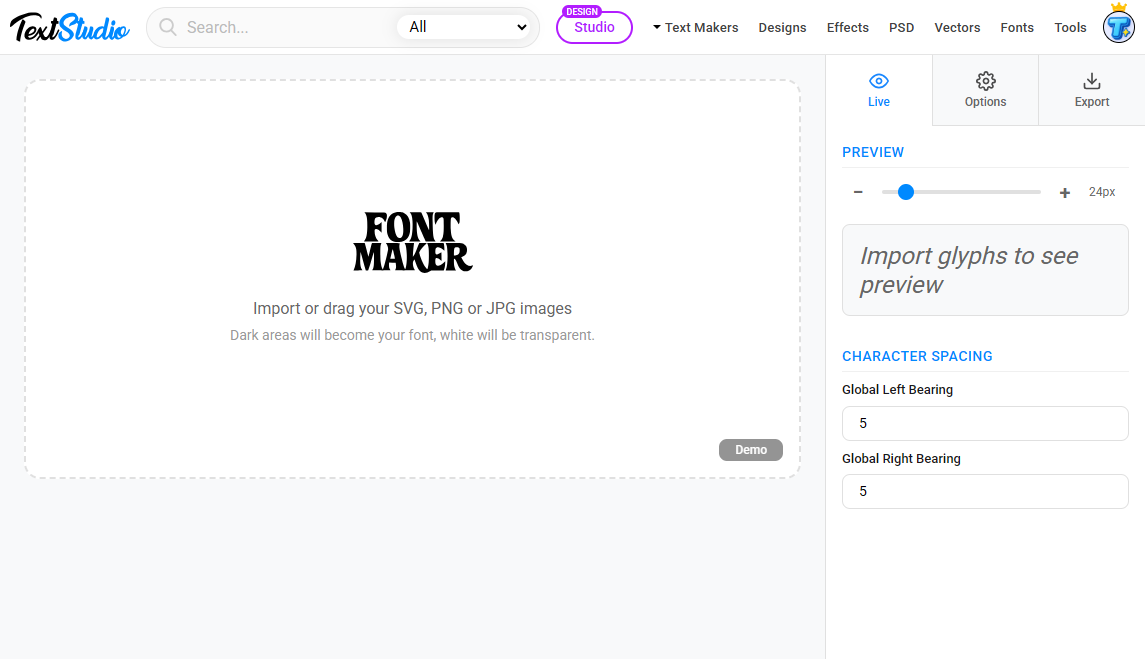
Import SVG, PNG, or JPG Glyphs
Font Maker accepts glyphs in three formats:
- SVG
- PNG
- JPG
If you upload PNG or JPG files, the tool automatically vectorizes them, which ensures perfect sharpness at any size. This is ideal if you draw letters on paper, scan them, and upload the images.
When importing multiple files, auto detection from filenames allows instant character mapping. A file named A.svg becomes the A glyph automatically, a file named 5.png becomes the glyph for the number 5, and so on.
For full control, you can manually type any mapping order you want, such as:
ABCDEFGHIJKLMNOPQRSTUVWXYZ0123456789
This flexibility makes the import process smooth regardless of how your files are organized.

Manage All Your Characters in One Place
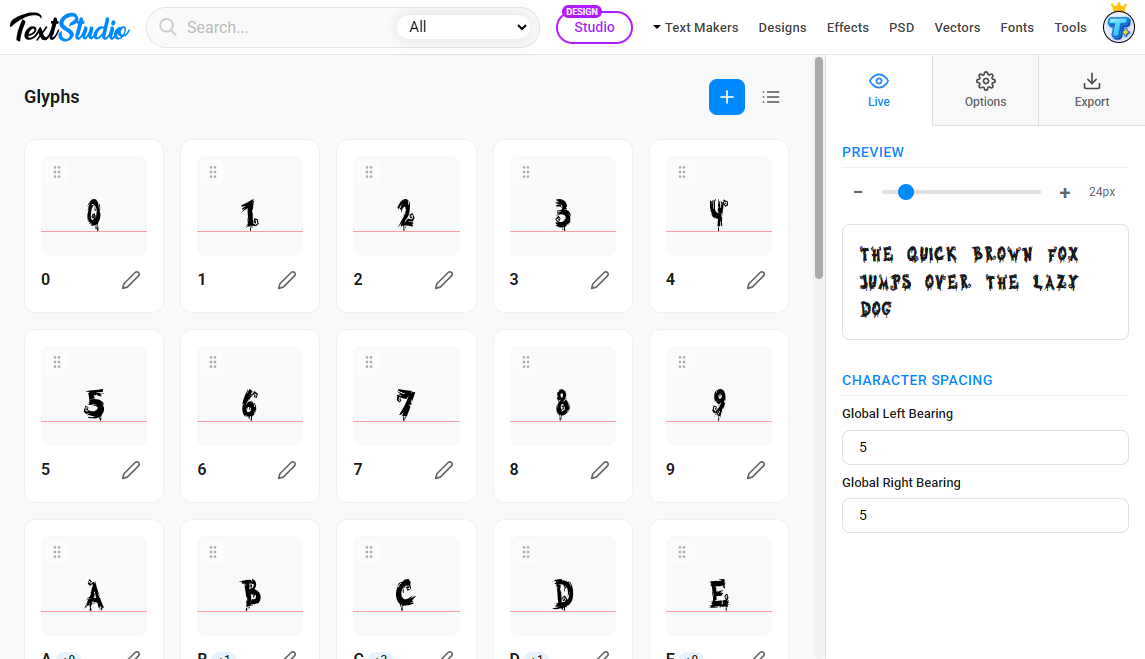
Once imported, your glyphs appear in a clean and simple grid. Each tile represents one character and shows:
- The glyph preview
- The baseline reference
- A quick edit button
- A drag handle for reordering
You can import additional characters at any time or delete the ones you no longer need.
On the right side, the live preview panel shows your font in action with a sample sentence. You can adjust the preview size instantly and fine tune spacing in real time.
Precise Glyph Editing Tools
Clicking any character opens the full glyph editor. This is where you polish and perfect every detail. The editor includes:
Guides and metrics
- Ascender
- Cap height
- x height
- Baseline
- Descender
These references make positioning easy and consistent across all characters.
Adjustable controls
- Baseline offset
- Left bearing
- Right bearing
- Scale
Pixel-level adjustments ensure uniform spacing and clean typography through the entire font.
Aliases for accented versions
You can link multiple accented letters to the same glyph, such as A being reused for Á, Â, Ä, or À, without needing to draw them again.

Add Metadata to Your Font
Metadata plays an important role in how your font is recognized by software and operating systems. The dedicated metadata panel lets you define:
- Font name
- Style
- Version
- Designer name
- License
- Copyright
- Manufacturer
- Website URL
All this information is embedded directly into the final OTF or TTF file.

Import and Export Project Files
Font Maker is built for long-term workflows. Whether you want to pause your work, share it with someone else, or create multiple variations of the same font, the Import Project and Export Project features are essential.
Exporting a project
You can save your entire font project as a single file. This includes:
- All imported glyphs
- All glyph edits
- Spacing and scaling adjustments
- Metadata
- Aliases
- Global settings
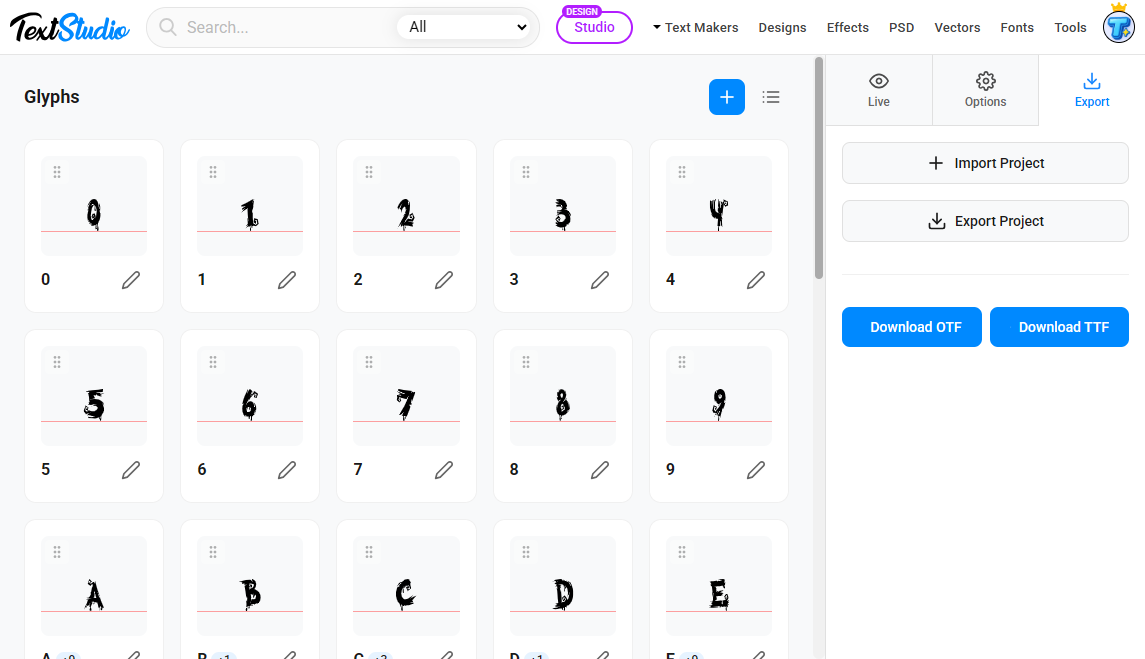
Click Export Project to generate a file you can store locally or back up.
Importing a project
At any time, you can click Import Project and reload a previously saved file. This restores:
- The full glyph grid
- All previous adjustments
- Preview settings
- Project metadata
This makes it easy to resume your work exactly where you left off, collaborate between devices, or maintain multiple versions of the same typeface.
Export Your Font in OTF or TTF
When your characters are ready, you can export your font in two universally supported formats:
- OTF
- TTF
Both formats work on all major operating systems and can be installed or used immediately in your creative projects.
Why Font Maker Is Useful
Font Maker is perfect for:
- Artists converting hand-drawn letters into a typeface
- Designers creating custom display fonts
- Illustrators building stylized alphabets
- Beginners who want a simple font creation tool
- Anyone looking to export OTF and TTF files easily
It offers the ideal balance between simplicity and professional control.
