How to Make Money Selling Your Own Fonts for Free using AI, GlyphCutter and FontMaker

A complete step by step guide (zero cost workflow)
Creating and selling your own fonts used to require expensive software, advanced design skills and weeks of manual work. This is no longer the case. With modern AI image generators and two free online tools, GlyphCutter and FontMaker, you can create professional fonts in a few hours and start selling them online.
This guide explains step by step how to:
- Generate a full character sheet using ChatGPT or any AI image generator
- Extract every glyph automatically using GlyphCutter
- Convert the extracted shapes into a real OTF or TTF font using FontMaker
- Package and sell your font to earn passive income
Everything is free and works directly in your browser. No downloads and no paid software needed.
Why creating fonts is one of the best online income sources
Creating fonts has unique advantages compared to other digital products.
- Your font can be sold forever without extra work
- Fonts are extremely lightweight files
- No customer service is required in most cases
- There is a constant demand for new styles
- Businesses, designers, content creators and mobile apps all need fresh typefaces
You can sell your fonts on marketplaces like:
- MyFonts
- Creative Market
- Font Bundles
- Etsy
- Gumroad
- Your own website
A single well designed font can generate thousands of dollars over time. With AI and the right tools, you can produce them faster than ever.
Step 1. Generate your font sheet using AI
The fastest way to start is to ask ChatGPT or any image model to create a clean font sheet.
What to generate
You need an image that contains all characters in a simple grid, normally in black and white. For example:
- Uppercase A to Z
- Lowercase a to z
- Numbers 0 to 9
- Punctuation and symbols
Example prompt you can use
Copy and paste this directly into the AI generator:
Create a high resolution character sheet in a clean grid on a solid white background. Each cell must contain one black character, perfectly centered and not touching the borders.
We need this exact list of characters, and each character must appear exactly once: 0123456789ABCDEFGHIJKLMNOPQRSTUVWXYZ?!$
Keep all remaining cells empty if needed. All characters must share the same visual style: [INSERT STYLE HERE]
Make every character extremely clear, high contrast, with smooth edges or clean pixels depending on the style, so that each character can be accurately detected by an algorithm. You MUST include every character in the above list with no omissions and no duplicates. Before finalizing the output, internally verify that all characters in the list appear exactly once in the grid. If any character is missing or repeated, regenerate until the sheet is complete.
For the example in our article, we will create the following style:
Retro 70s bold rounded
The result we obtained with ChatGPT is as follows:
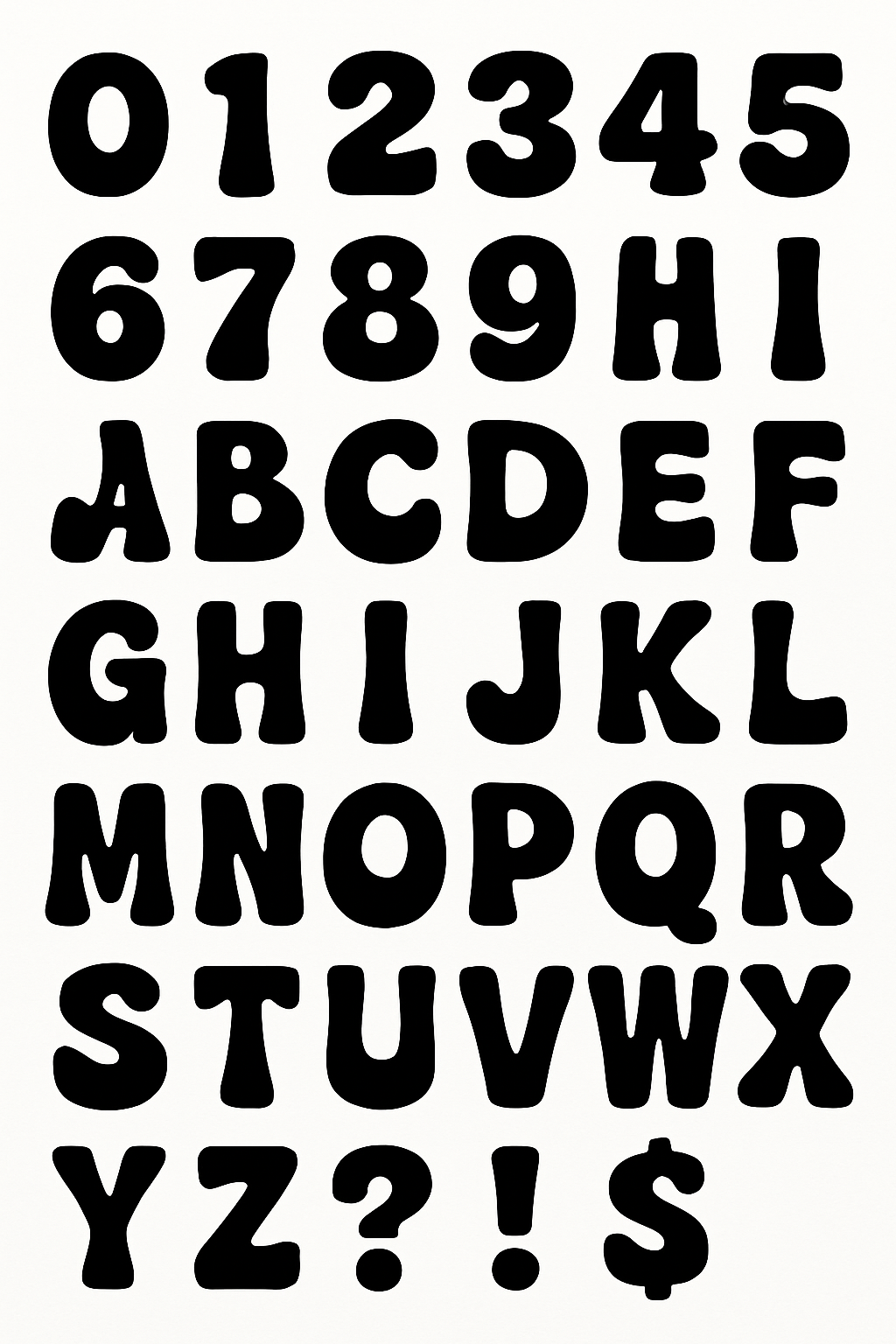
You now have a full sheet ready for extraction.
Step 2. Extract glyphs automatically with GlyphCutter
Go to GlyphCutter on TextStudio and upload your generated sheet. Everything happens locally in your browser.
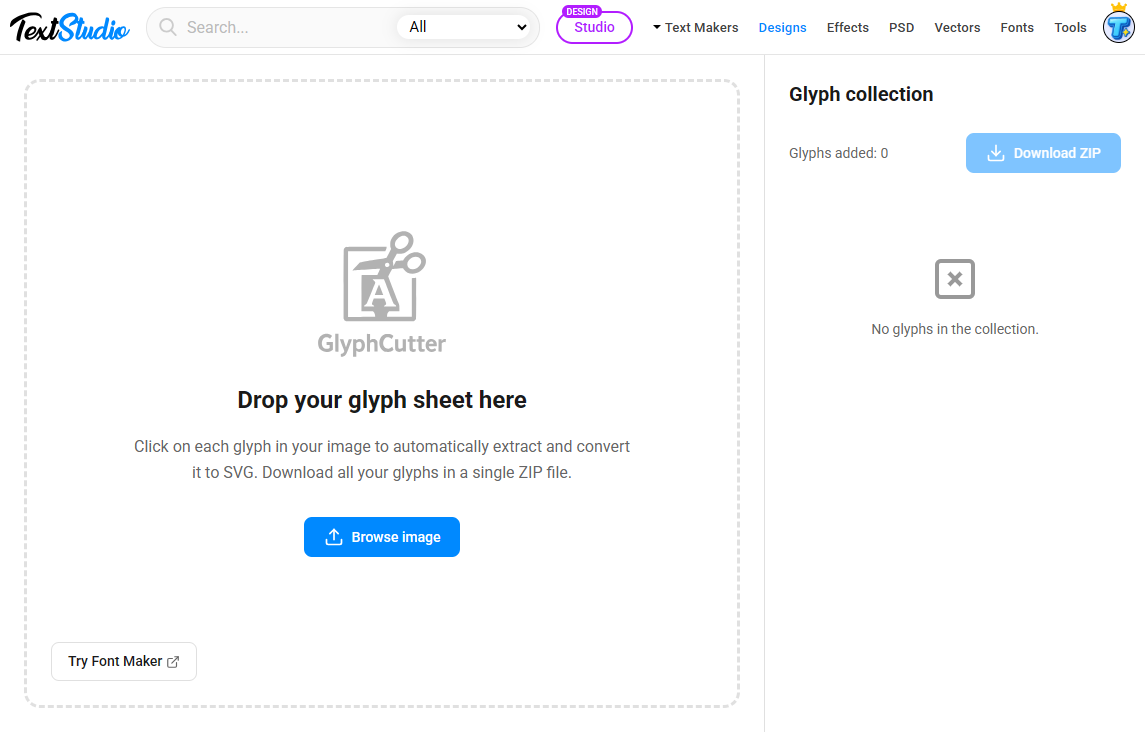
How GlyphCutter works
- Click each glyph in the image
- The tool detects the shape and isolates it
- The extracted glyph is instantly converted to a clean SVG
- When you are done, click Download ZIP to export all SVG files at once
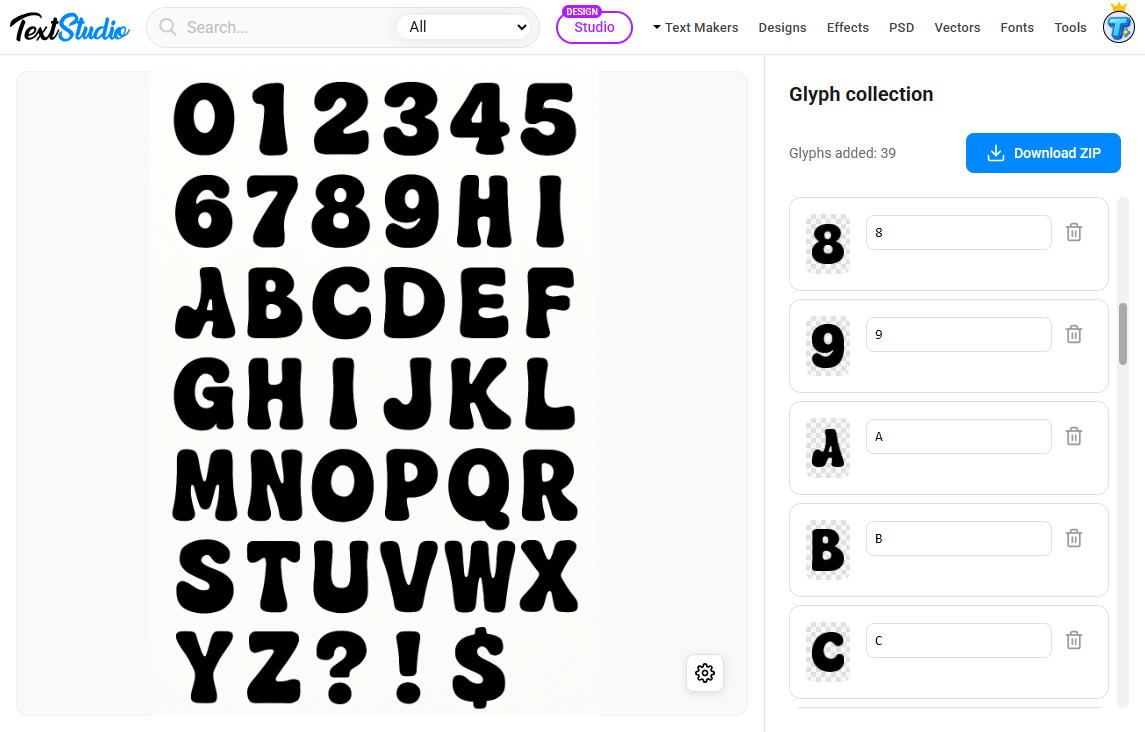
This avoids manual tracing or Illustrator work. You get clean vector shapes ready for font creation.
Why GlyphCutter is perfect for AI generated sheets
- Handles noise, irregular spacing and imperfect scans
- Produces clean SVG files suitable for FontMaker
- Fast workflow with no installation
- Works entirely in your browser for full privacy
Once you have all your SVGs in a ZIP file, you can move to the next step.
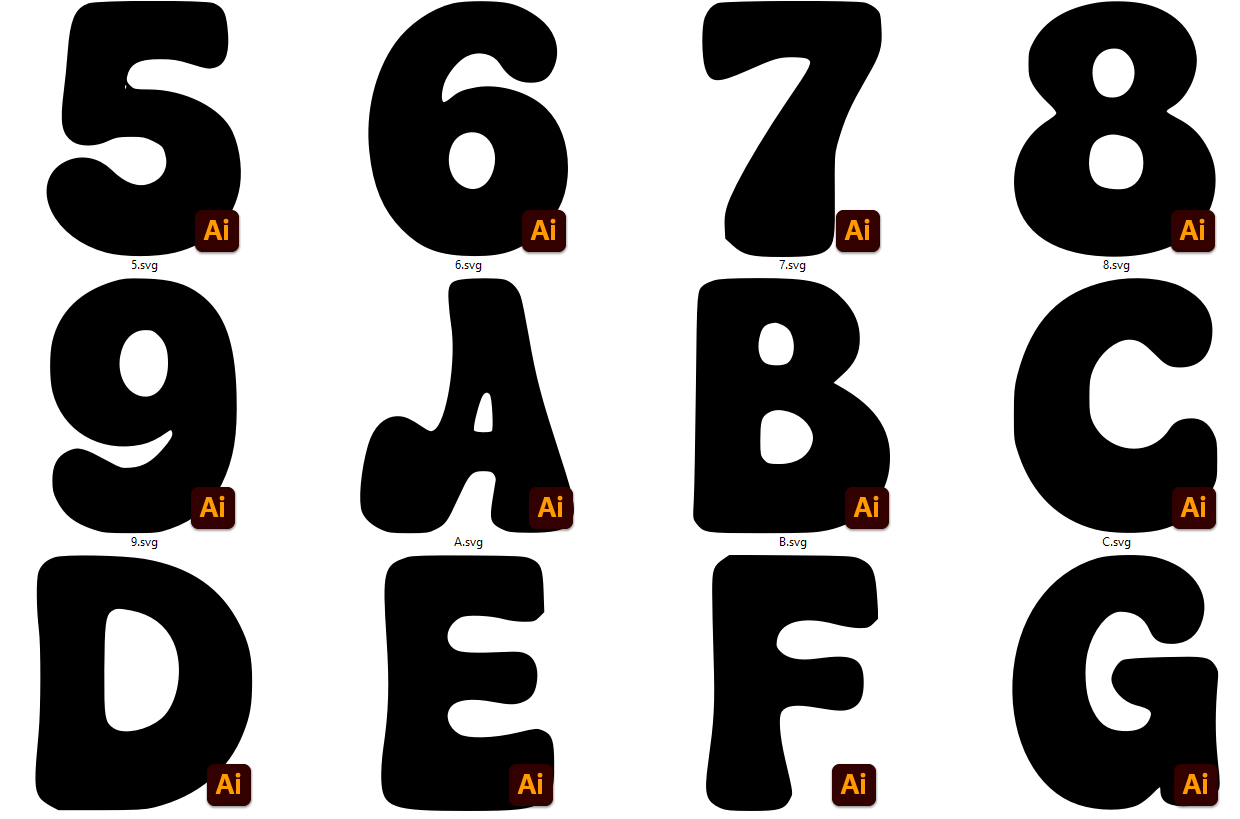
Step 3. Build your OTF or TTF font with FontMaker
Open FontMaker on TextStudio and import all SVG glyphs.
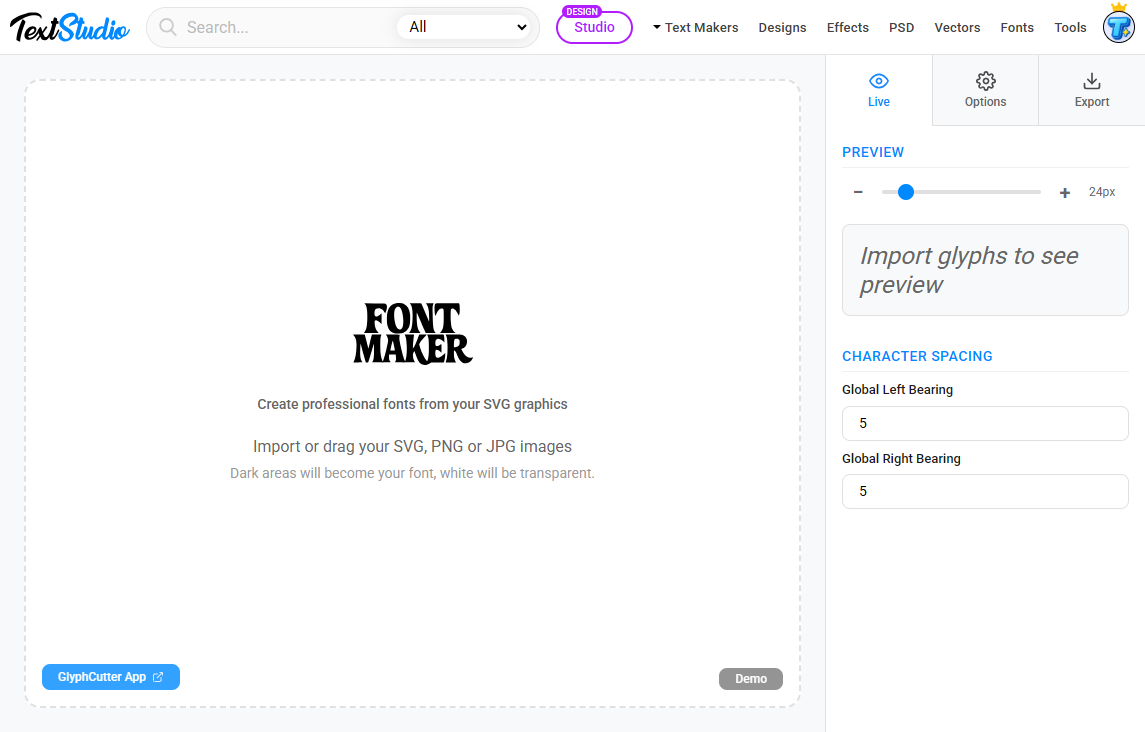
What FontMaker lets you do for free
- Assign each SVG to its character slot
- Adjust baseline, ascender, descender and global spacing
- Set side bearings and refine proportions
- Preview the font instantly inside the editor
- Export a real OTF or TTF file ready for sale
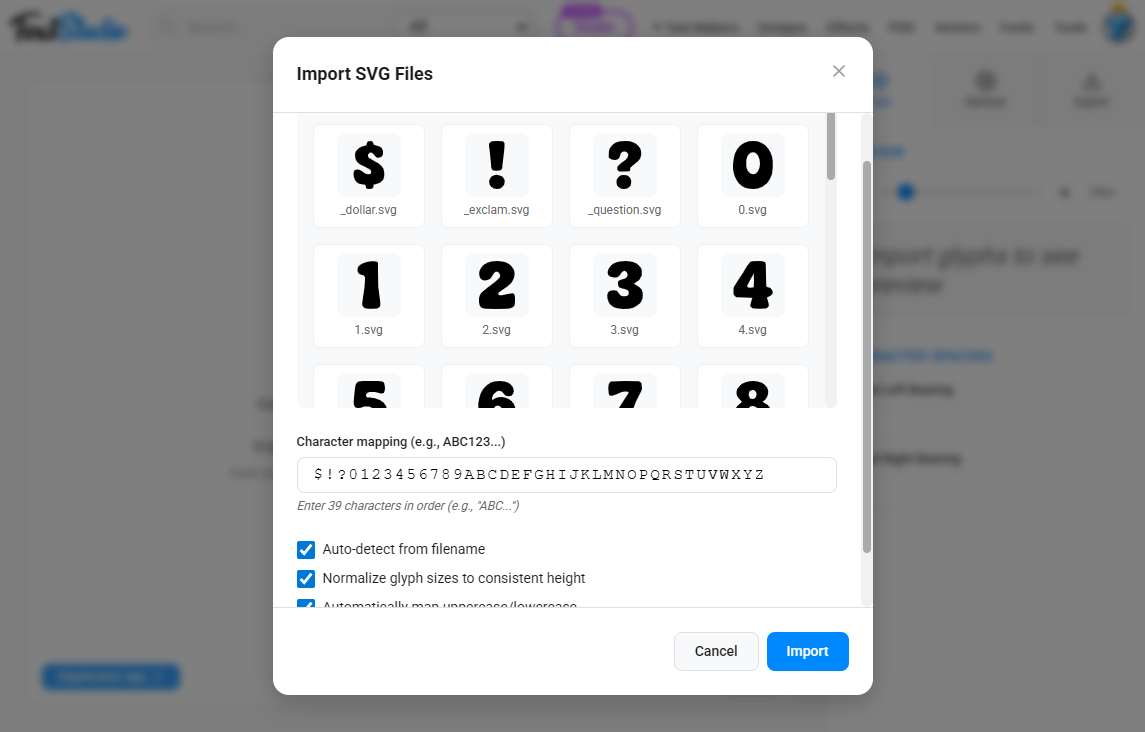
You can import SVG files one by one or drag and drop the full set.
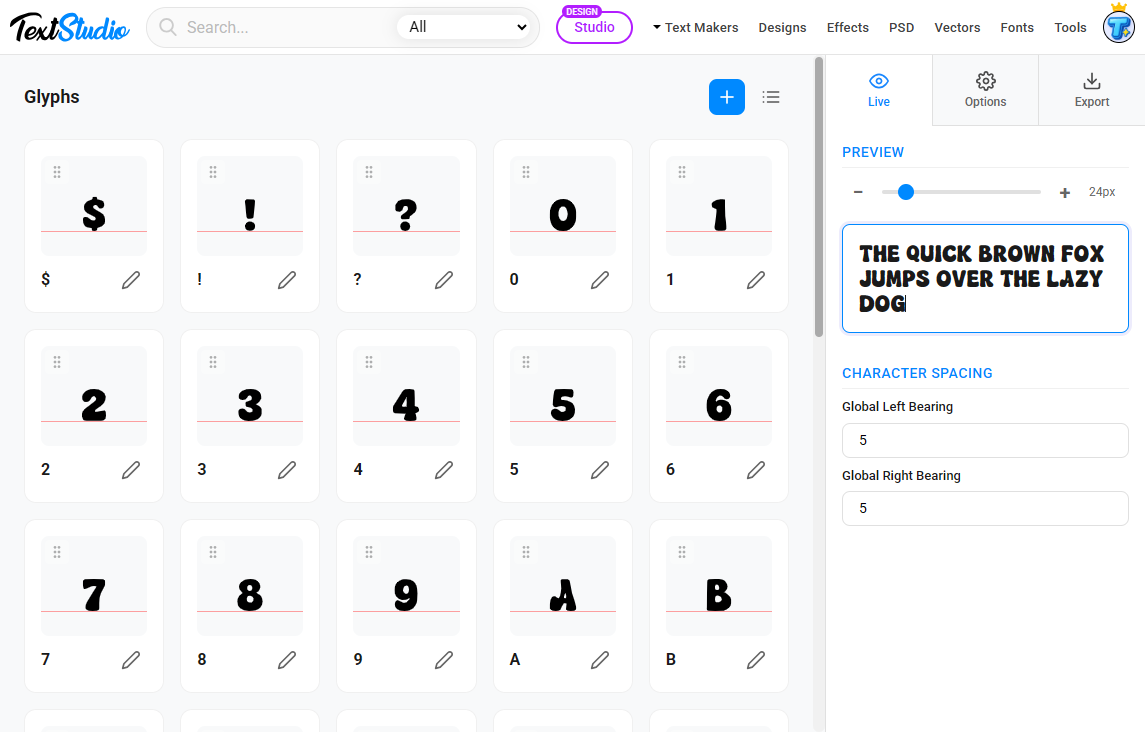
You will notice that you can test your font directly in the live preview on the right and make lots of adjustments to make it as perfect as possible.
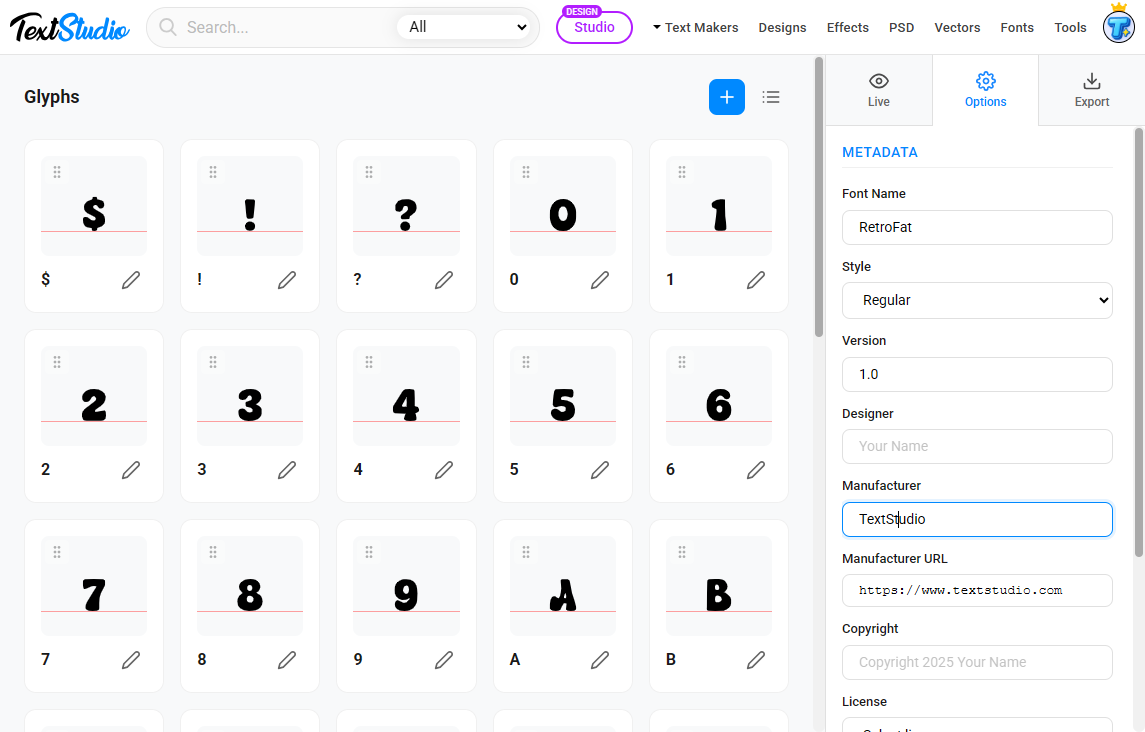
In the next tab, you can fill in the name of your font and other metadata:
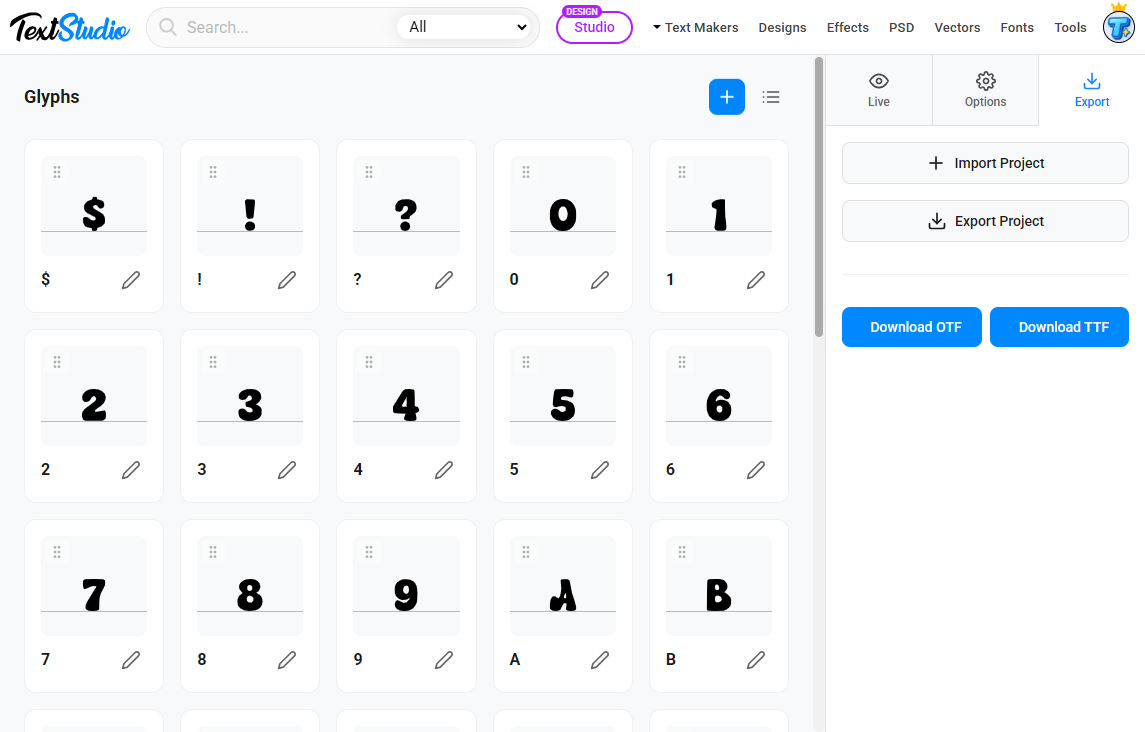
Finally, all you have to do is download your font in OTF or TTF format, depending on your preference:
FontMaker supports:
- SVG glyphs
- PNG or JPG glyphs that will be automatically vectorized
Once everything is mapped and aligned, export your font. You now have a professional OTF or TTF file.
Step 4. Prepare your font package for sale
To sell your font online you need a small product package. Include:
- Your OTF or TTF file
- A preview image showing the alphabet
- A text file with the license terms
- A short description of your font style
You can create beautiful preview images using TextStudio or any design tool.
Step 5. Upload your font and start earning money
Here are the best places to sell your new font.
MyFonts
The largest professional marketplace. Higher approval standards but excellent royalties.
Creative Market
Very popular for design assets. Easy to start and good traffic.
Etsy
Perfect for cute, handwritten or creative fonts. Enormous demand.
Gumroad
Great if you want to sell without marketplace fees.
Your font can sell for years, generating recurring passive income from a single day of work.
Bonus. Tips to maximise your earnings
Create multiple styles
Offer variants such as bold, outline, rounded or condensed. More styles mean more value.
Bundle fonts
Sell two or three related fonts as a pack with a higher price.
Use unique themes
Handwritten, futuristic, graffiti, retro, horror or cute fonts sell extremely well.
Refresh your preview images
Good visuals increase conversion dramatically.
Conclusion
You can create and sell your own fonts completely for free using AI, GlyphCutter and FontMaker. This workflow requires no design background, no paid software and no technical knowledge. With a single AI generated sheet, you can extract clean SVG glyphs, build a professional OTF or TTF file and upload it to major marketplaces within a day.