How to Create Custom Fonts from Your Art: Complete Guide to Alphabet Maker
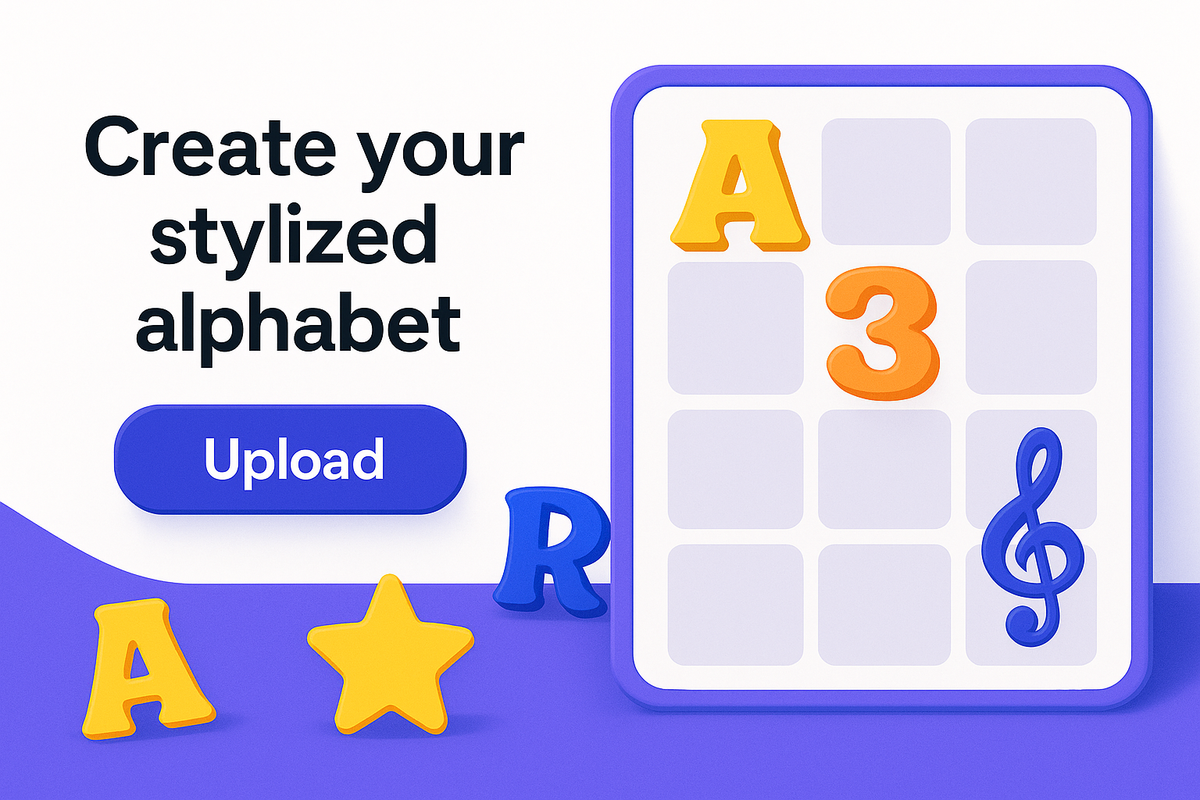
Have you ever wanted to turn your unique handwriting, artistic letterforms, or creative designs into a real, usable font? Whether you're a designer, artist, or just someone with beautiful handwriting, creating custom fonts has never been easier thanks to Alphabet Maker.
In this comprehensive guide, we'll show you exactly how to transform your artistic creations into professional custom fonts that you can use in logos, social media, games, and any creative project.
What is Alphabet Maker?
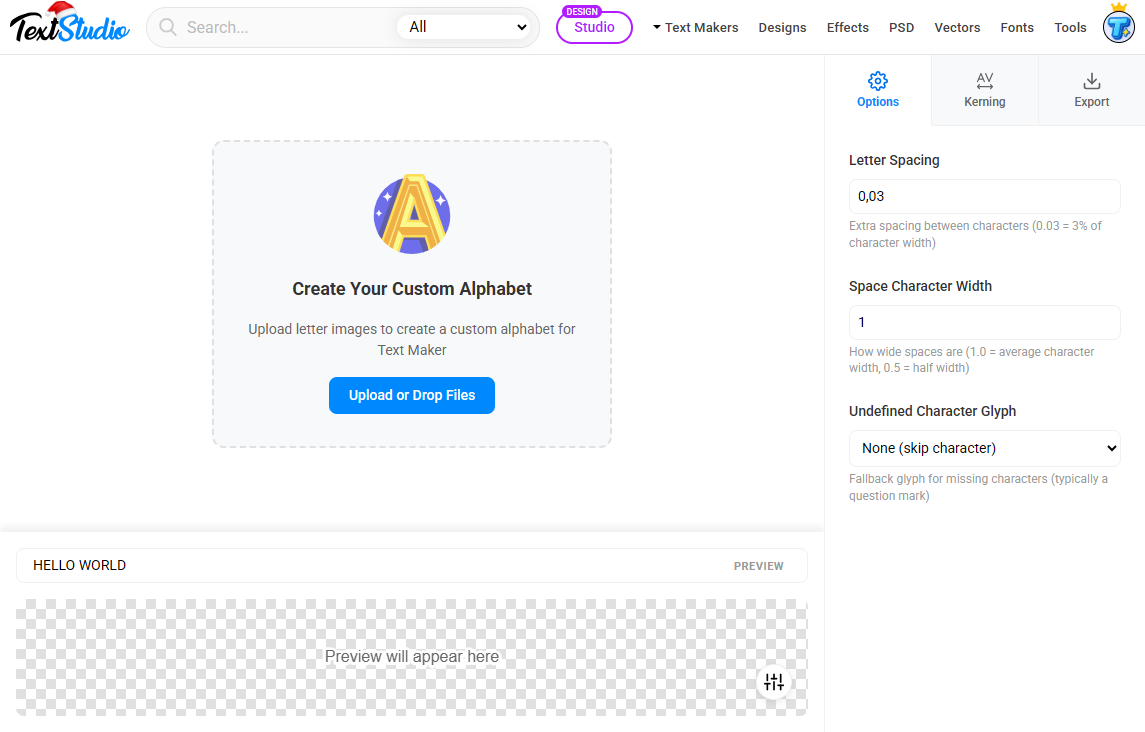
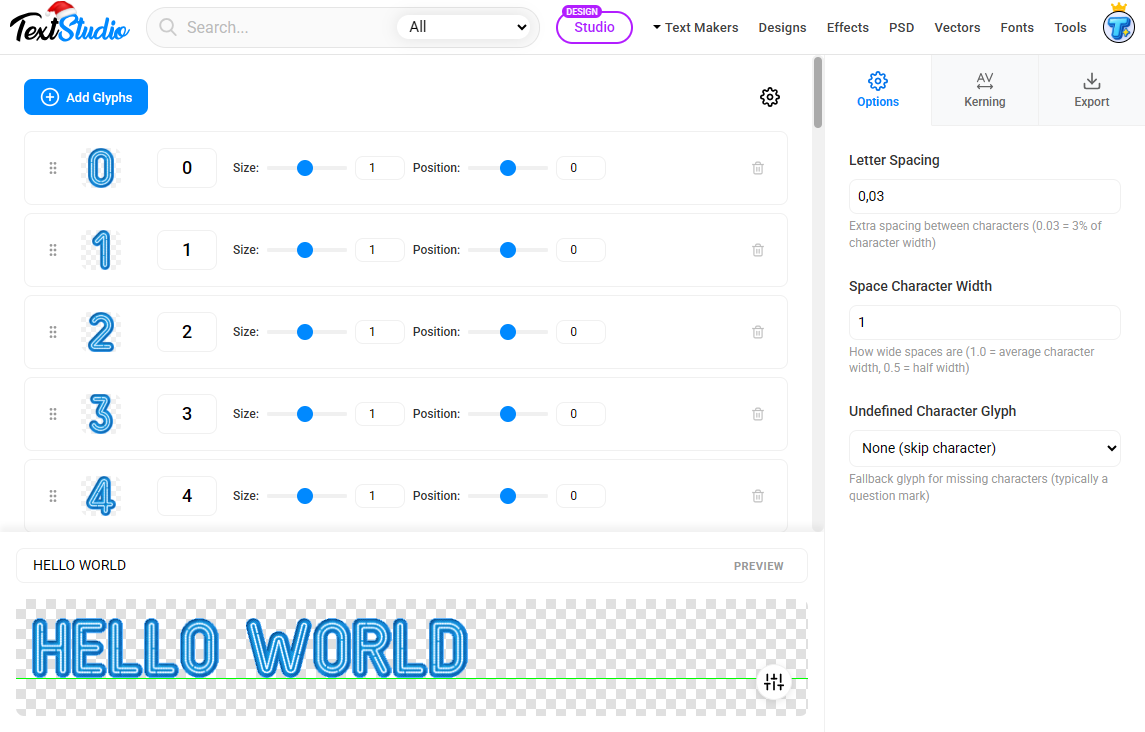
Alphabet Maker is a free online tool that transforms your letter images into custom fonts. Unlike traditional font creation software that requires technical knowledge and expensive subscriptions, Alphabet Maker works right in your browser with an intuitive drag-and-drop interface.
Why Create Custom Fonts?
Custom typography sets your brand apart. Here's why thousands of creators are making their own fonts:
- Unique Brand Identity: Stand out with typography that no one else has
- Creative Freedom: Design fonts with textures, gradients, and effects impossible in standard font editors
- Personal Touch: Turn your handwriting into a digital font for wedding invitations or personal projects
- Commercial Use: Create and sell unique font designs for passive income
- Game Development: Design themed fonts that perfectly match your game's aesthetic
Step-by-Step Tutorial: Creating Your First Custom Font
🎨 Step 1: Prepare Your Letters
Draw or design your letters on paper or digitally. Scan at 300 DPI or export as PNG files with transparent backgrounds for best results.
📤 Step 2: Upload to Alphabet Maker
Visit Alphabet Maker and drag your images into the upload area. You can upload multiple files at once or even a full character sheet.
🔤 Step 3: Map Your Characters
Assign each image to its corresponding letter, number, or symbol using the visual interface. The tool automatically detects individual glyphs from character sheets.
📏 Step 4: Adjust Spacing
Fine-tune letter spacing, line height, and individual character positions. Use the real-time preview to ensure perfect balance and readability.
👁️ Step 5: Preview Your Font
Type any text to see your font in action. Test common words and phrases to check letter combinations and overall appearance.
💾 Step 6: Export and Use
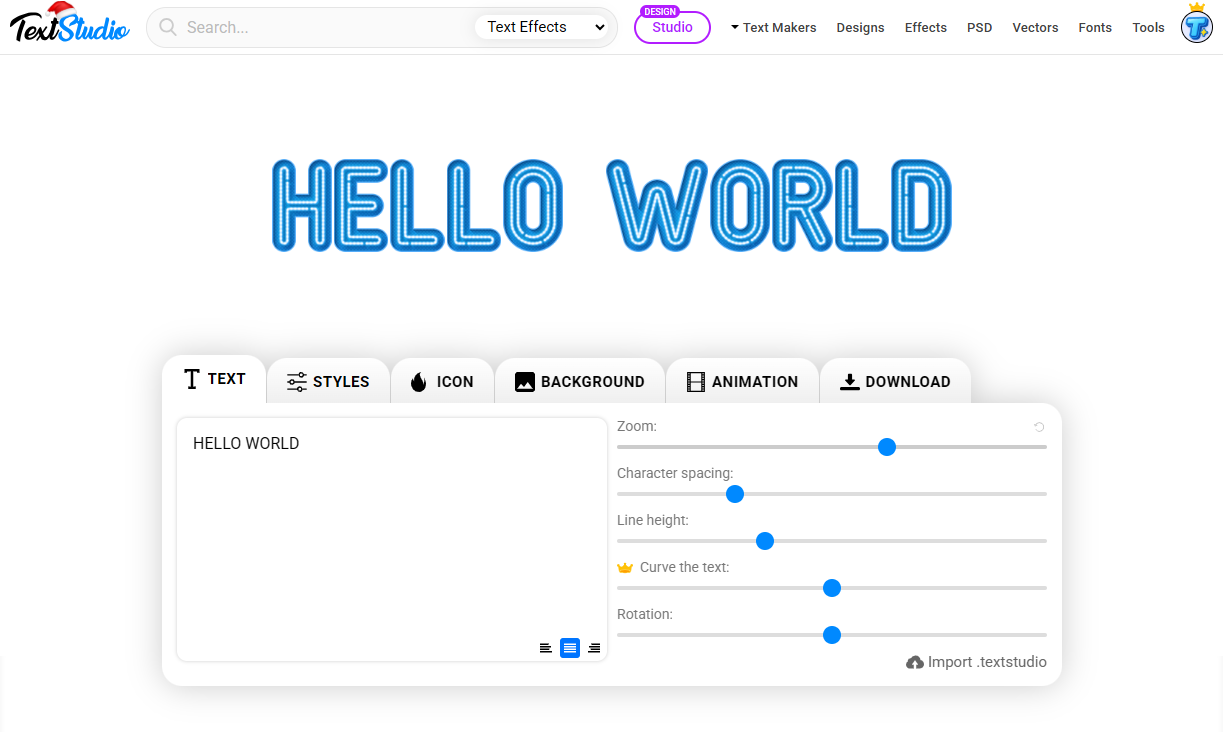
Download your font file and import it into Text Maker to create stunning designs with backgrounds, effects, and animations.
Creative Ideas for Custom Fonts
1. Hand-Drawn Artistic Fonts
Create fonts from your sketches, paintings, or digital illustrations. Perfect for artists who want their typography to match their artistic style.
2. Texture-Based Typography
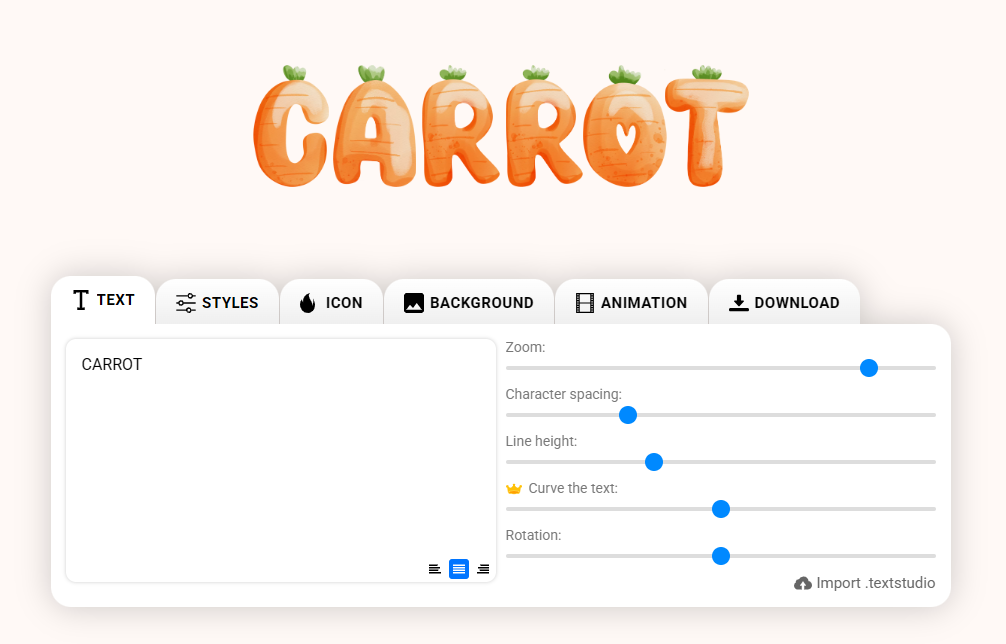
Use materials like wood, stone, fabric, or metal to create textured letters. Photograph them and turn them into unique fonts that add depth to any design.
3. 3D Rendered Letters
Design 3D letters in Blender or other 3D software, render them with lighting and shadows, then convert to a font that maintains all the dimensional effects.
4. Themed Font Sets
Create fonts for specific themes:
- 🎃 Halloween spooky letters
- 🎄 Christmas festive typography
- 🕹️ Retro 80s pixel styles
- 🚀 Futuristic sci-fi fonts
5. Signature Handwriting Fonts
Digitize your personal handwriting for:
- Wedding invitations with a personal touch
- Digital signatures and documents
- Personal branding and business cards
- Handwritten-style social media posts
Pro Tips for Better Custom Fonts
"The key to professional-looking custom fonts is consistency. Keep your letter heights uniform and pay attention to the spacing between characters."
Design Tips:
- Consistent Baseline: Ensure all letters sit on the same imaginary line
- Uniform Weight: Keep stroke thickness consistent across all characters
- Clear Contrast: Use high contrast between letters and background for clean extraction
- Test Common Words: Preview words like "Hamburgevons" to check all letter combinations
Technical Tips:
- Image Quality: Use at least 300 DPI for crisp results
- File Format: PNG with transparent background works best
- Character Set: Don't forget numbers and common punctuation marks
- Kerning Pairs: Pay special attention to letter combinations like AV, WA, To
Real-World Applications
Here's how creators are using their custom fonts:
Branding & Marketing
Companies create signature fonts that become part of their visual identity. From tech startups to boutique shops, custom typography helps brands stand out in crowded markets.
Social Media Content
Instagram creators, YouTubers, and TikTokers use custom fonts to maintain consistent aesthetics across their content, making their posts instantly recognizable.
Game Development
Indie game developers create fonts that perfectly match their game's art style, from pixel art typography to hand-painted fantasy letters.
Print Design
Wedding planners, event organizers, and print designers use custom fonts to create one-of-a-kind invitations, posters, and marketing materials.
Alphabet Maker vs. Traditional Font Creation Tools
Why choose Alphabet Maker over complex font creation software?
| Feature | Alphabet Maker | Traditional Tools |
|---|---|---|
| Learning Curve | ✅ None - Start immediately | ❌ Steep - Weeks to master |
| Cost | ✅ Free forever | ❌ $200-500+ |
| Installation | ✅ Browser-based | ❌ Large downloads |
| Image Support | ✅ Perfect for art | ❌ Vector-focused |
| Preview | ✅ Real-time | ❌ Export to test |
Integration with Text Maker
Once you've created your custom font, the real magic happens in Text Maker. This companion tool lets you:
- Apply backgrounds, gradients & add shadows effects
- Create animations and motion graphics
- Export high-resolution images for print and web
- Save projects and templates for future use
Frequently Asked Questions
Is Alphabet Maker really free?
Yes! Alphabet Maker is 100% free with no hidden costs, watermarks, or limitations. Create unlimited fonts without paying a cent.
What image formats can I use?
Alphabet Maker supports PNG, JPG, SVG, WebP, and most common image formats. For best results, use PNG with transparent backgrounds.
Can I use my fonts commercially?
Yes! The fonts you create are yours to use however you like, including for commercial projects and sales with premium subscription.
Do I need design experience?
Not at all! Alphabet Maker is designed for everyone. The intuitive interface guides you through each step.
Can I edit my font after creating it?
Yes, you can save your font project and return to edit it anytime. Just import the saved file to continue working.
Start Creating Today
Creating custom fonts has never been more accessible. Whether you're a professional designer looking to expand your toolkit or a creative individual wanting to digitize your handwriting, Alphabet Maker provides all the tools you need in a free, easy-to-use package.
The ability to create unique typography opens endless creative possibilities. From personal projects to commercial designs, your custom fonts will help your work stand out and leave a lasting impression.
Pro Tip: Start with a simple project like digitizing your signature or creating a fun display font. Once you see how easy it is, you'll be creating professional fonts in no time!
Ready to bring your typography ideas to life? Visit Alphabet Maker and transform your art into professional custom fonts today.