
The Best Free Online Watermark Tool in 2026
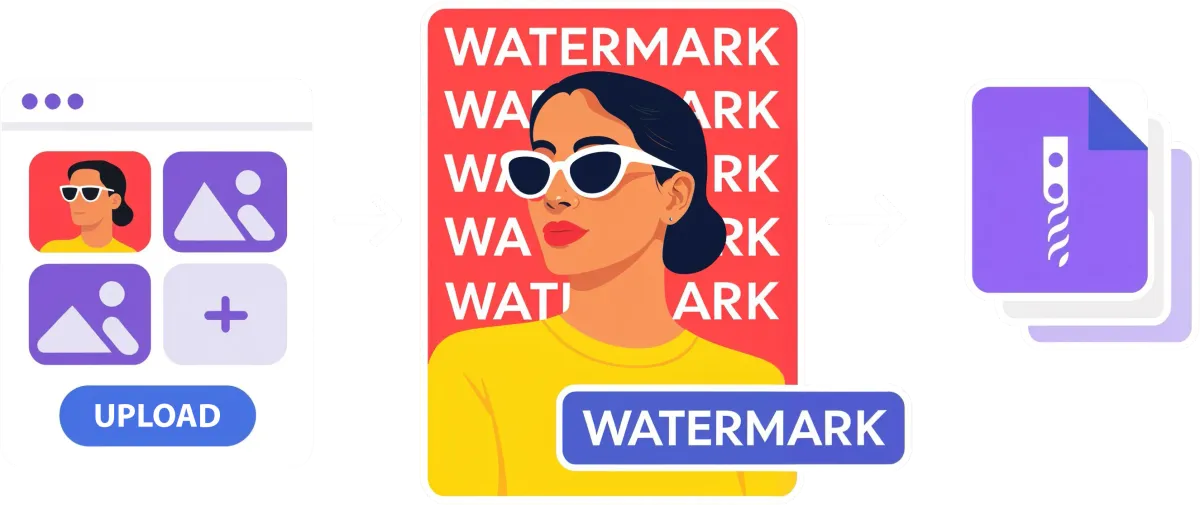
Most online watermark tools fall into one of two camps: the ones that upload your images to a remote server (goodbye, privacy), or the ones that slap basic text on your photo with zero finesse. Watermark.pro is neither. It's a free, browser-based watermark editor that delivers the kind of rendering quality you'd expect from Photoshop -- without installing anything, without creating an account, and without your images ever leaving your device.
Whether you're a photographer protecting your portfolio, a designer branding client deliverables, or an e-commerce seller watermarking product shots, here's why Watermark.pro deserves your attention.
Your Images Stay on Your Device. Period.
This isn't a footnote – it's the foundation. Unlike most watermark tools online, Watermark.pro processes everything locally in your browser. Your photos are never uploaded to any server. No one sees them. No one stores them. They stay on your machine from start to finish.
And if your images live in the cloud? You can connect your Dropbox, Google Drive, Google Photos, or OneDrive to import and export directly -- but the actual watermarking still happens entirely on your device. Best of both worlds.
For anyone handling sensitive material -- client work, unreleased products, personal photos -- this is a game changer.
Rendering Quality That Puts Other Online Tools to Shame
Here's where Watermark.pro truly separates itself from the pack. Most free watermark tools treat watermarking as "put some text on an image." Watermark.pro treats it like a professional compositing job.
Shadows and outlines are rendered in separate passes, then blended together for clean, artifact-free results. That means no blurry halos, no jagged edges, no ugly overlap between your shadow and your text. It works the same way professional desktop software handles layer compositing.

Gradient fills are available on text, outlines, and frames -- linear, radial, or conic. Combined with blend modes like overlay, multiply, and screen (which are applied correctly at the group level, not just per-element), you can create watermarks that look crafted, not stamped on.
And when you export? Your image comes out at its full original resolution. The editor shows you a preview while you work, but the final export renders everything at full size with high-quality resampling. A 6000x4000 photo stays a 6000x4000 photo -- with a perfectly crisp watermark.
A Real Editor, Not Just a Settings Form
Most online watermark tools give you a form: type your text, pick a size, choose a corner, click "apply." Watermark.pro gives you an interactive canvas.
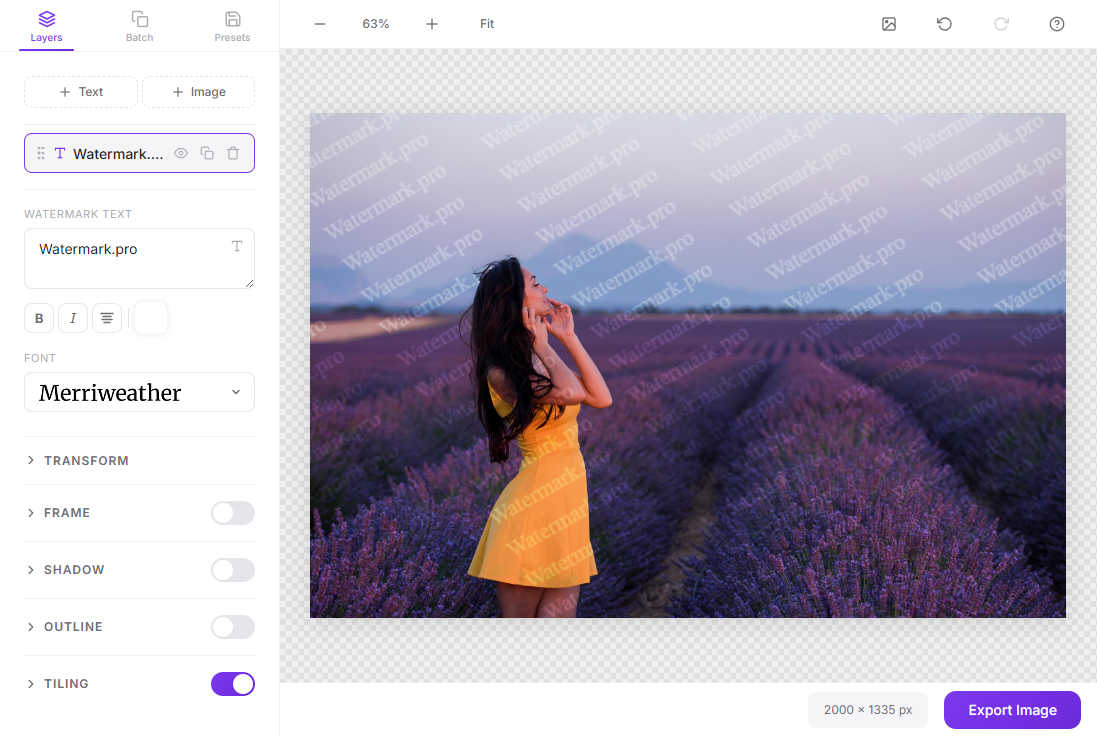
You can drag, resize, and rotate your watermarks directly on the photo -- just like you would in Photoshop or Illustrator. Smart snap guides help you align to edges and center lines. You can pan around, zoom in, and see exactly what your final result will look like.
The layers panel lets you add unlimited text and image watermarks, reorder them, duplicate them, toggle visibility, and configure each one independently. Each layer has its own opacity, rotation, position, shadow, outline, and blend mode.
Add a frame around your text with background color, border radius, and padding. Need keyboard shortcuts? They're all there -- Ctrl+Z to undo, +/- to zoom, Delete to remove a layer.
It feels like a desktop app. It runs in a browser tab.
Batch Processing With Smart Repositioning
This is one of Watermark.pro's standout features. You can add watermarks to hundreds of images at once -- but unlike other batch tools that blindly paste the watermark at the same pixel position, Watermark.pro uses an intelligent repositioning algorithm.

When your batch contains images of different sizes and aspect ratios (which it almost always does), the algorithm adapts the watermark position and size for each image automatically. A watermark placed in the bottom-right of a landscape photo will still appear perfectly positioned on a portrait or square image -- no manual adjustment needed.
The positioning is smooth and natural: watermarks near edges stay near edges, centered watermarks stay centered, and the scaling adapts proportionally. No hard jumps, no overflow, no watermarks cut off at the border.
Need to fine-tune one specific image? Click it in the batch list and adjust it individually on the canvas. Your custom position is saved for that image while the rest keep the automatic placement.
You can even use dynamic text placeholders like {number} to automatically number your watermarked images. When you're done, download everything as a ZIP file.
300+ Fonts, Tiling Patterns, and Ready-Made Styles
Fonts
The built-in font picker offers 300+ Google Fonts with visual previews, category filters (sans-serif, serif, display, script, monospace), and a search bar. You can star your favorites for quick access. It's faster and more pleasant to use than most font selectors in desktop software.
Tiling
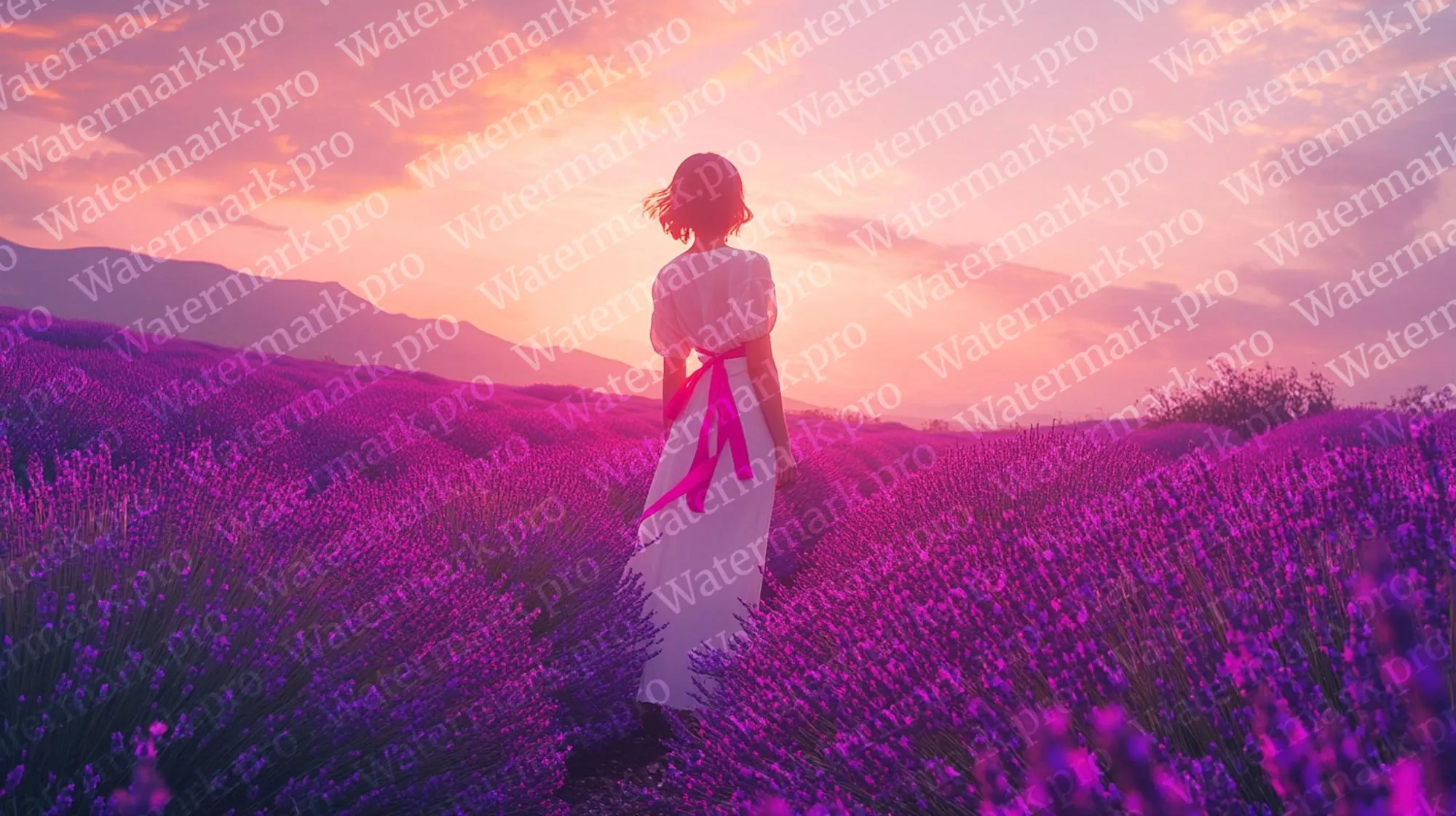
Want to repeat your watermark across the entire image? The tiling mode creates a seamless grid pattern with customizable spacing, rotation, and offset. It's optimized to stay smooth even on large images -- drag the spacing slider and see the pattern update in real time.
Styles Library
Don't want to start from scratch? Browse the built-in styles library with dozens of pre-designed watermark looks -- clean, bold, subtle, colorful. Click one to apply it instantly, then tweak it to match your brand.
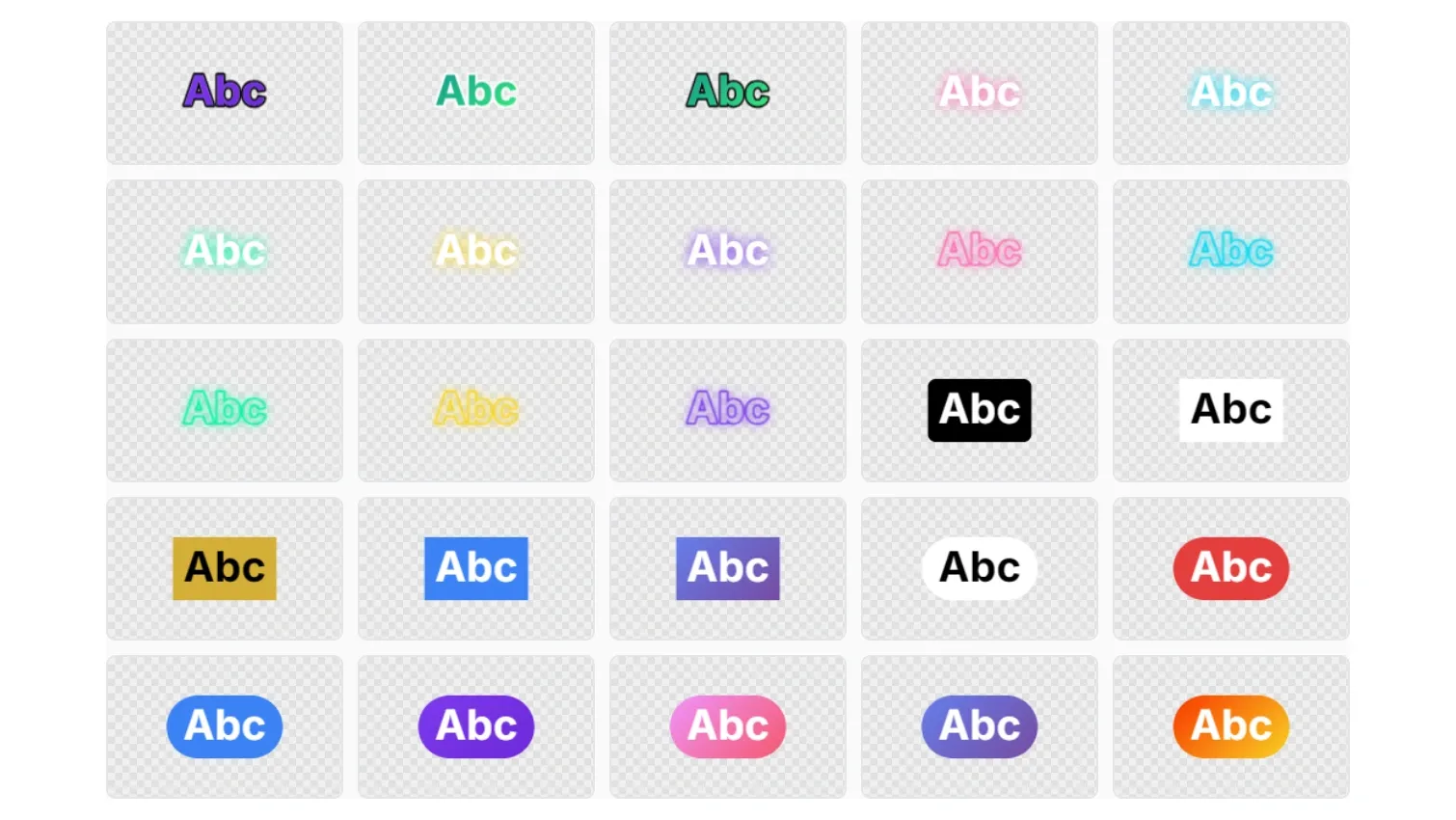
You can also save your own presets and reuse them across sessions. Export them as JSON files to share with your team or back them up.
A Proper Crop Tool, Too
Before watermarking, you might want to crop or straighten your image. Watermark.pro includes a full crop editor with:
- Aspect ratio presets: free, 1:1, 4:3, 3:2, 16:9, or custom
- Rule-of-thirds grid for better composition
- Image straightening -- rotate the image while the crop box stays fixed
- Completely non-destructive
It's a small feature, but having it built in means one less tool in your workflow.
Works on Desktop and Mobile
The entire app is fully optimized for phones and tablets. Touch gestures let you drag, resize, and rotate watermarks on the canvas just like on desktop. The font picker becomes a mobile-friendly bottom sheet. The interface adapts to any screen size.
This means you can watermark photos on the go -- directly from your phone's gallery or camera roll -- without needing a laptop.
Free to Use, With a Pro Option
Watermark.pro is free with no sign-up required. You can use text watermarks, image watermarks, tiling, the canvas editor, crop tool, and single-image export without paying anything.
The Pro plan ($4.99/month) unlocks batch processing, cloud storage integration, and additional features for professionals who watermark images regularly. But the free version is genuinely generous -- it's not a crippled demo.
The Bottom Line
There are dozens of online watermark tools. Most of them are fine for slapping "Sample" across a photo in Impact font. Watermark.pro is for people who actually care about the result.
The rendering quality is visibly better than competitors. The interactive canvas makes positioning intuitive instead of frustrating. The batch repositioning algorithm is genuinely smart. And the privacy-first approach means your images are never at risk.
Try Watermark.pro for free -- no account needed, nothing to install. Open the watermark editor, drop in a photo, and see the difference for yourself.